
HappyHorse
Browser based multi-model AI video toolText and images to brand ready video
Highlights
What you can do with it
- Produce brand films and promotional clips
- Turn product images into short video ads
- Test creative ideas before a full shoot
How to use it
- 1 Open HappyHorse AI in your browser
- 2 Claim the free credits offered to new users
- 3 Enter a prompt or upload images
- 4 Pick a video model and generate the clip
- 5 Export the result for your project
Who it is for
Pros
- Several video models behind one interface
- No credit card needed to start
- Fast export keeps iteration quick
Limitations
- Free credits are limited and run out
- Credit pricing and model lineup can change
- Results differ widely between models
What HappyHorse is
HappyHorse AI is a browser based AI video generator. It provides creators with a multi-model workflow, which means text and images can be turned into video through several well known video models rather than one fixed engine. That flexibility matters because models differ in motion, style, and speed, and the right choice depends on the shot. The product also emphasizes flexible credit management and a fast export process so that ideas move from prompt to clip without a long wait. The site offers free credits to start creating, and no credit card is required to begin. The positioning is commercial and creative work, including brand film production, where teams need options and quick turnaround. For brand work, that matters because a campaign often needs several clips in one visual language, and the ability to switch engines helps when one model drifts.
What you can do with it
- Convert text prompts and images into video clips
- Choose between several well known video models
- Manage credits across different projects
- Export finished clips quickly for review
- Keep a campaign visually consistent across several clips
Who it is for
- Brand and marketing teams producing video content
- Creators working on commercial and client projects
- Anyone who wants model choice in the browser without installs
- Agencies producing client video on a deadline
What to watch out for
The free credits are a trial budget with no card required, but they run out, and credit pricing plus the model lineup can change, so check current terms before planning a campaign. Results differ widely between models, so budget time to test which one suits your shot. Browser based generation means long clips and high resolutions can take a while, and export settings will affect final file size. Keep prompts saved so a good result can be reproduced on another model later, and track your credit spend per clip, because multi-model freedom can quietly multiply cost when every test is a new generation.
FAQ
Is HappyHorse free to start?
It offers free credits to start creating, with no credit card required.
What inputs does it accept?
Text and images, converted into video.
Can I choose the model?
Yes, it supports multiple well known video models.
What is it positioned for?
Commercial and creative work, including brand film production.
Why it is free
What the official page says: 免费
Free limits, trial length and features are decided by the official site and can change at any time.
Product preview
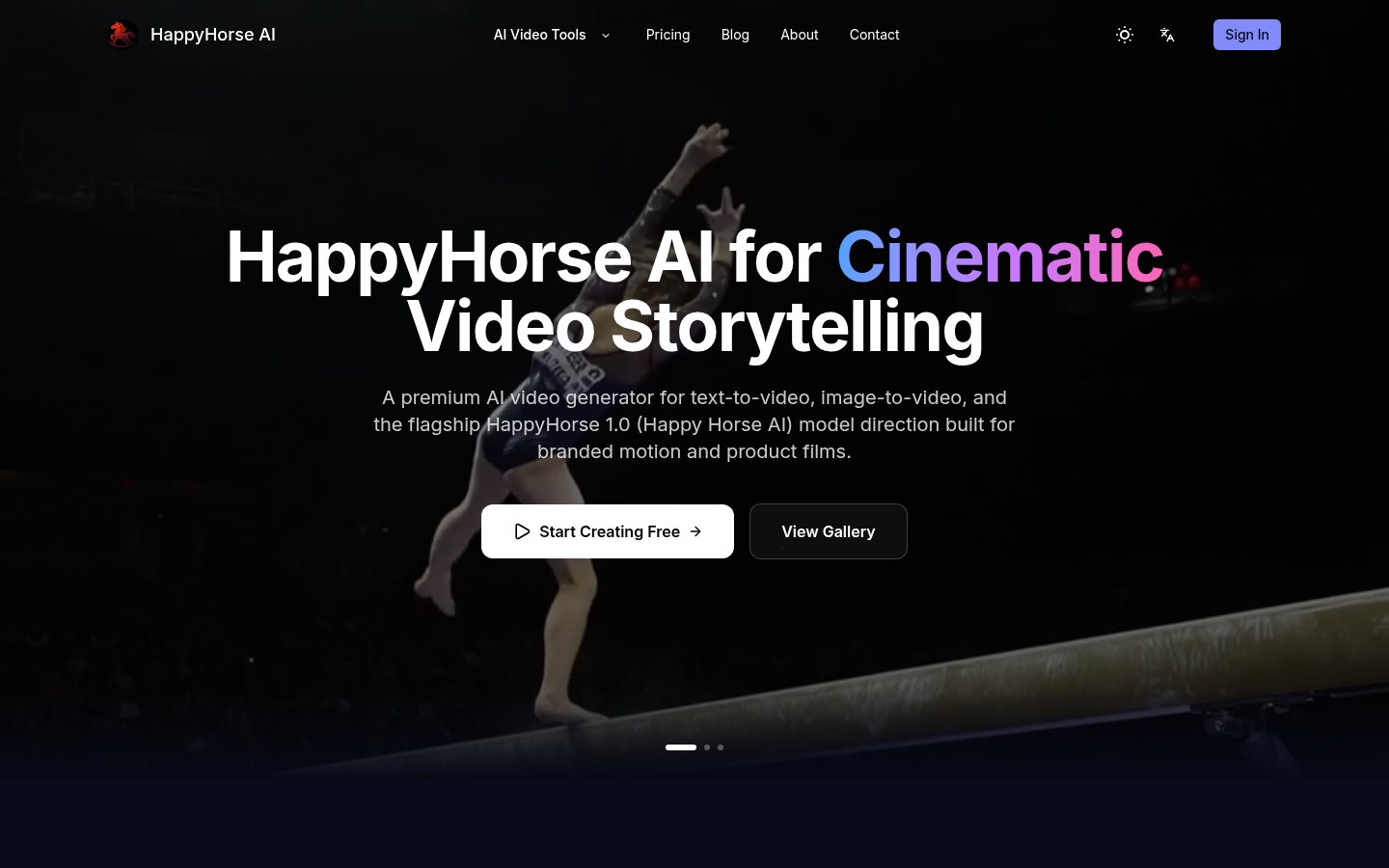
Screenshot archived from the listing page, for preview only.