
HappyHorse
Multi model AI video generation with fast draftsDraft a video in 30 to 60 seconds, then iterate
Highlights
What you can do with it
- A launch video built from product text and reference images
- Ad concept testing with multiple variations
- A SaaS explainer mapped step by step to visuals
How to use it
- 1 Visit https://www.happyhorses-ai.com and register an account.
- 2 Start with the free trial, then pick base, standard, or professional.
- 3 Choose text-to-video or image-to-video and supply the input.
- 4 Set aspect ratio, duration, resolution, and audio.
- 5 Generate, which the site says takes 30 to 60 seconds, then preview.
- 6 Adjust the prompt or reference image until the style is right, then download the MP4.
Who it is for
Pros
- Fast drafts make iteration cheap
- Reference images keep style consistent
- Multiple output ratios for different placements
Limitations
- Credits run down, and heavier use needs a paid plan
- Draft quality varies by model and prompt
- Plans start at $19.90 per month, which adds up for casual use
What HappyHorse is
HappyHorse is an AI video platform that puts several video generation models in one location. The workflow is built around speed: you start from a text description or an uploaded image, set aspect ratio, duration, resolution, and audio, and get a draft back in 30 to 60 seconds. Reference images can be uploaded to keep style and characters consistent, and output can be landscape, portrait, or square depending on placement. Generation runs on credits, which the site says makes usage predictable, and finished videos export as MP4 with in app audio preview. Plans run monthly or annually at three tiers, and a free trial is available.
What you can do with it
- Generate a first draft from text or an image in under a minute
- Lock style with reference images across shots
- Adjust ratio, duration, resolution, and audio per placement
- Test several creative directions before committing
Who it is for
- Hobbyists and beginners learning video generation
- Creators and marketing teams with steady content demands
- Professional teams that need controls and repeatable output
What to watch out for
Credits are the limit here, and heavier use means a paid plan, with tiers starting at $19.90 per month and rising to $99.90, so casual use adds up faster than it looks. Draft quality varies by model and by how specific your prompt is; expect several passes to get a usable clip. Fast drafts help iteration, but they do not remove the need for a clear idea, and a quick render of a weak concept is still weak. Finally, check the current plan terms before you commit, since pricing and credit rules change without notice.
FAQ
How fast is a draft?
The site says 30 to 60 seconds for a first draft.
What inputs does it accept?
Text descriptions or uploaded images, with reference images available to keep style consistent.
What does it cost?
Monthly or annual plans at $19.90, $39.90, and $99.90 per month, with annual billing saving 50 percent. A free trial is offered.
Why it is free
What the official page says: free trial
Free limits, trial length and features are decided by the official site and can change at any time.
Product preview
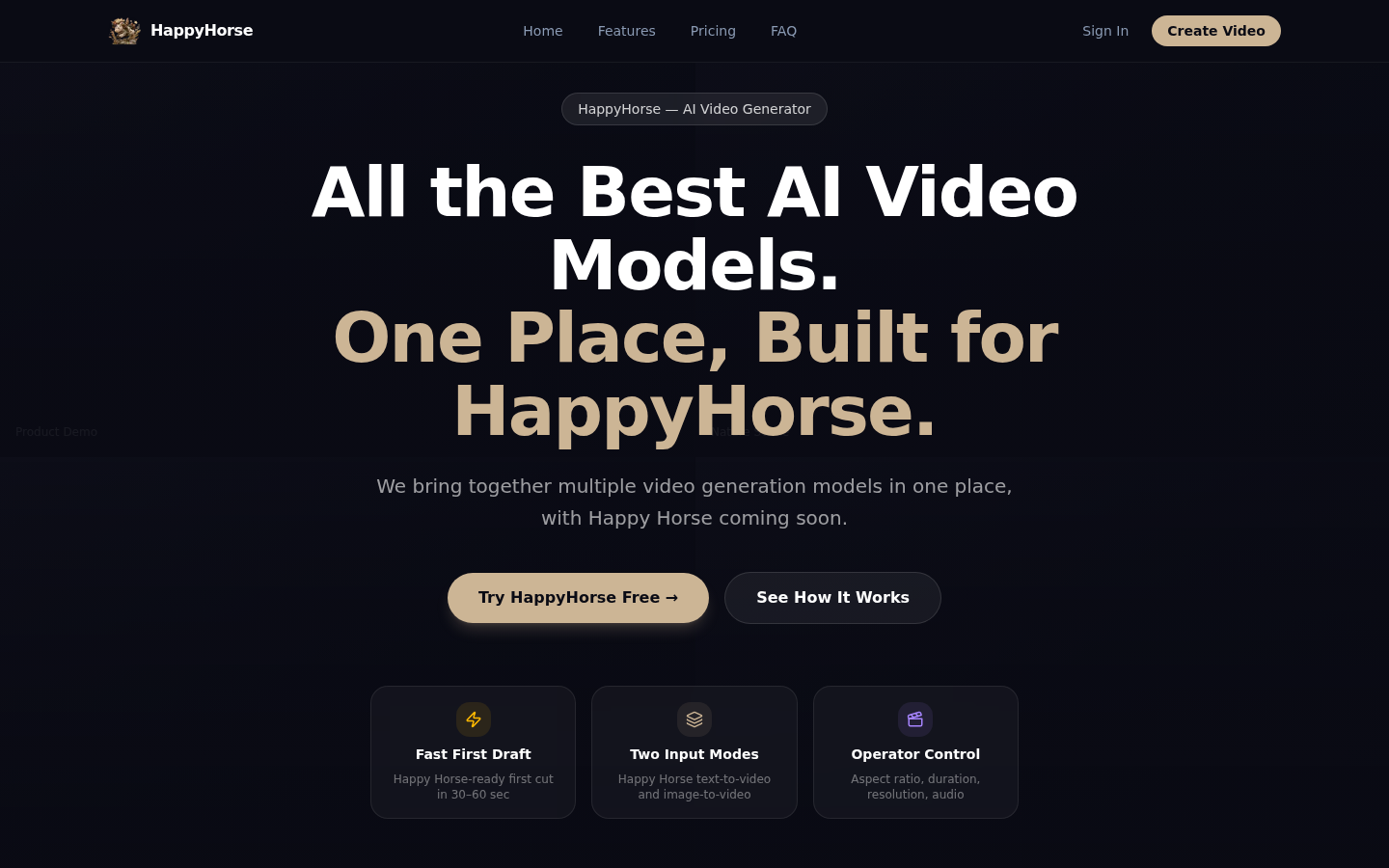
Screenshot archived from the listing page, for preview only.











