
HappyHorse
Fast 1080p video model with audio1080p video in about 10 seconds with sound
Highlights
What you can do with it
- Fast 1080p video drafts
- Image-to-video animation
- Synced audio scenes
- Self-hosted production
How to use it
- 1 Start with the free trial
- 2 Enter text or upload an image
- 3 Generate the 1080p clip with audio
- 4 Review sync and quality
- 5 Upgrade or self-host for more
Who it is for
Pros
- Fast generation claim
- Native 1080p with synchronized audio
- Open-source version allows commercial use
- Free trial available
Limitations
- The 10-second figure is a page claim
- Self-hosting needs technical skill and compute
- Free trial limits may change
- Audio sync quality varies by prompt
What HappyHorse is
HappyHorse 1.0 is a text-to-video and image-to-video model with integrated audio-video generation, so sound and picture are produced in one pass instead of being combined later. It is built on a single-stream 40-layer Transformer with 15B parameters, and the page says it produces native 1080p HD video in about 10 seconds with audio-visual synchronization. For creators who iterate quickly, that speed changes how many ideas you can test in a session. The open-source version supports self-hosting, fine-tuning, and commercial use, which gives teams room to build on the model rather than only renting access. A free trial is offered, and the paid version unlocks additional features beyond the trial.
What you can do with it
- Turn text or images into 1080p video
- Generate a clip in about 10 seconds
- Get synchronized audio with the visuals
- Self-host and fine-tune the open-source version
- Use output commercially with the open-source release
Who it is for
- Speed-focused creators who iterate often
- Teams that self-host models
- Commercial video producers
- Experimenters testing AI video pipelines
What to watch out for
The 10-second figure is a page claim, so real time depends on server load, prompt complexity, and your hardware if you self-host. Self-hosting needs technical skill and a compute budget, and the weights take storage as well. Free trial limits may change, and paid features are not detailed on the page, so read current terms before planning a project. Audio sync quality varies by prompt, especially with fast speech or complex scenes, so review clips before delivery rather than assuming every render is ready to publish. For best results, start with a small test file and review the output carefully before working on anything important.
FAQ
What is HappyHorse 1.0?
A text-to-video and image-to-video model with integrated audio-video generation.
How fast is it?
The page says about 10 seconds for a native 1080p clip.
Can I self-host it?
Yes, the open-source version supports self-hosting, fine-tuning, and commercial use.
Is there a free trial?
Yes, a free trial is offered and the paid version unlocks more features.
Why it is free
What the official page says: 免费试用免费
Free limits, trial length and features are decided by the official site and can change at any time.
Product preview
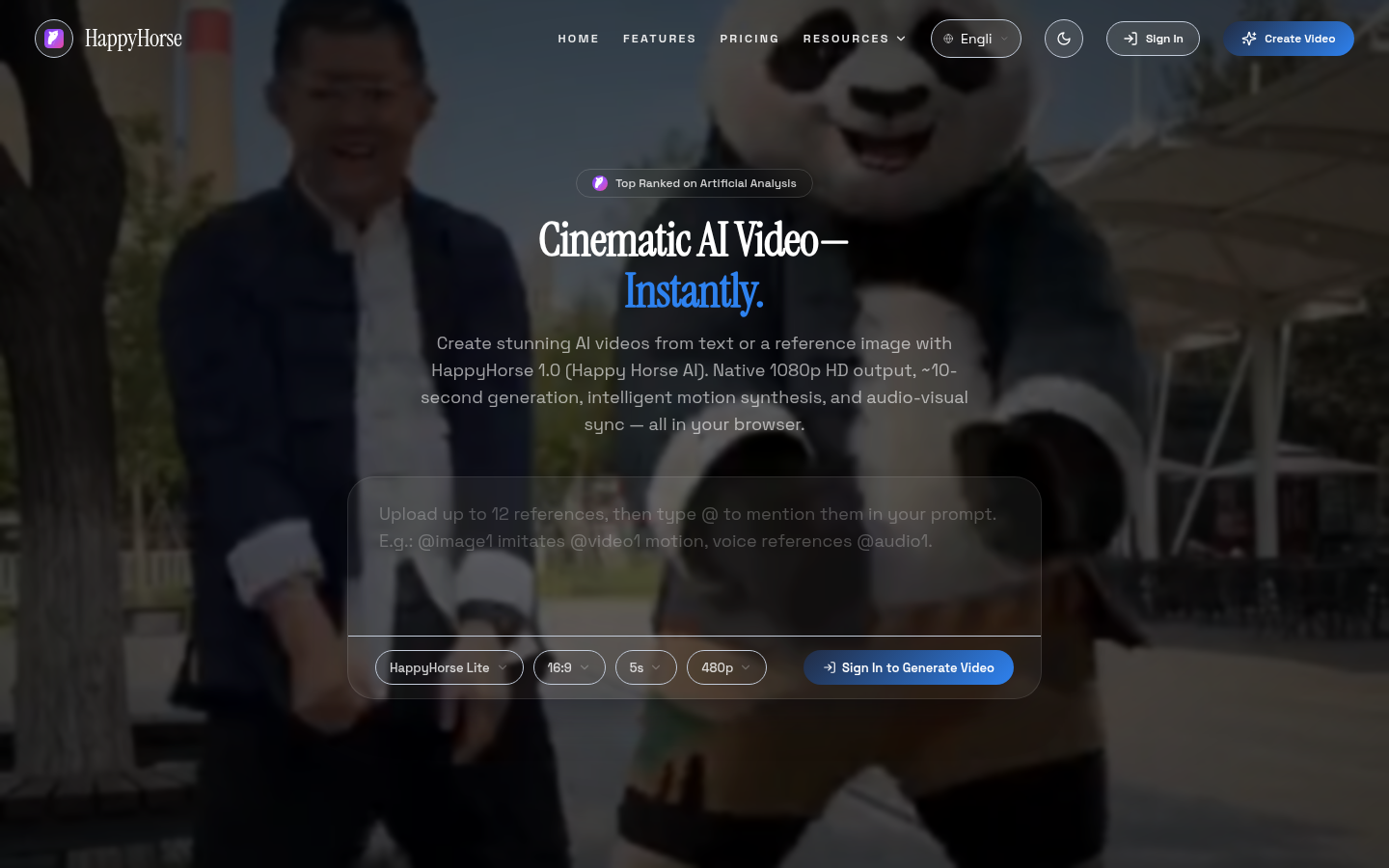
Screenshot archived from the listing page, for preview only.