
Happyhorse 1.0 AI
Cinematic AI video generation with multi-shot coherence and scene editing.Direct multi-shot, movie-grade video from prompts and references.
Highlights
What you can do with it
- Brand teams creating promotion videos from prompts and reference images
- Filmmakers pre-visualizing scenes with multi-shot planning
- Designers turning reference images into dynamic concepts
How to use it
- 1 Open the HappyHorse 1.0 studio and select the video creation workflow
- 2 Add reference images, text prompts, and editing clips for direction
- 3 Generate the video based on your references and prompts
- 4 Refine scenes, shots, and audio until satisfied
Who it is for
Pros
- Multi-shot coherence addresses a common AI video weakness
- Iterative scene editing avoids regenerating from scratch
- Free trial lets you test output before spending credits
Limitations
- Credit costs, such as 88 credits per example generation, add up in production
- Exact pricing beyond the trial is not clearly published
- Results depend heavily on prompt and reference quality
What Happyhorse 1.0 AI is
HappyHorse 1.0 AI is the flagship creative platform of happyhorse-ai.io, built for teams that want movie-grade control over AI video generation rather than one-shot clips. It combines unified intelligence, dynamic production, and post-production refinement in a single studio. Creation inputs are flexible: text prompts, reference images, and editing clips, with the ability to switch across text, image, video, and audio-driven modes. Its standout capability is coherence across shots: one-take tracking shots and multi-shot sequences that keep characters, environments, and visual rhythm consistent from clip to clip, which is where many AI video tools fall apart. Scene editing lets you expand scenes, insert new shots, and refine material without restarting generation, and audio-visual synchronization coordinates sound, rhythm, and imagery. A reference system uses tags plus image and video references to lock characters and guide camera movement. Output is 1080p movie-grade video. A free trial is available, while generation consumes credits, with 88 credits cited in one example.
What you can do with it
- Generate cinematic multi-shot sequences from prompts and reference images
- Maintain character and environment consistency across an entire sequence
- Expand scenes and insert shots iteratively without losing coherence
- Synchronize audio direction with visuals and rhythm for polished results
Who it is for
- Brand teams and content marketers producing high-quality promotional videos
- Filmmakers and video editors pre-visualizing scenes before final production
- Designers and visual storytellers transforming reference images into motion concepts
- Studios wanting fast iteration with consistent visual quality
What to watch out for
Credit economics deserve attention: generations cost meaningful credits, with 88 cited as one example, so ambitious multi-shot projects can become expensive quickly, and since exact pricing is not clearly published, test the free trial and calculate your real per-project cost before committing. Consistency claims also have practical limits; even well-designed multi-shot systems can drift in character appearance or style across many shots, so review sequences carefully and regenerate weak shots. Quality depends heavily on the specificity of your prompts and references, so invest in good source material and tags for locking characters. The platform is young, and features, credit rates, and trial terms can change, so confirm current details. Finally, as with all AI video, check outputs for unintended likenesses and artifacts before commercial use.
FAQ
Is HappyHorse 1.0 AI free?
There is a free trial you can start immediately. Video generation consumes credits, for example 88 credits in one example, indicating a paid model beyond the trial.
What creation modes does it support?
It flexibly supports text prompts, reference images, and editing clips across text, image, video, and audio-driven modes.
Can a story continue across shots?
Yes. The platform expands scenes, inserts new shots, and adds beats without restarting generation, keeping visual coherence.
Why it is free
What the official page says: free trial
Free limits, trial length and features are decided by the official site and can change at any time.
Product preview
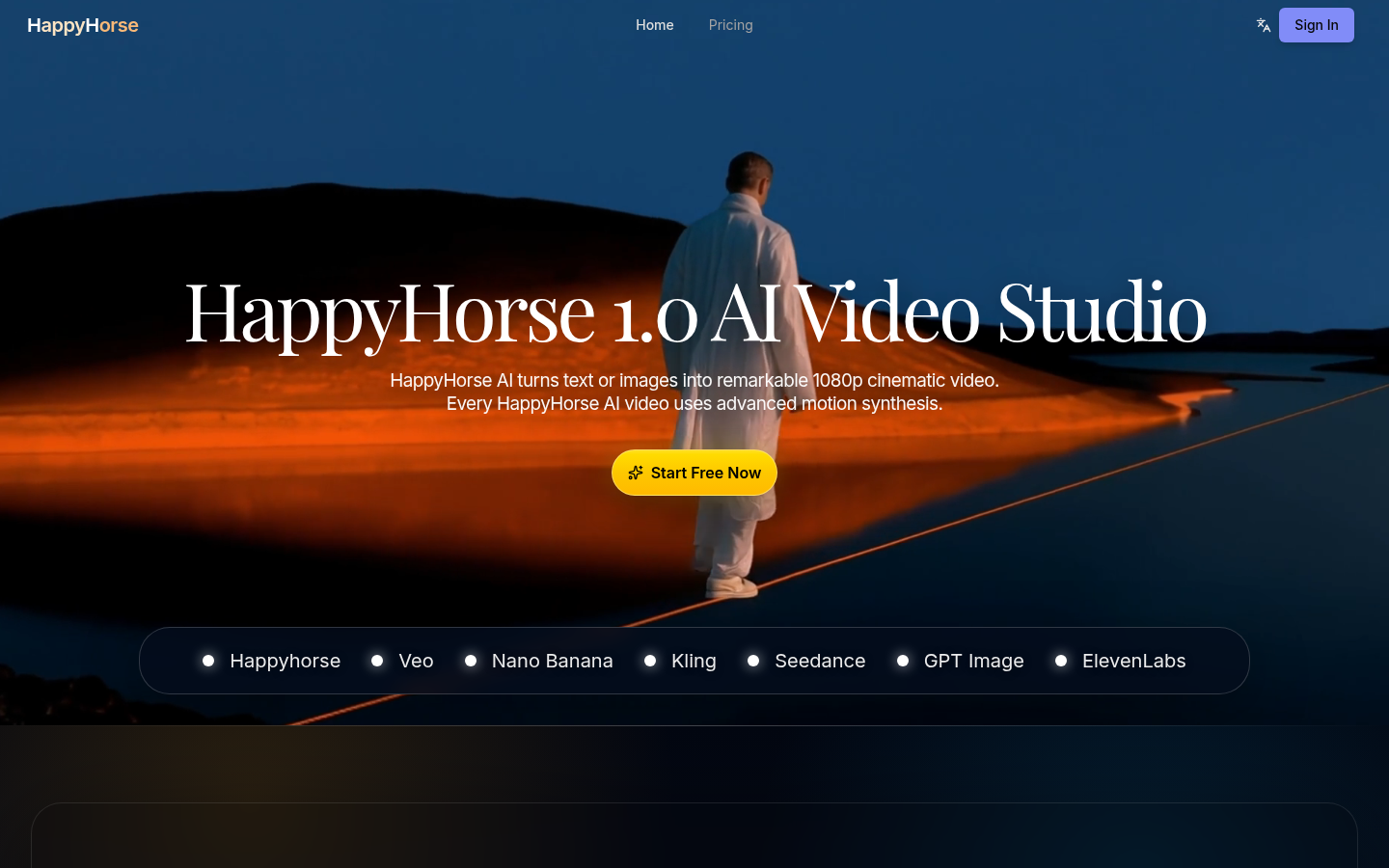
Screenshot archived from the listing page, for preview only.











