
Happy Horse video Maker
Online AI video generator for creatorsTurn ideas into video in the browser
Highlights
What you can do with it
- Create a product demo video for a website or sales call.
- Make short vertical videos for TikTok, Reels, and Shorts.
- Produce a release preview video to build anticipation.
How to use it
- 1 Describe your idea with theme, action, camera, and mood, and add a reference image if allowed.
- 2 Pick the mode and model you want to use.
- 3 Set aspect ratio, duration, and quality.
- 4 Generate, review, and re-run with new input if needed, then download.
Who it is for
Pros
- Browser-based, so no heavy install
- Both text and image starting points
- Flexible ratio, duration, and quality settings
- Free trial to test output quality
Limitations
- The ranking claim is vendor-reported and may change over time
- Free trial is limited and pricing is on the site, subject to change
- Complex scenes can need several tries to look right
- Generated clips should be checked before public release
What Happy Horse video Maker is
Happy Horse 1.0 is an online AI video generator that turns text or images into short video. You describe what you want, including theme, action, camera view, and mood, or you upload a reference image, and the model builds a clip with visual control and smooth motion. You can adjust the aspect ratio, duration, and quality to fit where the video will run. Everything happens in the browser, so the path from idea to finished video does not need heavy software. The vendor reports it ranks first in the text-to-video and image-to-video categories without audio on Artificial Analysis and also ranks high in the audio-enabled category. A free trial is offered.
What you can do with it
- Generate video from a text description with camera and mood control.
- Start from a reference image for image-to-video creation.
- Adjust aspect ratio, duration, and quality for each platform.
- Re-run with new input until the clip looks right, then download.
Who it is for
- Creators who need to turn ideas into video fast.
- Marketing teams producing product demos and social shorts.
- Enterprises making release previews and onboarding videos.
What to watch out for
The ranking claim is vendor-reported and can change over time, so treat it as marketing context rather than a guarantee. The free trial is limited and pricing lives on the official site, subject to change. Complex scenes may need several attempts to look right. Review generated clips for accuracy and rights before you release them publicly. Generated suggestions are for reference only, so verify anything that affects professional judgment or important data. Start with a small sample to confirm the output meets your expectations before processing the full batch.
FAQ
What is Happy Horse 1.0?
It is an online AI video generator that supports text-to-video and image-to-video.
Does it work in the browser?
Yes. Creation from idea to finished video happens online.
Is there a free trial?
Yes. A free trial is offered, with pricing shown on the official site.
Who is it for?
It targets creators, marketing teams, and enterprises making video content.
Why it is free
What the official page says: free trial
Free limits, trial length and features are decided by the official site and can change at any time.
Product preview
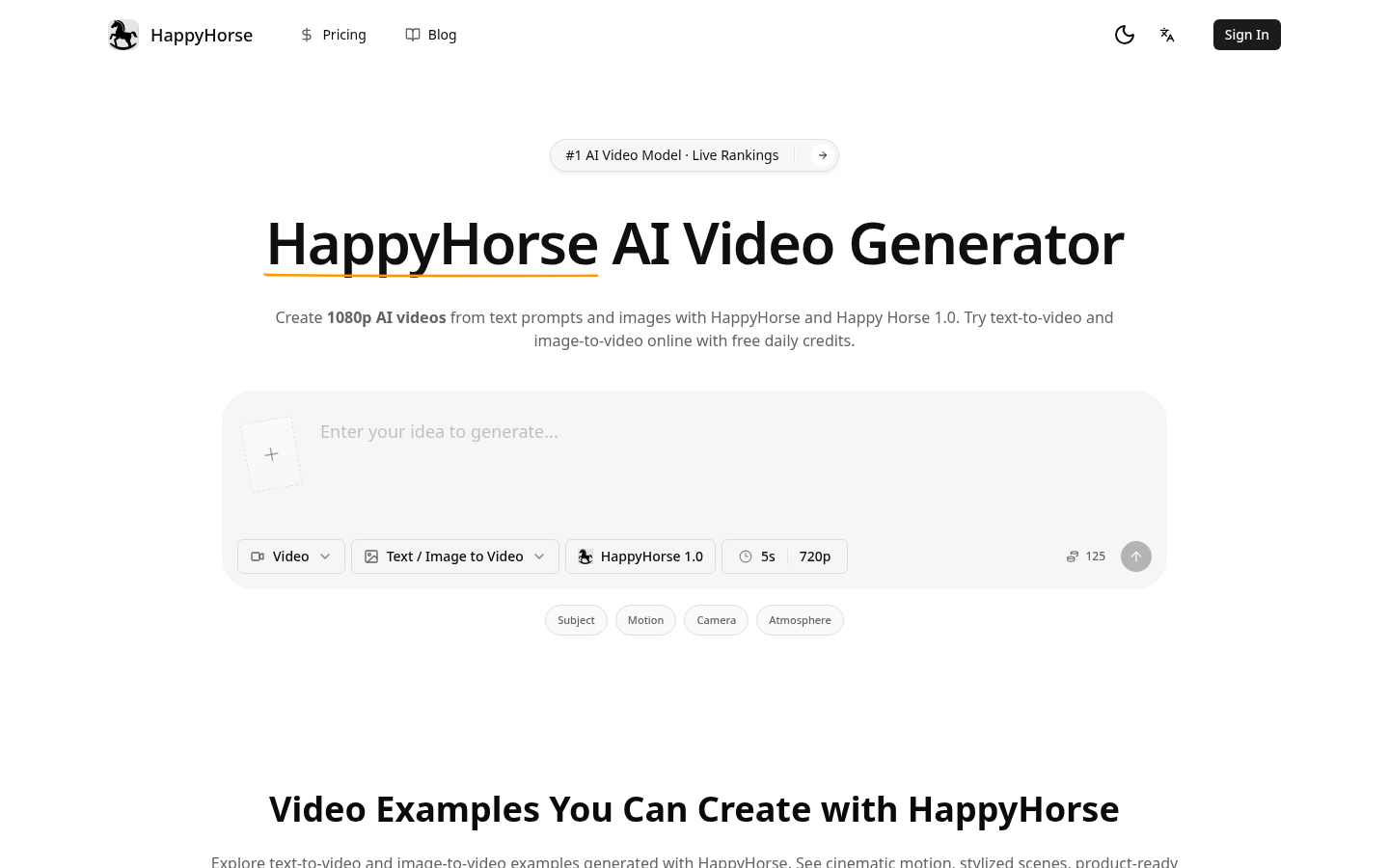
Screenshot archived from the listing page, for preview only.











