
Happy Horse AI
Free AI video generator with native audioText or image in, 15-second video with audio out
Highlights
What you can do with it
- Create short video ads for social media from a text brief
- Turn teaching content into videos with audio for students
- Produce personal video works from ideas plus reference images
How to use it
- 1 Write a clear prompt describing theme, scene, and action.
- 2 Add reference images if you want a specific visual style.
- 3 Generate the multi-shot sequence with camera movement.
- 4 Adjust composition or style, then export and share.
Who it is for
Pros
- Free quota lets new users try generation at no cost
- Native audio and lip-sync come from one unified process
- Open-source, multilingual model suits global creators
Limitations
- Free quota is limited, and paid plans apply for heavier use
- Each run caps at 15 seconds, so long videos need stitching
- Free terms and discounts may change, and output varies by prompt
What Happy Horse AI is
Happy Horse AI is a free AI video generator powered by the Happy Horse 1.0 model. The model is a single self-attention Transformer that generates video and audio together in one sequence, replacing the older multi-stream pipeline. You give it a text prompt, a reference image, or both, and it returns a multi-shot video up to 15 seconds long with native audio and lip-sync. Characters, lighting, and the overall look stay consistent across shots in a single run. The model supports multiple languages and is completely open-source. On H100 GPUs, the developers describe fast inference for short clips. A free quota is available to start, and paid plans with an advertised annual discount are offered for heavier use.
What you can do with it
- Generate short video ads from a written product or campaign brief
- Turn teaching material into videos with synchronized audio
- Create personal video works by combining prompts with reference images
- Add native audio without a separate sound step
Who it is for
- Beginners and amateurs who want a simple prompt-to-video interface
- Professional creators who value multi-shot output and fast inference
- Corporate marketers producing social ads and presentation clips
What to watch out for
The free quota is a starting point, and paid plans apply once you need more generations. A single run is limited to 15 seconds, so longer projects must be assembled from several clips. Output quality depends on how clearly you describe the scene, and image prompts work best when the reference matches your goal. The model is new, so treat the speed and quality statements as developer claims rather than guarantees, and keep expectations modest on the first attempt. Free terms and discount offers can change at any time, and open-source status does not remove the need to check usage rights for commercial work.
FAQ
What is Happy Horse AI?
It is a free AI video generator based on the Happy Horse 1.0 open-source model that creates videos with audio from text or image prompts.
How long can the videos be?
A single run can produce multi-shot videos up to 15 seconds long with consistent characters and lighting.
Is it really free?
There is a free quota to start, and paid plans with different options are also offered.
Why it is free
What the official page says: 免费额度免费
Free limits, trial length and features are decided by the official site and can change at any time.
Product preview
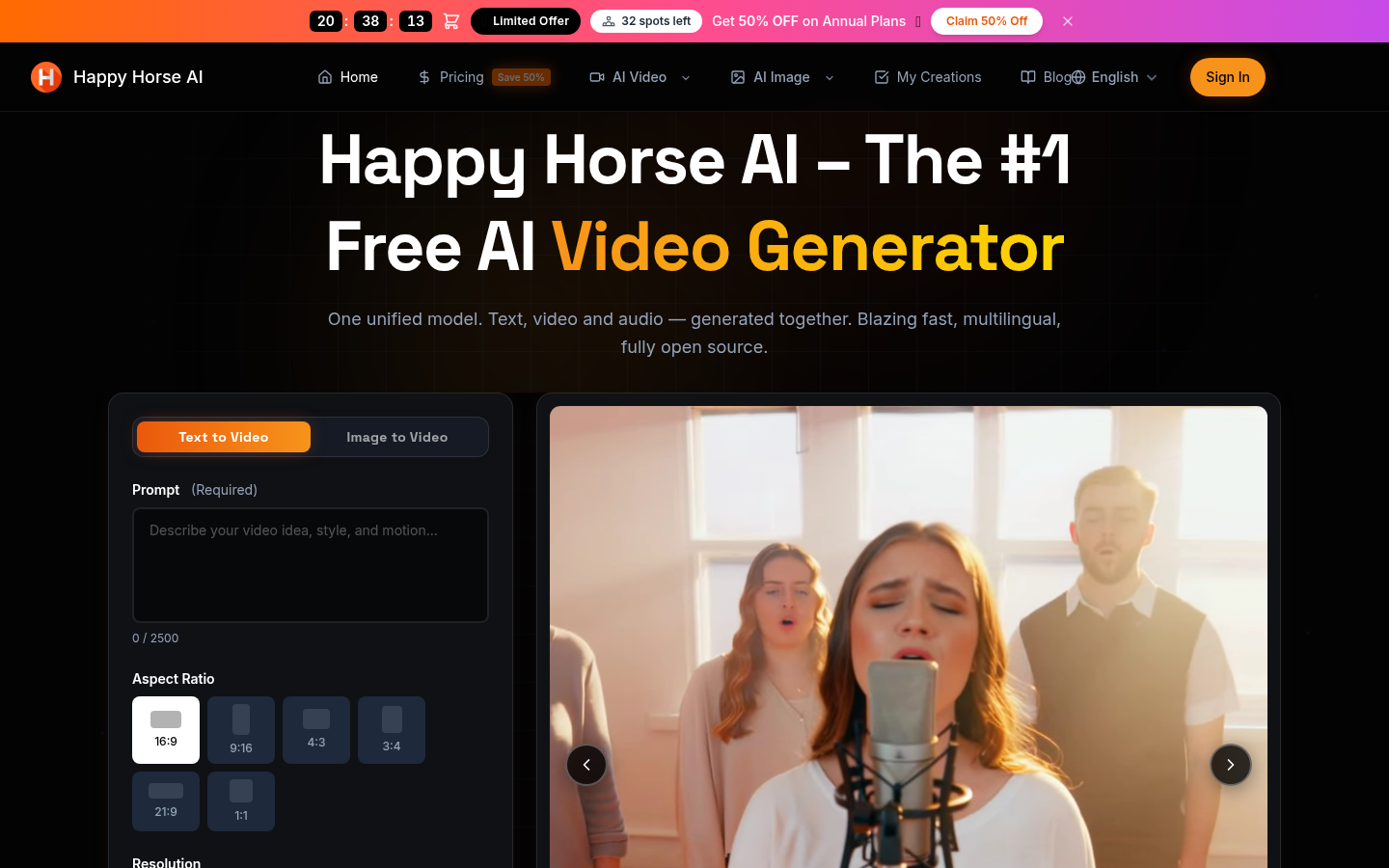
Screenshot archived from the listing page, for preview only.











