
Happy Horse
Open-source AI video model with audioOpen-source video generation with native sound
Highlights
What you can do with it
- Self-hosted video generation
- Fine-tuning for custom styles
- Multilingual talking-head video
- Research and creative experiments
How to use it
- 1 Try the hosted free trial first
- 2 Download the weights if you self-host
- 3 Set up the model with your hardware
- 4 Generate with text or image input
- 5 Fine-tune on your own data if needed
Who it is for
Pros
- Open-source and self-hostable
- Fast inference claims
- Native audio and video together
- Multilingual lip-sync support
Limitations
- Needs strong hardware for the cited speed
- Free trial and paid editions may change
- Self-hosting requires technical skill
- The 38-second figure depends on an H100
What Happy Horse is
Happy Horse 1.0 is an open-source AI video generation model with 15 billion parameters. It uses a 40-layer self-attention Transformer architecture and supports native joint audio-video synthesis, so sound and picture are produced together rather than bolted on afterward. Thanks to DMD 2 distillation, it needs only 8 denoising steps, and the page says it can generate 1080p video in 38 seconds on an H100. It supports 7 languages with low lip-sync error rates, which matters for anything with speaking subjects. Because the model is fully open-source, you can self-host it and fine-tune it for your own scenarios instead of depending only on a hosted service.
What you can do with it
- Generate 1080p video with native audio
- Run the model on your own hardware
- Fine-tune it for custom styles
- Produce video in 7 languages
- Use fast 8-step inference
Who it is for
- Developers and researchers studying video models
- Teams that need self-hosted generation
- Creators making multilingual video
- Studios exploring fine-tuning
What to watch out for
The 38-second figure depends on an H100, so slower hardware means slower output and a different workflow. Self-hosting requires technical skill and a real compute budget, and it is not a plug-and-play option for beginners. Free trial and paid editions may change, and lip-sync quality varies by language and footage, so test your target language before you commit. Plan your hardware and storage before relying on the open-source version for regular production, since video files and model weights both take space. For best results, start with a small test file and review the output carefully before working on anything important.
FAQ
What is Happy Horse 1.0?
An open-source AI video model with joint audio-video synthesis.
How big is it?
15 billion parameters with a 40-layer self-attention Transformer.
Can I run it myself?
Yes, it is fully open-source for self-hosting and fine-tuning.
How fast is it?
The page cites 1080p in 38 seconds on an H100 with 8 denoising steps.
Why it is free
What the official page says: 免费试用免费
Free limits, trial length and features are decided by the official site and can change at any time.
Product preview
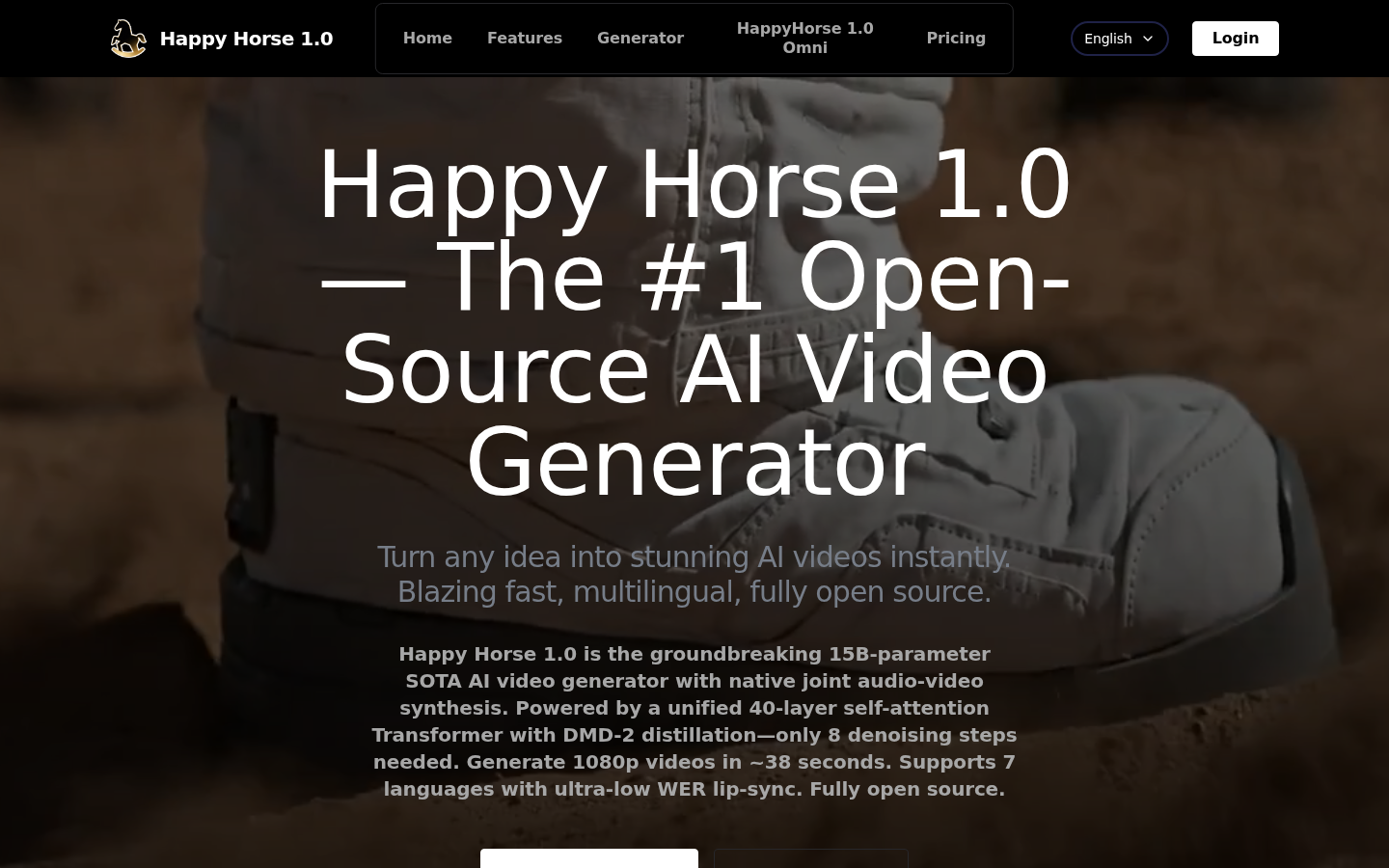
Screenshot archived from the listing page, for preview only.