HairstylesPro
Free AI tool to try 400+ hairstyles and colors onlinePreview 400+ hairstyles and colors on your own photo, free.
Highlights
What you can do with it
- Preview long styles before a big dinner or event
- Test a wolf-cut or side-part look before a barber visit
- Try a neat short style for a more youthful look
How to use it
- 1 Open the site and find the AI hair styling tool
- 2 Upload a clear, front-facing photo of yourself
- 3 Browse 400+ styles and pick a length and gender fit
- 4 Add a hair color if you want to preview a dye
- 5 Adjust until the preview looks right, then save it
Who it is for
Pros
- Free and runs in the browser with no install
- Large library of styles and colors to compare
- Lowers the risk of a haircut you regret
Limitations
- Results depend on your photo angle, lighting, and clarity
- A preview is a guide, not a guarantee of the real result
- The page does not detail limits, so free rules may change
What HairstylesPro is
HairstylesPro is a free online AI hair styling tool. You upload a photo of yourself and try more than 400 hairstyles, haircuts, and colors made for men and women. The AI applies the chosen style to your photo for a fairly realistic preview, so you can see how a new look might suit you before you sit in the chair. Styles cover short, medium, and long lengths and suit different ages, from teen boys to middle-aged men. There is nothing to install, and the whole preview runs in the browser. The goal is to help you plan a haircut, dye, or salon visit and avoid a result you did not want.
What you can do with it
- Try more than 400 hairstyles and cuts on your own photo
- Change hair color as well as the style to preview a dye
- Compare looks for different ages and genders
- Save a preview to share or bring to the salon
Who it is for
- Anyone about to get a haircut, dye, or salon styling
- Men and women who want to explore a new look
- Teens and older users looking for age-appropriate styles
What to watch out for
The preview is a guide, not a promise. Results depend on your photo angle, lighting, and clarity, and a poor photo gives a weaker preview. The real haircut or color still depends on your hair, your stylist, and the technique used, so treat the tool as inspiration rather than a guarantee. For the most accurate preview, use a well-lit, front-facing photo where your face and current hair are clearly visible. The page does not spell out usage limits or a paid plan, so the free access and features can change. Check the site for current details before you rely on it.
FAQ
Is HairstylesPro free?
Yes. It is a free online tool and you do not need to install anything.
How many hairstyles can I try?
More than 400 hairstyles, haircuts, and colors for men and women.
What photo should I upload?
A clear, front-facing photo gives the most accurate preview.
Will the preview look like the real haircut?
It is a guide only. The real result depends on your hair, the stylist, and the technique.
Why it is free
What the official page says: 免费
Free limits, trial length and features are decided by the official site and can change at any time.
Product preview
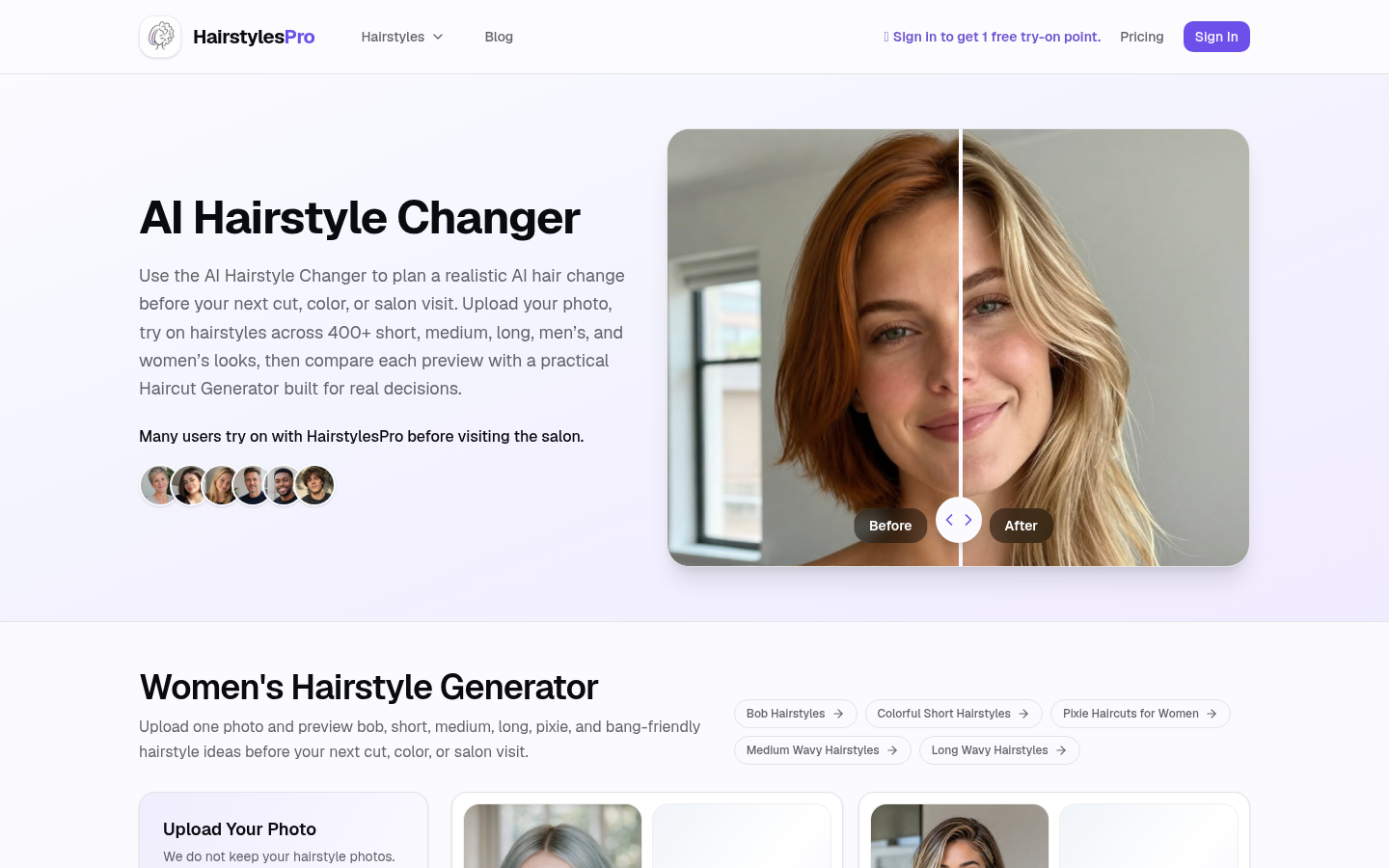
Screenshot archived from the listing page, for preview only.











