
Haimeta
AI text-to-image, video, and 3D creationTurn text into images, videos, and 3D models.
Highlights
What you can do with it
- Create social media images from a text idea
- Turn a product idea into a short demo video
- Rebuild an existing image in a new style
How to use it
- 1 Create a free account on the Haimeta website.
- 2 Choose a creative tool or model.
- 3 Enter text or upload an image to start.
- 4 Browse the result, then pick a plan if you need more.
Who it is for
Pros
- Free tier to start creating
- One platform for several visual formats
- Tools for editing and converting existing images
Limitations
- The free tier has limits before you upgrade
- Newer 3D and immersive tools take practice
- Output quality varies with the prompt and model
What Haimeta is
Haimeta is an AI creative platform built around one promise: turn an idea into visual content quickly. You type a description and it can produce images, videos, and 3D models, and it can also take an existing image and redesign it or convert it into a 3D object. Beyond single assets, the platform lets you arrange work in customizable creative spaces and interactive displays with AI characters. Pricing is divided into three versions, free, standard, and premium, so you can try the workflow before paying anything.
What you can do with it
- Generate images, videos, and 3D models from text.
- Redesign and edit existing images into new works.
- Convert 2D images, logos, or concept art into 3D objects.
- Build immersive spaces and display content in multiple dimensions.
Who it is for
- Creators who need visual content on a deadline.
- Marketers producing social and promotional assets.
- Designers exploring 3D and immersive formats.
What to watch out for
The free tier has limits, and heavier use pushes you toward a paid plan. The newer 3D and immersive tools take practice, so budget time to learn them rather than expecting instant results. Output quality varies with the prompt and the model, which means iteration is part of the process. Check which features sit behind which plan before you start a project that depends on them. When quality matters, export a small draft first to confirm the result before producing the final file. Generated suggestions are for reference only, so verify anything that affects professional judgment or important data. For team use, agree on naming and editing conventions in advance to avoid version conflicts or duplicated work.
FAQ
What can Haimeta generate?
Images, videos, 3D models, and immersive virtual spaces from text, plus edits to existing images.
Is there a free plan?
Yes, pricing is split into free, standard, and premium versions.
Who is it for?
Creators and marketers who want fast visual content across several formats.
Why it is free
What the official page says: 免费
Free limits, trial length and features are decided by the official site and can change at any time.
Product preview
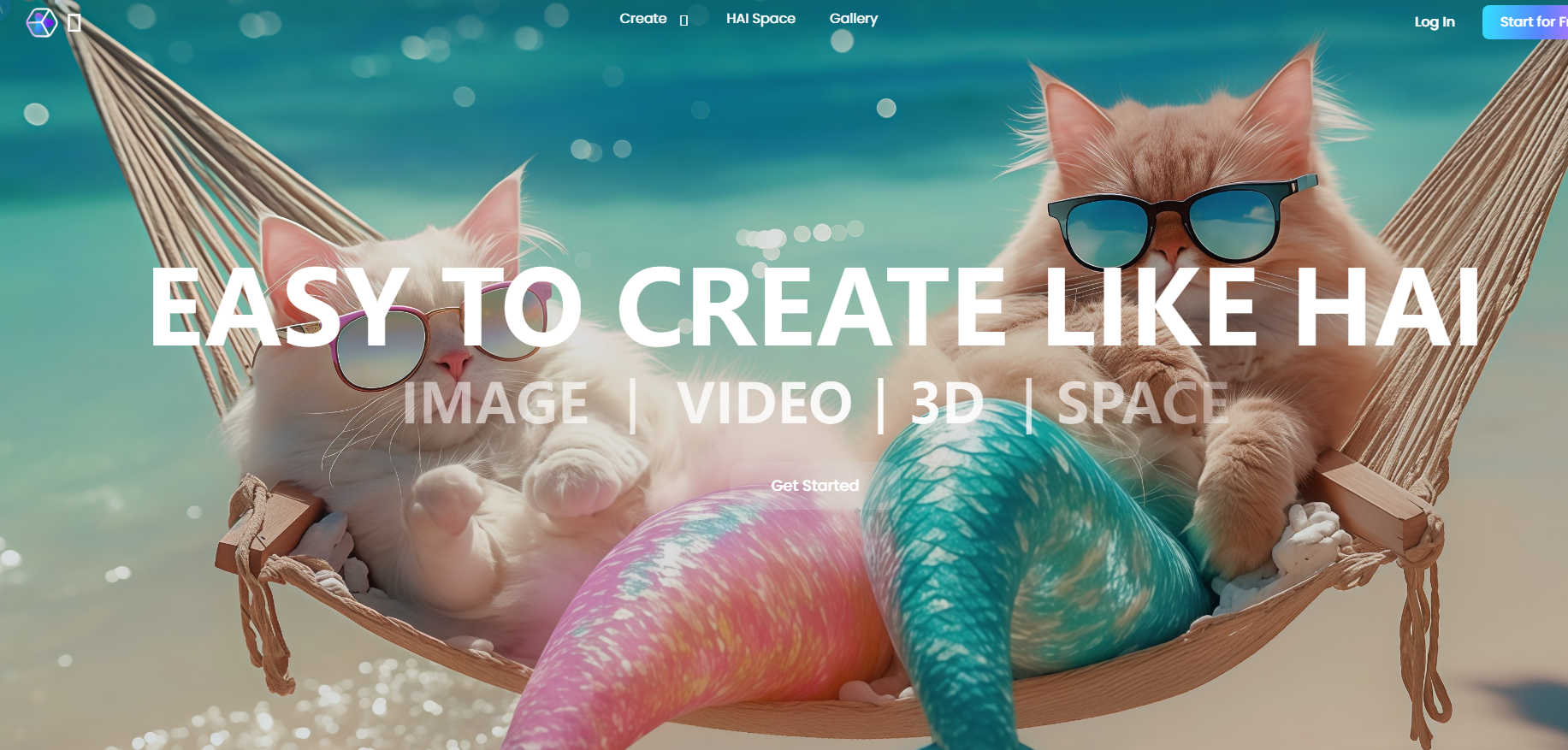
Screenshot archived from the listing page, for preview only.











