
Guideless
Turn clicks into video guidesAuto-voiced product how-to videos
Highlights
What you can do with it
- A software company builds onboarding video guides
- An e-commerce team embeds product tutorials on product pages
- An education platform makes course operation guides
How to use it
- 1 Visit Guideless and register an account
- 2 Install the Chrome extension
- 3 Capture the process you want to show
- 4 Let AI generate the script and pick a voice
- 5 Preview, then share, embed, or export the guide
Who it is for
Pros
- Generates guides in minutes from real clicks
- AI voice-over removes manual narration
- Brand customization keeps videos on-brand
- Analytics show how viewers use the guide
Limitations
- The documentation only suggests a free trial, so pricing is unclear
- Guides need re-recording when a product changes a lot
- AI voice and script still need a quality check
What Guideless is
Guideless is a tool that turns user operation processes into video guides. It targets the slow, hard-to-update nature of traditional product introductions. You capture your work in the browser with the Guideless Chrome extension, and the tool automatically records each click, writes a clear voice-over script, and adds a natural AI voice. You can apply your brand colors, logo, and background so every guide fits your image. Guides can be shared by link, embedded in documents or help centers, or exported as video or GIF, and built-in analytics show how people watch them. The documentation suggests a free trial and a paid model.
What you can do with it
- Capture any browser process with one click
- Generate a voice-over script automatically from clicks
- Choose natural AI voices and apply brand styling
- Share by link, embed, or export as video or GIF
- Track views, drop-off, and interaction with analytics
Who it is for
- Founders and CEOs demoing a product to customers
- Marketers who need simple videos for complex steps
- Process managers documenting clear work steps
- Support teams that want fewer repeat questions
What to watch out for
The documentation only suggests a free trial and does not confirm pricing, so cost and access are uncertain. When a product interface changes a lot, guides need to be re-recorded or they will mislead users. AI-written scripts and voices are good but should be reviewed for accuracy and tone before publishing. Because capture depends on a browser extension, workflows outside the browser or in protected apps may not record cleanly. Features and interface details may change between versions, so review the latest notes on the page before you start.
FAQ
How do I capture a process?
You install the Guideless Chrome extension and click to record; every mouse click is captured automatically.
Does it add voice-over?
Yes, the AI writes the script and provides natural professional voices, so you do not record audio by hand.
Is there a free trial?
The documentation does not state pricing clearly but suggests there may be a free trial and a paid model.
Why it is free
What the official page says: free trial
Free limits, trial length and features are decided by the official site and can change at any time.
Product preview
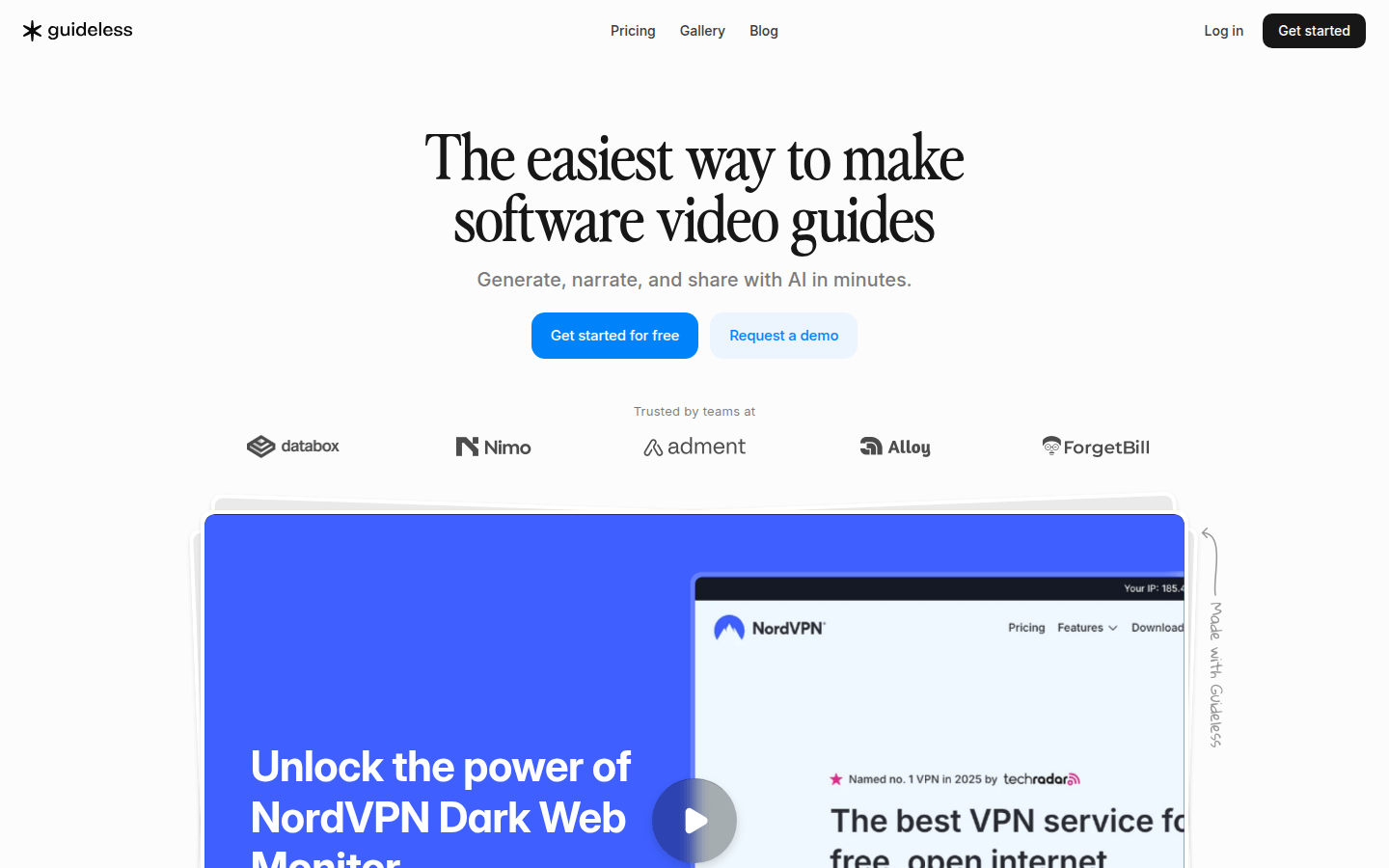
Screenshot archived from the listing page, for preview only.











