
Grunt
AI assistant trained on Slack historyAsk questions, get answers from your Slack
Highlights
What you can do with it
- A new hire asks where a decision was made and gets an answer
- A manager checks a project timeline without scrolling channels
- A team controls spend with usage tracking and billing caps
How to use it
- 1 Register for Grunt and connect it to your Slack workspace
- 2 Let it read the public channel history you allow
- 3 Ask questions in chat and receive contextual answers
- 4 Watch usage and set billing limits to control cost
Who it is for
Pros
- Answers come from your own workspace context
- Onboarding and recall are clear, practical uses
- Billing limits help control per message cost
Limitations
- Only public channel history is analyzed, so private data is out of scope
- Per message pricing adds up for busy teams
- The free message offer was tied to an early registration date
- The domain was unreachable during the last check, so verify availability
What Grunt is
Grunt, found at slackgrunt.com, is an AI assistant for Slack workspaces. It reads public channel history and answers questions in context, so instead of scrolling back months of messages, you ask. The page says it is trained on GPT 4 and highlights uses like onboarding new employees, remembering timelines, and recalling details that would otherwise be lost. Pricing is listed as 0.05 dollars per message, with the first 20 messages free for registrations before December 1st.
What you can do with it
- Ask questions and get answers drawn from channel history
- Help new hires find context without pinging the whole team
- Recall timelines and past decisions on request
- Track usage and set billing limits to control spend
Who it is for
- Teams that store real knowledge in Slack channels
- Managers who onboard people repeatedly
- Organizations tired of losing decisions in long scrolls
What to watch out for
It only reads public channel history, so anything private or in restricted channels is out of scope, and answers will reflect whatever those channels actually contain, including outdated or wrong information. Per message pricing can add up quickly in an active workspace, so set billing limits early and review usage. The free message offer was tied to an early registration deadline and may no longer apply. The domain was unreachable during the last check, so confirm the service is live, and review privacy terms before connecting a workspace that holds sensitive company data. Run one full task end to end first, then expand once you are comfortable with the workflow and the result quality. Behavior may vary across browsers and devices, so test before production use and consult the help docs if errors appear.
FAQ
Where does Grunt get its answers?
It analyzes public Slack channel history, according to the product page.
How much does it cost?
The listed price is 0.05 dollars per message, with the first 20 messages free for early registrations before December 1st.
What is it used for?
Onboarding new employees, remembering timelines, recalling details, and answering team questions quickly.
Why it is free
What the official page says: 免费
Free limits, trial length and features are decided by the official site and can change at any time.
Product preview
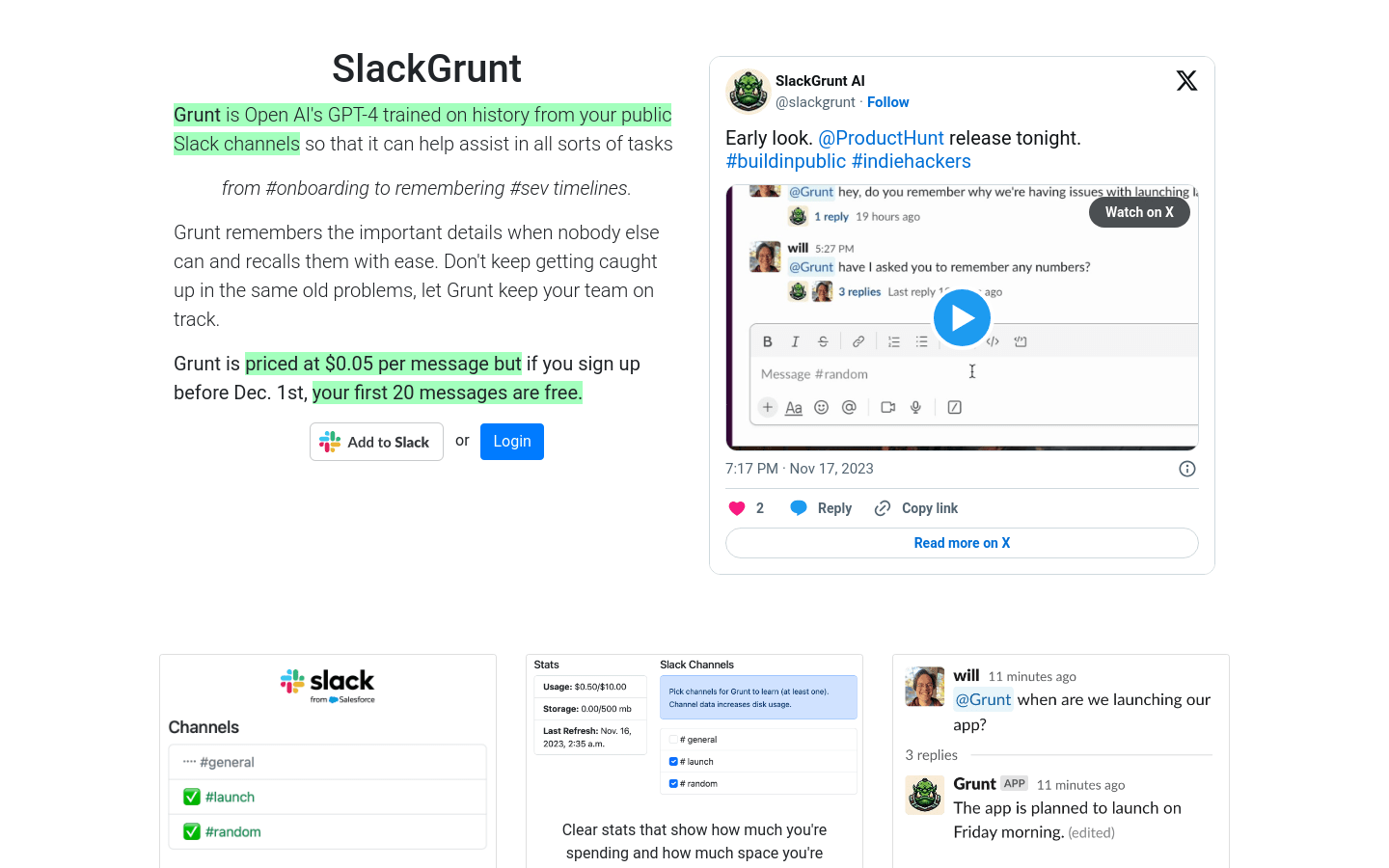
Screenshot archived from the listing page, for preview only.











