
Grok Video Generator
AI video generator with synced audioText or images to video with automatic sound
Highlights
What you can do with it
- Short-form video content
- Social clips with sound
- Quick concept videos
- Marketing spots
How to use it
- 1 Open the site and start the free trial
- 2 Enter text or upload an image
- 3 Pick resolution and camera settings
- 4 Generate the video with audio
- 5 Review and export
Who it is for
Pros
- Free trial available
- Audio is generated automatically
- Fast turnaround
- Camera controls for more direction
Limitations
- Pricing is not listed
- Free trial terms may change
- Automatic audio gives less precise control
- Advanced controls need practice
What Grok Video Generator is
Grok Video Generator is an AI video and image generator developed by xAI, built on the Aurora AI engine. Its core feature is text-to-video creation with synchronized audio: voices, music, and effects are added automatically, so you do not have to edit audio by hand or record anything separately. That matters for short-form work, where a clip without sound usually feels unfinished no matter how good the visuals are. The page claims fast processing, with videos completed within minutes, and it lists support for multiple resolutions and advanced camera controls so you can direct the shot rather than accept a default. A free trial is available, though specific pricing is not stated on the page.
What you can do with it
- Turn text into video with synced audio
- Add voices, music, and effects automatically
- Work at multiple resolutions
- Use advanced camera controls
- Produce image and video output in one place
Who it is for
- Content creators posting regularly
- Social media marketers who need sound-ready clips
- Small teams without a dedicated audio editor
- Anyone testing AI video for the first time
What to watch out for
Pricing is not listed, so treat the free trial as the way to judge value before you plan a budget. Trial limits may change over time, and heavy use may push you toward paid options that are not described here. Automatic audio is convenient but gives you less precise control than manual editing, especially when a specific track or voice tone matters. Advanced camera controls need practice to use well, and generation within minutes is still slower than instant for complex prompts, so build retry time into deadlines.
FAQ
What is Grok Video Generator?
An xAI tool that turns text or images into video with synchronized audio.
Do I need to add sound myself?
No, it generates voices, music, and effects automatically.
How fast is it?
The page says videos can be completed within minutes.
Is there a free trial?
Yes, a free trial is available on the page.
Why it is free
What the official page says: 免费试用免费
Free limits, trial length and features are decided by the official site and can change at any time.
Product preview
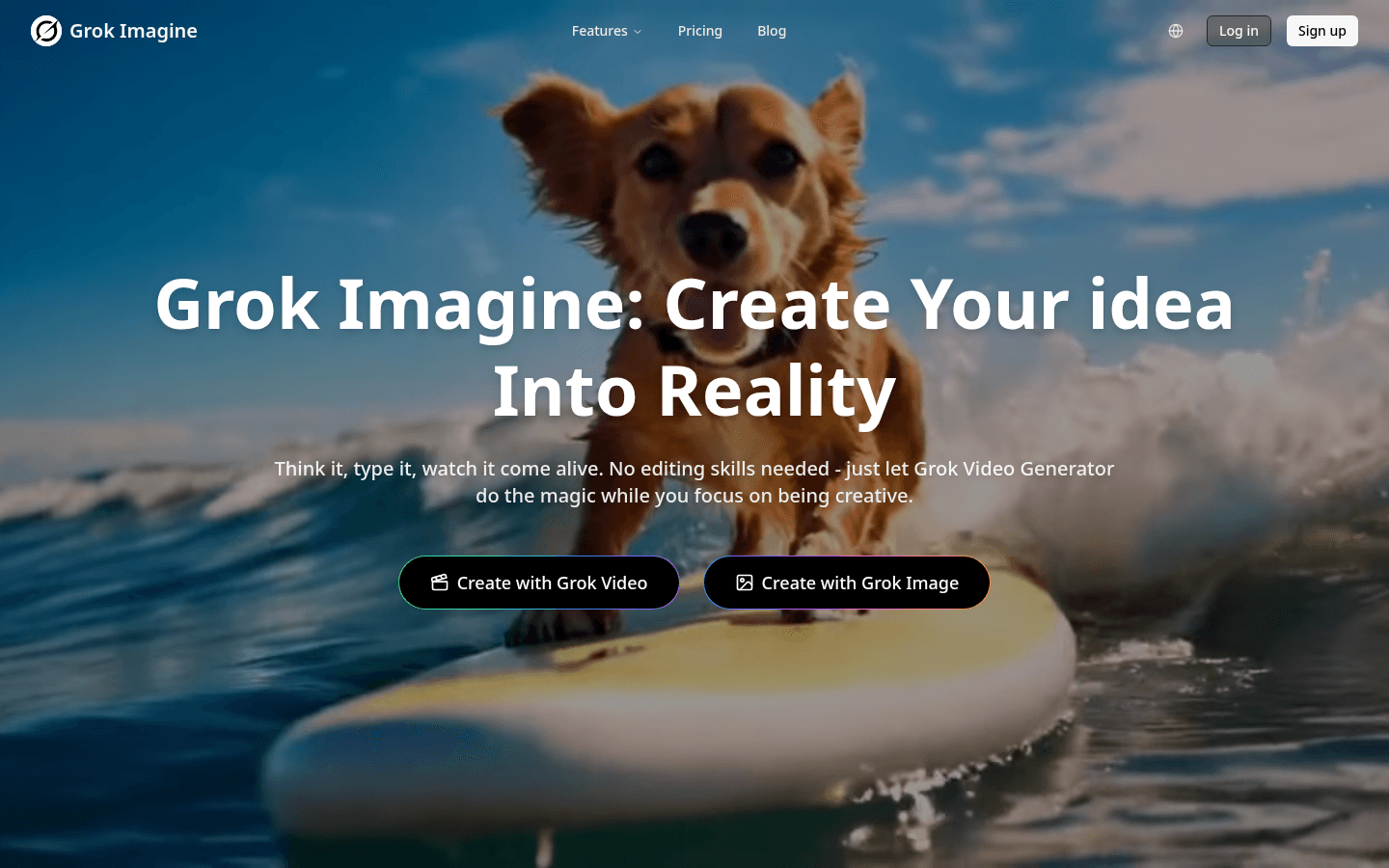
Screenshot archived from the listing page, for preview only.