
Grok Imagine
AI video and image studio for social clipsText, image, or clip to HD video with native audio
Highlights
What you can do with it
- A creator turns a product photo into a short promo clip
- A marketer reshapes an existing clip for a vertical feed
- A filmmaker tests a cinematic look before a real shoot
How to use it
- 1 Open the Grok Imagine site and click Create Free or Try Grok Imagine.
- 2 Choose the module you need, such as Video AI or Image AI.
- 3 Upload your base material, or prepare a plain text description.
- 4 Describe the scene, camera movement, characters, atmosphere, style, or voiceover.
- 5 Pick the aspect ratio for your platform, such as 9:16 or 16:9.
- 6 Generate, then preview the 1080p result with native audio.
Who it is for
Pros
- Simple prompt driven flow
- Native audio included in the output
- Free trial without card binding
Limitations
- Free trial limits are unclear and may change
- Output quality depends heavily on prompt detail
- Reusing faces, voices, or clips needs consent and may break platform rules
What Grok Imagine is
Grok Imagine is an online AI studio for video and image creation, presented as launching in 2026. You can start from a text prompt, an uploaded image such as a product photo or illustration, or an existing video clip used as reference. You then describe what you want, including scene, camera movement, characters, atmosphere, style, or script voiceover, choose an aspect ratio for the platform you publish on, and generate. The site describes 1080p output with native audio and a visual style tuned for Western social platforms, and it frames the tool as a way to skip manual keyframe animation and redraw work. A free trial is offered, and the site says no card is required.
What you can do with it
- Generate video from text, an image, or a reference clip
- Reshape existing footage for a different platform or ratio
- Produce 1080p clips with native audio included
- Test cinematic looks before committing to a real production
Who it is for
- Creators publishing to vertical social platforms
- Marketers who need several short variations of one idea
- Independent filmmakers testing looks and pacing cheaply
What to watch out for
Free trial limits are not spelled out and may change, so check before you plan a project around them. Output quality depends heavily on how detailed your prompt is; vague descriptions produce vague video that needs several passes. If you reuse faces, voices, or footage you did not create, you need the rights to do so, and platforms may prohibit synthetic likenesses, with the consequences falling on you. Finally, a short render is fast, but revision time is where the real work sits, so budget for iteration rather than expecting a finished clip on the first attempt.
FAQ
What can I start from?
A text description, an uploaded image, or an existing video clip used as a reference.
What does the output look like?
The site describes 1080p video with native audio, in ratios such as 9:16 and 16:9, tuned for social platforms.
Is there a free trial?
Yes, and the site says no credit card is required to start.
Why it is free
What the official page says: free trial
Free limits, trial length and features are decided by the official site and can change at any time.
Product preview
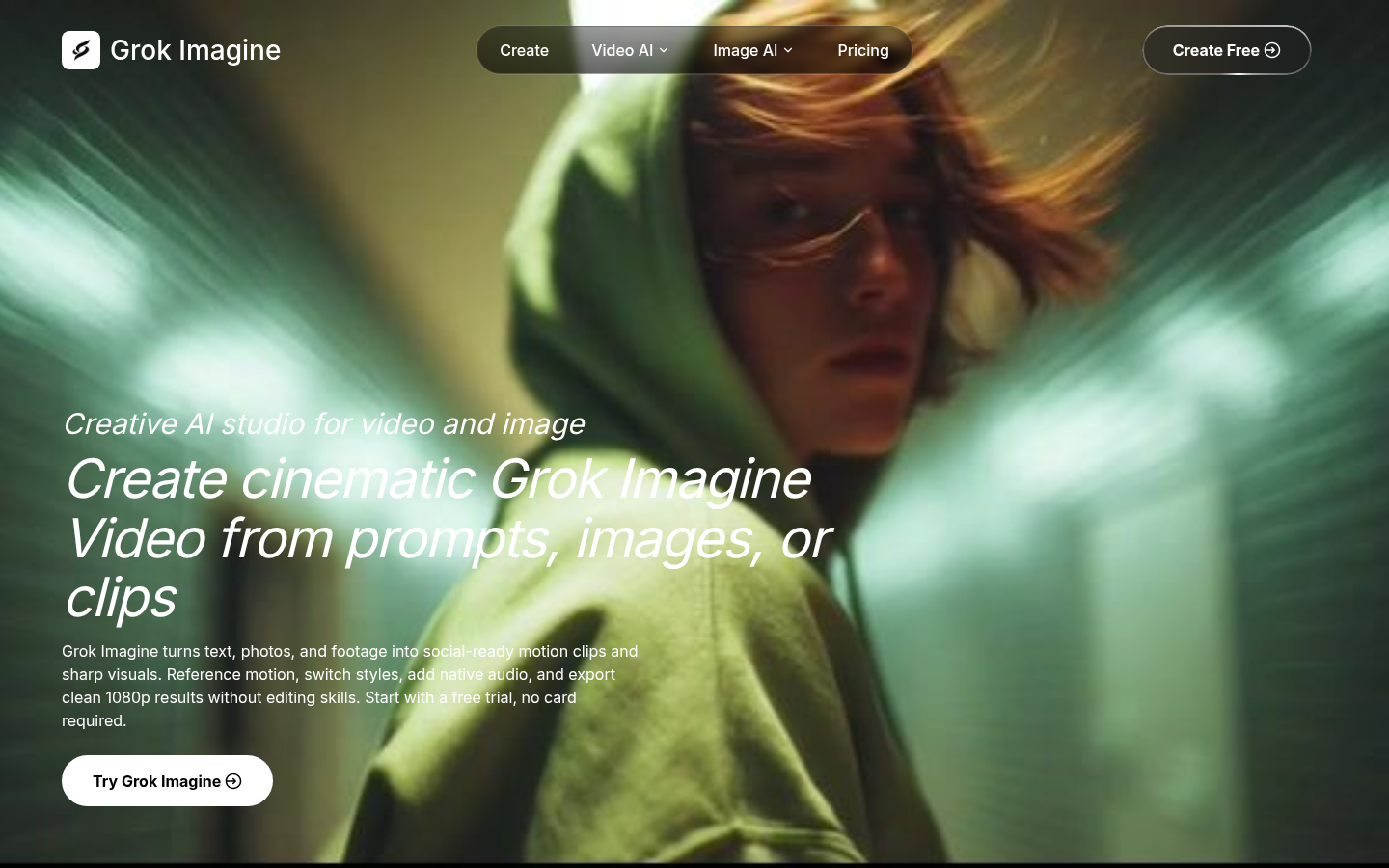
Screenshot archived from the listing page, for preview only.











