
Grok Imagine
Free AI image and video generatorText to photo-realistic images and video, with sound
Highlights
What you can do with it
- Social media video clips
- Concept images from text
- Short films and creative tests
- Video with synced ambient audio
How to use it
- 1 Open the site, no registration needed
- 2 Type your prompt
- 3 Choose image or video output
- 4 Generate and review the result
- 5 Download or upgrade if you need more
Who it is for
Pros
- Free tier and no signup
- 4K-capable output
- Automatic audio that follows the video
- Backed by xAI's Aurora engine
Limitations
- Free tier limits and rules may change
- Paid plans exist for heavier use
- Complex prompts may take longer
- Output quality varies by prompt
What Grok Imagine is
Grok Imagine is a free AI image and video generator powered by xAI's Aurora engine. It converts text into photo-realistic images and movie-quality video with natural motion and physics-aware rendering, and it supports resolutions up to 4K. It can also generate background sound effects and music synchronized with the video content, so a finished clip arrives with audio already in place instead of needing a separate sound pass. The page lists a free tier along with paid plans, and it says the tool can be used without registration, which makes it easy to test before you commit to anything. It is aimed at creators who want to move from an idea to a finished visual quickly.
What you can do with it
- Create photo-realistic images from text
- Generate movie-quality video with natural motion
- Work at resolutions up to 4K
- Add synchronized sound effects and music automatically
- Start without creating an account
Who it is for
- Creators who want a free starting point
- Social media producers making short clips
- Experimenters testing AI video output
- Anyone who needs synced audio without extra editing
What to watch out for
Free tier limits and rules may change, and heavier use points toward the paid plans listed on the page. Physics-aware rendering helps with motion, but it does not guarantee perfect results in every scene, and fast-moving subjects can still look off. Audio is generated automatically, so you get less precise control over music choice than with manual editing. Prompt wording strongly affects quality, and 4K work may take longer than standard output, so leave room in your schedule for retries.
FAQ
Is Grok Imagine free?
Yes, a free tier is offered and the page says no registration is required.
What engine powers it?
xAI's Aurora engine.
Can it make video with sound?
Yes, it generates background sound effects and music synchronized with the video.
What resolution does it support?
The page lists resolutions up to 4K.
Why it is free
What the official page says: 免费无需注册
Free limits, trial length and features are decided by the official site and can change at any time.
Product preview
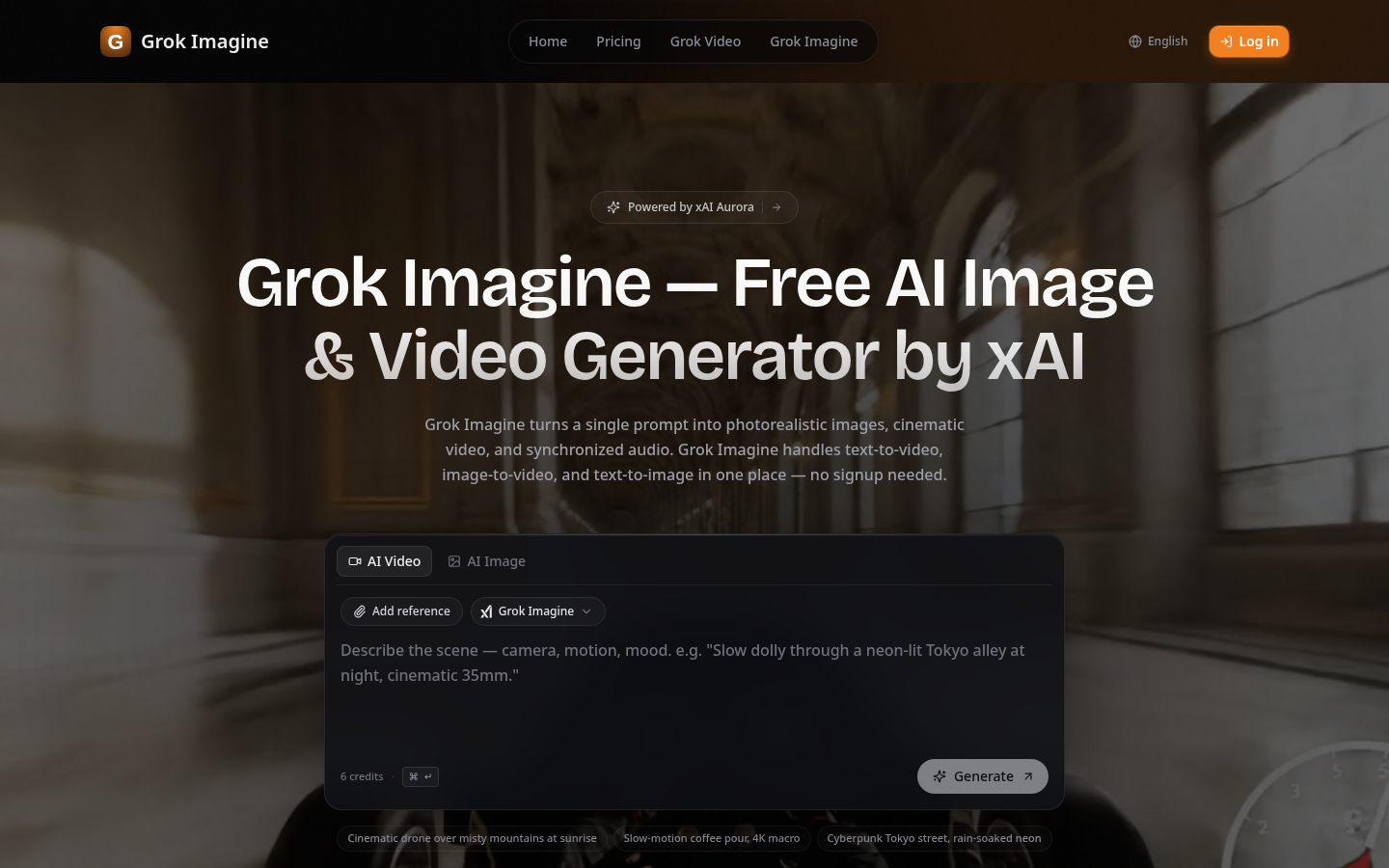
Screenshot archived from the listing page, for preview only.