
Grok Imagine 2
AI video generator for 1080p clipsText or images into cinematic video
Highlights
What you can do with it
- Marketers turning product copy into promo video
- Creators animating a set of still images
- Educators generating lesson video from text
How to use it
- 1 Choose text-to-video or image-to-video
- 2 Upload an image or enter a prompt
- 3 Click generate and wait for processing
- 4 Review and download the 1080p video
Who it is for
Pros
- Free online version to start
- 1080p native output
- Consistent characters across shots
- Broad style range
Limitations
- Free version limits and paid annual pricing apply
- Complex prompts may need several attempts
- Generated footage should be checked before public use
What Grok Imagine 2 is
Grok Imagine 2 is an AI video platform that converts text prompts or static images into high-quality 1080p video. A free online version is available, which lowers the barrier to trying it. The platform's headline claim is multi-shot consistency: characters and visual style remain stable across scene changes, which is one of the harder problems in AI video. Output is native 1080p with smooth motion and cinematic lighting, and creation is multimodal, so you can start from a written prompt or a single uploaded image. Semantic understanding is aimed at multi-character interaction, complex action sequences, and varied camera movement, and the style range spans realism, anime, cyberpunk, and watercolor.
What you can do with it
- Generate 1080p video from text prompts
- Animate static images into moving shots
- Keep characters consistent across multiple scenes
- Choose from realism, anime, cyberpunk, and watercolor looks
- Download finished clips for social or campaign use
Who it is for
- Video creators producing short-form and narrative content
- Marketers who need social advertising video quickly
- Educators turning lesson text into visual material
What to watch out for
A free online version exists, but an annual paid plan is promoted at a 50 percent discount, so sustained use likely costs money and the discount is a limited-time offer. Complex prompts involving several characters or precise camera moves may need multiple attempts before the shot reads correctly. Generation speed is described as fast, but heavy scenes still take time, and queueing can appear at busy periods. Review generated footage for accuracy and rights before publishing, and avoid generating content that imitates real people without permission. Keep expectations realistic: consistency across shots is a strength, but it is not perfect on every prompt.
FAQ
Is Grok Imagine 2 free?
A free online version is available, and an annual plan is offered at a 50 percent discount.
What quality does it output?
It provides native 1080p video with cinematic lighting effects.
What inputs does it accept?
Text prompts or an uploaded image, for text-to-video and image-to-video creation.
Who is it for?
Video creators, marketers producing social ads, and educators creating teaching video.
Why it is free
What the official page says: 免费
Free limits, trial length and features are decided by the official site and can change at any time.
Product preview
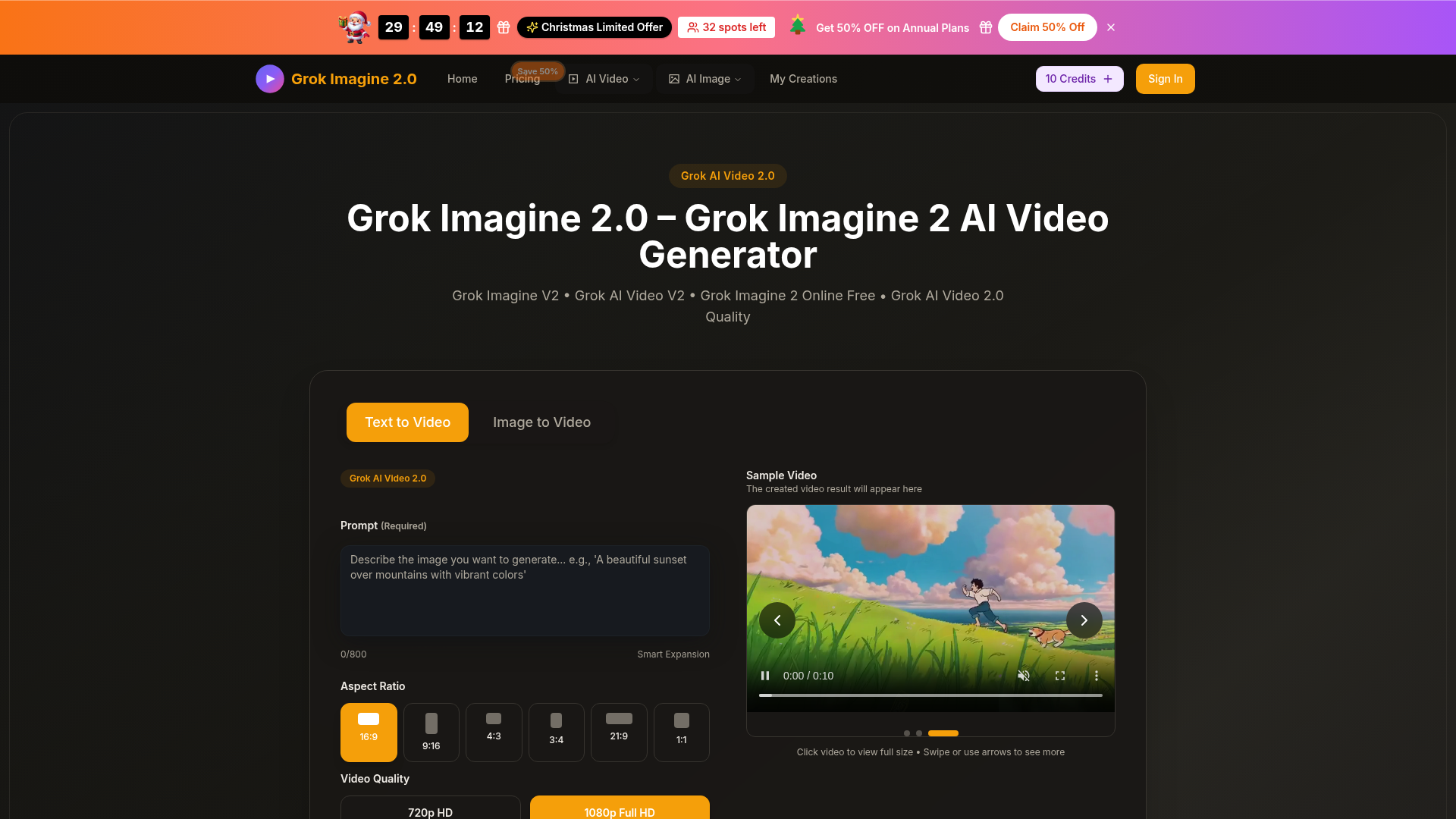
Screenshot archived from the listing page, for preview only.











