
Grok Imagine 2.0
Free online text-to-video generatorType a scene, get a video with sound
Highlights
What you can do with it
- Sellers generate product demo videos for listings
- Creators turn written ideas into short videos
- Developers make app demo and promo clips
How to use it
- 1 Describe your scene in plain language.
- 2 Press generate and wait for the render.
- 3 Regenerate if the result is not right.
- 4 Download in the ratio your platform needs.
Who it is for
Pros
- No editing skills or timeline required
- Audio is included with the video
- Free online tool with fast turnaround
Limitations
- Free tier is limited, paid packages apply after
- 720p output is below full HD
- Prompt control is coarse compared with an editor
What Grok Imagine 2.0 is
Grok Imagine 2.0 is a free online AI video generator powered by the Aurora model. The interaction is deliberately plain: you describe a scene in everyday language, such as a product on a marble counter or a coastal cliff at golden hour, and the model returns a finished clip. Output is rendered in 720p with synchronised audio, either ambient sound or dialogue, which the site presents as the fix for the silent-video problem in most AI generators. No editing skills are required, generation is advertised as taking less than a minute, and you can regenerate as many times as you need while the free allowance lasts. Export supports more than a dozen aspect ratios, and paid packages sit above the free tier.
What you can do with it
- Turn a written description into a video with sound
- Generate a clip in under a minute and regenerate freely
- Export in the ratio your platform prefers
- Produce product demos without a camera
Who it is for
- E-commerce sellers who need demo footage
- Creators converting ideas into short video
- Indie developers making app promos
- Anyone who wants video without an editor
What to watch out for
The free tier is a trial with limits, and the paid packages are the real product, so check current pricing and quotas before you plan a content calendar. Output is 720p, which is fine for social but short of full HD if you need it for larger screens. Control is coarse: you steer with words rather than keyframes, so precise camera moves or exact product placement are hard to guarantee, and you will regenerate often. Audio is generated alongside the picture, so check it makes sense and does not contain garbled speech before publishing. Model behaviour and free limits can change, and the site advertises time-limited discounts, so treat headline prices as provisional.
FAQ
Is Grok Imagine 2.0 free?
It is presented as a free online AI video generator, with multiple paid packages available for heavier use.
Does the video come with sound?
Yes. Clips are rendered with built-in ambient sound or dialogue audio, which the site says solves a common gap in AI video tools.
What resolution and ratios?
Clips are 720p, and export covers more than a dozen aspect ratios suited to YouTube, TikTok, Instagram, and broadcast.
Why it is free
What the official page says: 免费
Free limits, trial length and features are decided by the official site and can change at any time.
Product preview
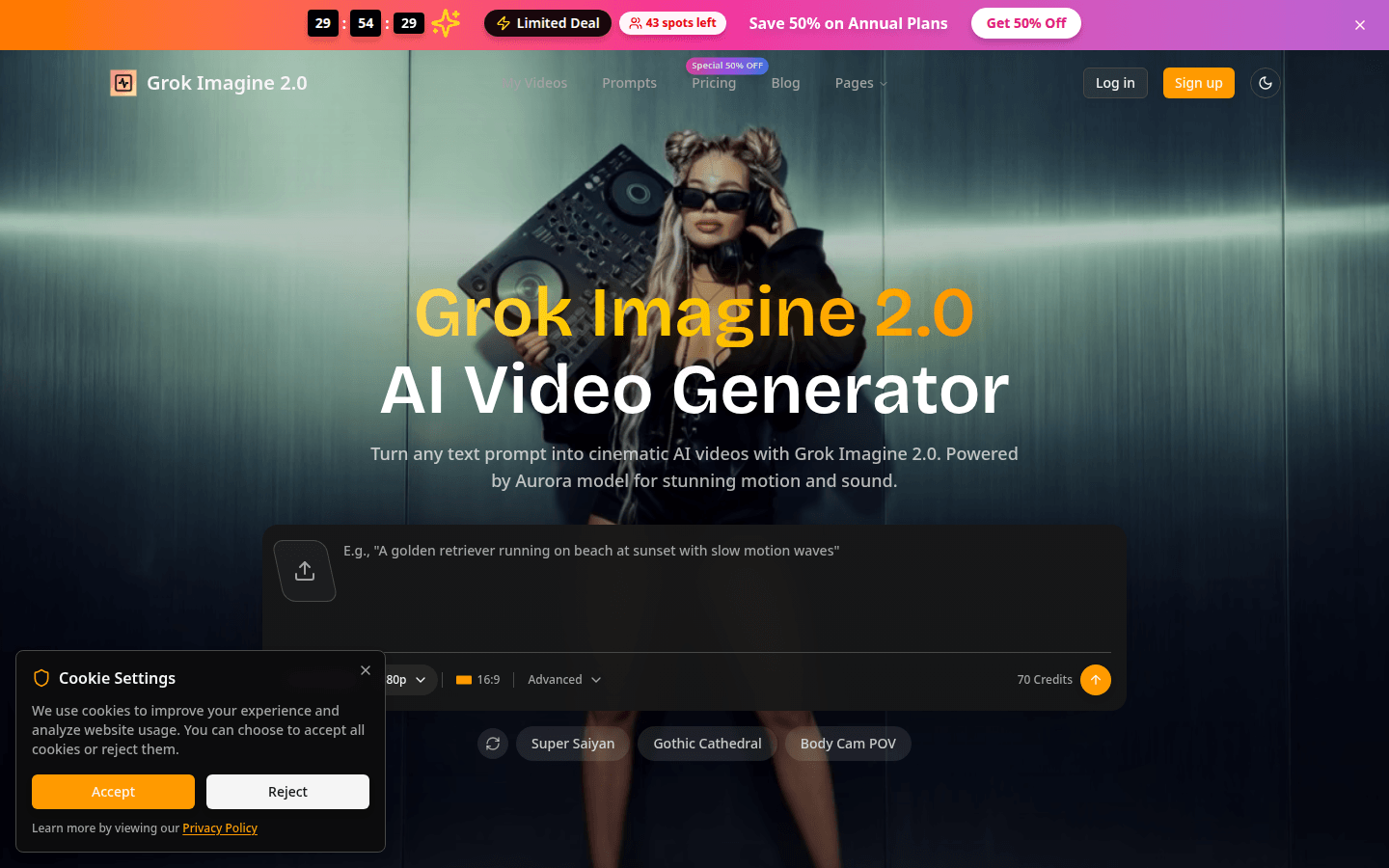
Screenshot archived from the listing page, for preview only.











