
Grok Imagine 1.5
Image-to-video AI generating 1 to 15 second clips with prompt control.One image in, a moving scene out.
Highlights
What you can do with it
- Urban action clips with camera movement and environmental depth
- Natural-light portrait videos with subtle expressions and hair motion
- Storyboard animations for scripts and concept previews
How to use it
- 1 Prepare a clear reference image with a clean subject and stable lighting
- 2 Describe movement rather than stacking adjectives in your prompt
- 3 Test first at 480p with a shorter duration to explore cheaply
- 4 Increase resolution and duration once motion and rhythm fit
- 5 Use history records to compare models and pick the result you want
Who it is for
Pros
- Low entry barrier: one image starts a video
- Free trial before buying credits
- Model comparison in history speeds up quality decisions
Limitations
- Clips are short, 1 to 15 seconds, not full productions
- Results vary with image quality and prompt clarity
- Credit pricing and trial terms can change over time
What Grok Imagine 1.5 is
Grok Imagine 1.5 is an AI video generator focused on image-to-video conversion: you provide one reference image, and it produces a short video of 1 to 15 seconds, with 8 seconds as the default. Output options include 480p and 720p resolutions and 8 aspect ratios, so clips fit different platforms. Optional prompts steer the result, guiding actions, camera shots, and sound atmosphere. The Grok Imagine Video 1.5 Preview ranks at the top of the Image-to-Video Arena, which the product cites as evidence of competitive generation quality. A free trial lets you start exploring, and paid credits cover further generations.
What you can do with it
- Animate product images into dynamic shorts for marketing and social content
- Turn portrait photos into short clips with camera movement and natural micro-motion
- Convert storyboard-style images into storyboard animations for scripts and concept previews
- Compare outputs from older Grok, Veo, Nano Banana, and Grok Imagine 1.5 via labeled history records
Who it is for
- Product motion creators who need quick dynamic versions of static product shots
- Portrait and short-film creators experimenting with cinematic camera work
- Character animation creators testing how design sheets move
- Advertising creators producing fast samples before committing budget
What to watch out for
These are short clips, not complete videos, so plan them as components of larger edits. Quality depends on your reference image: clear subjects, clean edges, stable lighting, and minimal occlusion produce noticeably better motion. Prompting works best when you describe movement concretely rather than piling up adjectives. Costs scale with testing, so use the free trial and low-resolution, short-duration tests to explore before spending credits, and remember that trial terms, credit pricing, and ranking claims can change over time. Review any generated content for likeness and copyright issues before commercial publication.
FAQ
How long can generated videos be?
Videos run from 1 to 15 seconds, with 8 seconds as the default duration.
What resolutions are supported?
It supports 480p and 720p resolutions and 8 different aspect ratios to fit various display platforms.
Is there a free trial?
Yes, you can start a free trial. Paid credits are used for additional generations.
Why it is free
What the official page says: free trial
Free limits, trial length and features are decided by the official site and can change at any time.
Product preview
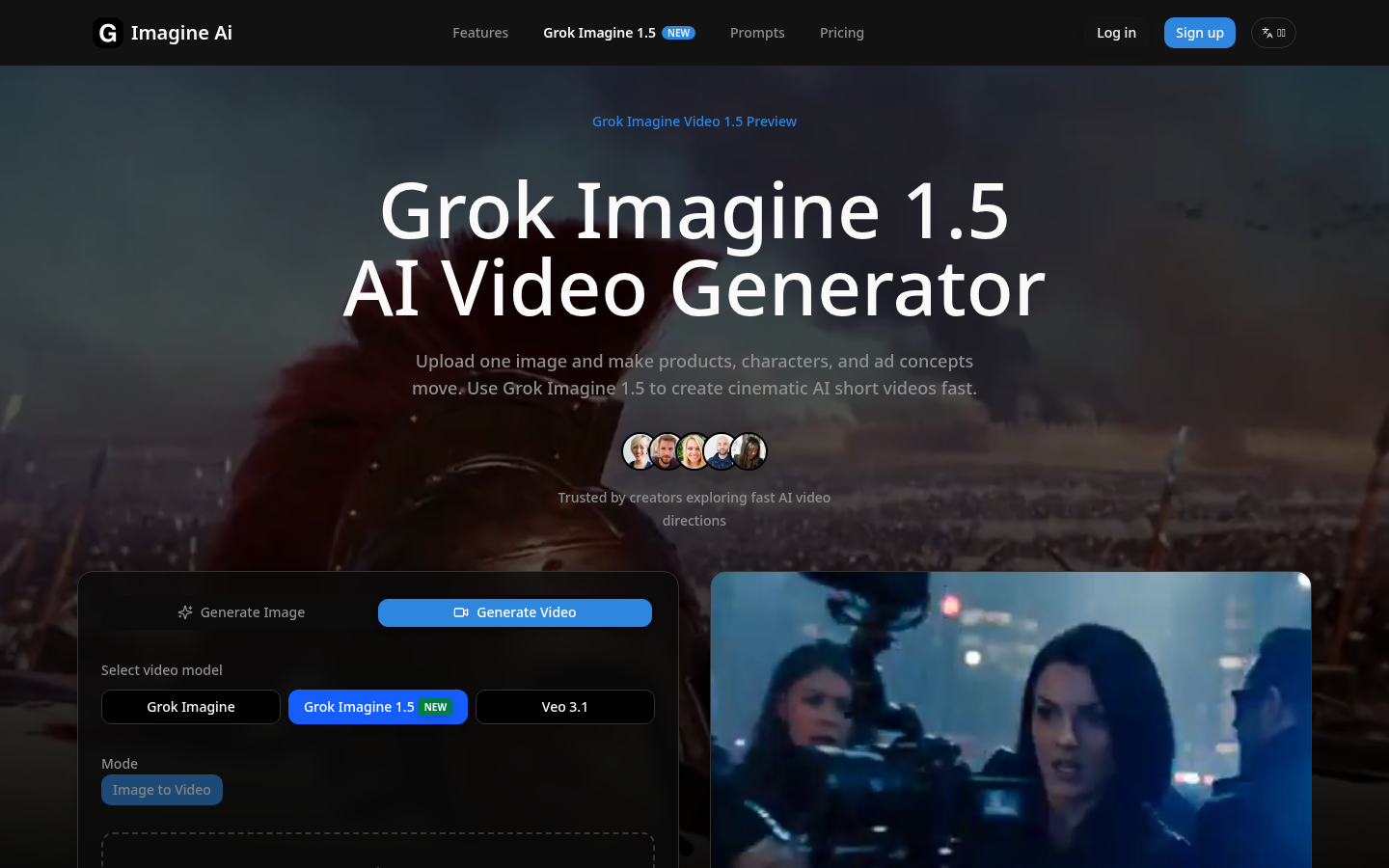
Screenshot archived from the listing page, for preview only.











