
Grok Image 2.0
Detailed AI image generator and editorText or references into high-detail images with control
Highlights
What you can do with it
- Turn one product photo into a full catalog of living scenes
- Build a game scene with character, environment, and HUD text at once
- Generate multiple brand poster versions for social promotion
How to use it
- 1 Enter a prompt or attach a reference image
- 2 Choose size, quality, and aspect ratio
- 3 Generate, then refine regions or edit with multiple references
- 4 Download the high-resolution image when it looks right
Who it is for
Pros
- Strong text rendering compared with typical diffusion tools
- Up to five references give real consistency control
- Wide style range and high output resolution
Limitations
- A free trial is offered, but credit costs can change
- Best results need careful prompt and reference setup
- Very specific or niche subjects may still need editing
What Grok Image 2.0 is
Grok Image 2.0 is an AI image generator that turns text descriptions or reference images into detailed, realistic images. It is built for creative work that needs control, so it adds region editing, multi-reference input, and smart resizing on top of basic text-to-image. It also handles text rendering well, which makes it useful for titles, labels, and UI copy that other image tools often get wrong. A free trial is offered, and paid credits unlock more generation.
What you can do with it
- Turn a prompt or reference into a high-detail image
- Combine up to five references for character and product consistency
- Edit regions, remove backgrounds, and resize without awkward crops
- Output from 1K to 4K across styles from portraits to pixel art
Who it is for
- Marketing and advertising teams making banners and social posts
- E-commerce and DTC brands building product catalogs
- Designers who need consistent icons, UI, and illustration sets
What to watch out for
A free trial is offered, but credit costs and free limits can change, so confirm current terms before heavy use. Getting consistent characters or products takes careful reference and prompt setup, so expect to iterate. Very niche subjects may still need manual editing after generation. Check the license for any images you plan to use commercially, especially when references include third-party material. Processing speed depends on file size and network conditions, so retry later if a task stalls during peak hours. Run one full task end to end first, then expand once you are comfortable with the workflow and the result quality. Name and archive exported files consistently so you can find and reuse them, and keep a backup copy of key data.
FAQ
Can I keep a character consistent?
Yes. You can combine up to five reference images in one generation for character, product, and style consistency.
How good is the text in images?
It renders titles, labels, and multi-line layouts with higher fidelity than typical diffusion tools.
Is there a free trial?
Yes, a free trial is offered, with paid credits to unlock more generation.
Why it is free
What the official page says: free trial
Free limits, trial length and features are decided by the official site and can change at any time.
Product preview
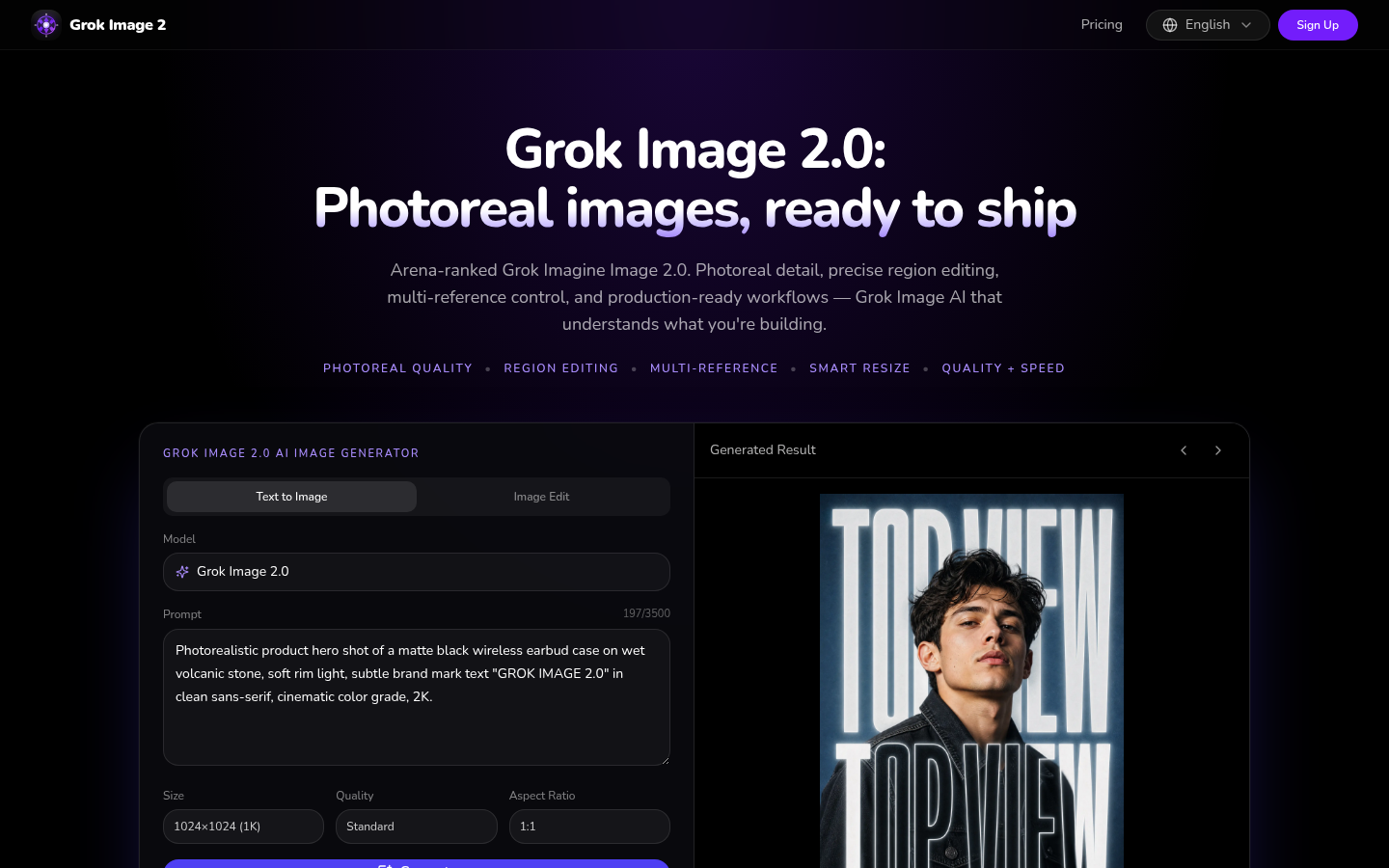
Screenshot archived from the listing page, for preview only.











