
Grok 5 Imagine
AI video generator with auto audioPrompts to video with synced sound
Highlights
What you can do with it
- Turn a photo into a short animated clip
- Create social video from a written idea
- Generate a personalized dynamic avatar
How to use it
- 1 Enter a text prompt or upload an image
- 2 Choose standard or spicy mode
- 3 Adjust any available settings
- 4 Generate, preview, and download the video
Who it is for
Pros
- Free to use per the site
- Fast generation from simple input
- Audio is generated with the video
Limitations
- Credits are required once they run out
- The site was returning a redirect at review time, so access may be unreliable
- Output quality depends on the prompt
- Free terms and credit rules can change
What Grok 5 Imagine is
Grok 5 Imagine is an AI video generator at grok5imagine.com. The site says it turns text prompts or uploaded images into cinematic video within seconds, and that each result comes with automatically generated voice-over and synchronized sound effects. Listed features include text-to-image and text-to-video functions, image-to-video animation that adds natural motion while preserving the original, standard and spicy creative modes, a fast generation pipeline, and pure online use with no installation on desktop or mobile browsers. The site says it can be used for free on the official website, with credits required when they run out.
What you can do with it
- Turn a written idea into a short video
- Animate a still image with motion and sound
- Create a personalized dynamic avatar
- Switch between standard and spicy styles
Who it is for
- Creators making short social video
- Marketers animating product images
- Streamers and individuals making avatars
What to watch out for
The site says the tool is free to use, but credits are required once they run out, and credit rules and prices can change, so confirm the current terms on the official page before building a workflow. The site was returning a redirect rather than a normal page at review time, so access may be unreliable and you should verify it loads first. Output quality depends heavily on your prompt and source image, so expect to rewrite and regenerate rather than get a finished clip immediately. Because generation runs on external infrastructure, queue times and uptime are outside your control, and anything you publish should be reviewed before it goes live. Start with a short test, preview carefully, and treat the free allowance as a trial rather than an unlimited tier.
FAQ
Is Grok 5 Imagine free?
The site says it can be used for free on the official website, but credits must be purchased when they run out.
What does it create?
Videos from text or images, with automatic voice-over and synchronized sound effects.
What are the modes?
A standard mode focused on realistic results and a spicy mode described as bolder and more creative.
What should I keep in mind?
The site was returning a redirect at review time, and credits are needed after the free amount, so check access and current rules first.
Why it is free
What the official page says: for free
Free limits, trial length and features are decided by the official site and can change at any time.
Product preview
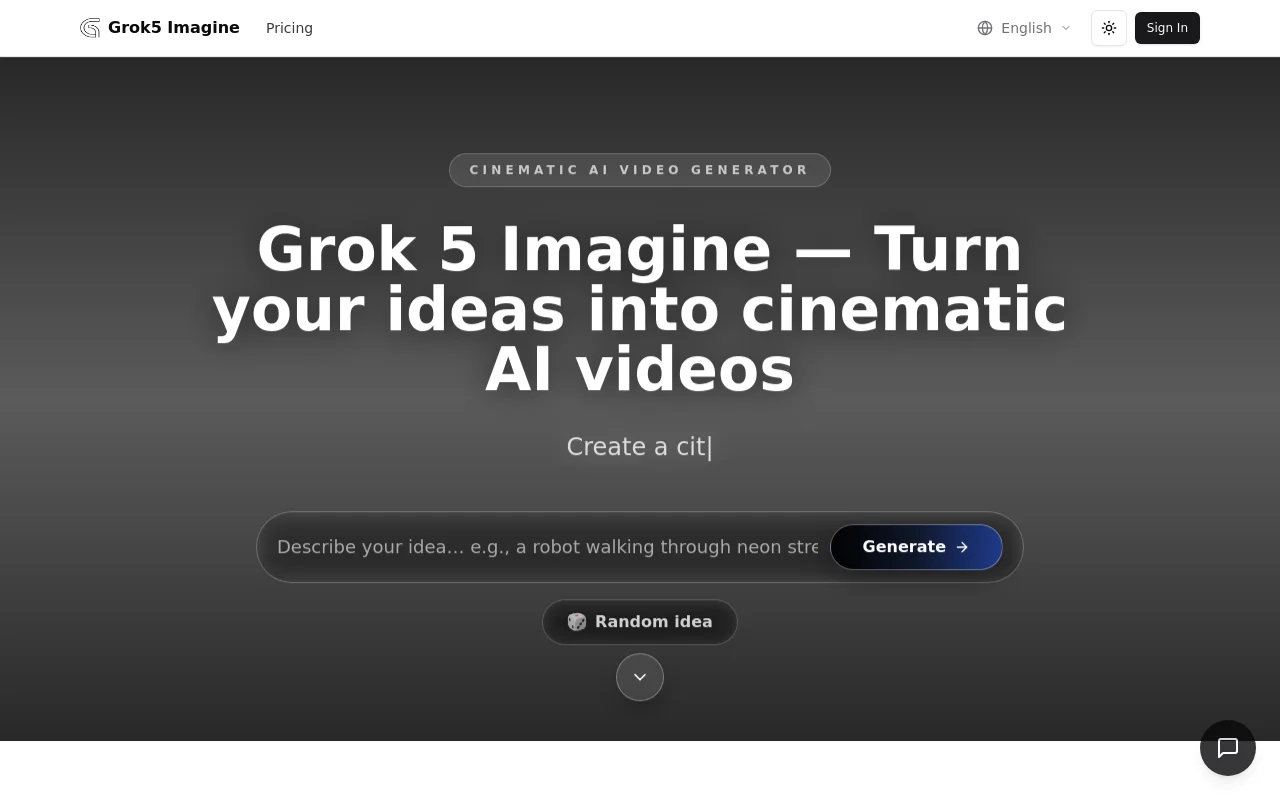
Screenshot archived from the listing page, for preview only.











