
Grimo
AI co-editing text editor for team collaborationCo-write with AI in one shared editor
Highlights
What you can do with it
- Novelists draft and revise chapters together with live feedback
- Students write papers while pulling in sources and prompts
- Corporate teams co-write proposals without version conflicts
How to use it
- 1 Visit the Grimo website and register an account.
- 2 Create or open a document and use AI, voice, or search as you write.
- 3 Invite teammates to edit in real time, then export or share.
Who it is for
Pros
- AI works as a collaborator, so your voice stays in the writing
- Real-time editing cuts down on file sharing
- Free plan available to try the core editor
Limitations
- The free plan has limits; paid tiers unlock advanced features and team security
- Results depend on the underlying AI models, which can change over time
- New users need time to learn how to prompt the AI well
What Grimo is
Grimo is an AI text editor that treats the AI as a writing partner rather than a replacement. It runs on recent large language models, including DeepSeek R1 and OpenAI GPT-4, and puts you in charge of every line that gets published. The core idea is simple: you write, the AI assists, and nothing goes live until you approve it. Grimo is free to start, with paid plans when you need more headroom. Alongside the editor, it bundles voice input, real-time collaboration, a built-in search function, prompt helpers, document management, and community-made templates. For organizations that need tighter permissions, a team version adds advanced security and access control so managers can decide who sees and edits what.
What you can do with it
- Co-write with the AI and revise every suggestion while keeping your voice
- Use voice input to draft quickly when typing is not convenient
- Edit the same document with teammates in real time, with no file sharing
- Pull in trustworthy sources and reuse community templates in one place
Who it is for
- Writers who want AI support without handing control to the machine
- Students working on papers who benefit from prompts and source lookup
- Teams that co-author proposals or long documents and want to stop emailing files
What to watch out for
The free plan is a starting point, not the full product. Advanced features and team-level security sit behind paid tiers, and the exact free limits can change as Grimo evolves. Because the editor relies on external AI models, response quality and availability may shift when those models update, which is normal for this kind of tool but worth planning around. There is also a learning curve: useful suggestions mean learning how to phrase prompts and steer the editor toward your tone. If your work is confidential, review the security and access control settings before you depend on it.
FAQ
Is Grimo free to use?
Grimo has a free plan. Paid options add advanced features and, for teams, stronger security and access control.
Must I accept what the AI writes?
No. Grimo is built for co-editing, so you stay in control and can revise any suggestion.
Can several people edit one document?
Yes. Real-time collaboration lets multiple users work in the same document at once.
Why it is free
What the official page says: 免费
Free limits, trial length and features are decided by the official site and can change at any time.
Product preview
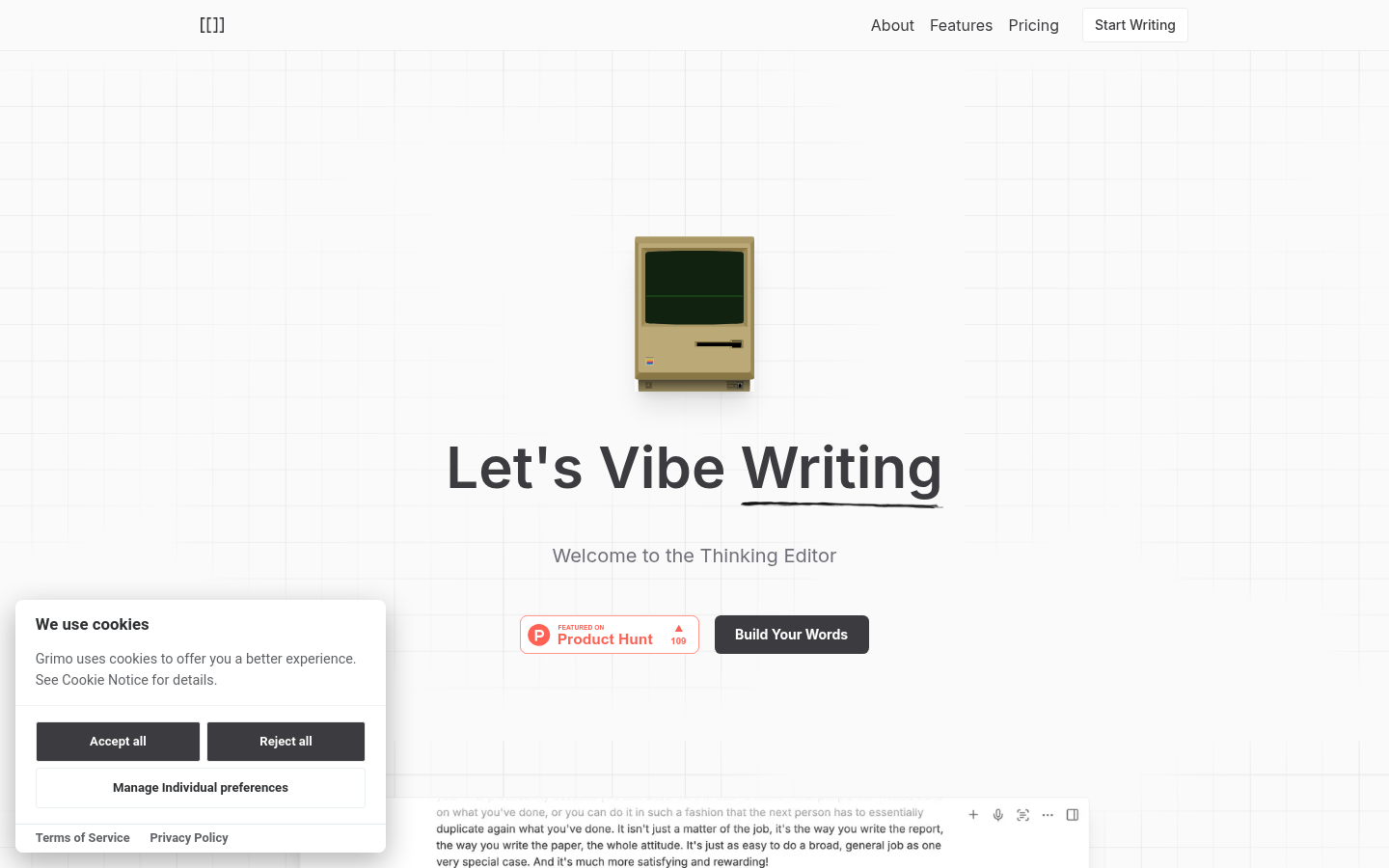
Screenshot archived from the listing page, for preview only.











