
Gridset
Brand-compliant document generatorTurn content into on-brand documents fast
Highlights
What you can do with it
- Turn a Notion marketing plan into a branded PPTX deck
- Produce a board-ready PDF from financial data and analysis
- Convert a Google Docs proposal into a designed document for a client meeting
How to use it
- 1 Open the Gridset site and start the free trial or register
- 2 Upload brand guidelines or specify a website URL
- 3 Import content from Notion, Google Docs, PDF or Word, or type it in
- 4 Review the automatic design and adjust format and layout
- 5 Export as PDF, PPTX or PNG
Who it is for
Pros
- No rewriting or copy-pasting between tools to get a branded look
- Structure holds up on long documents, not just one-pagers
- Multiple export formats cover decks, documents and images
Limitations
- The free trial is limited and the paid model is not detailed on the page
- Brand matching depends on how complete your guidelines or URL are
- Layout choices still need a human eye before an important presentation
What Gridset is
Gridset is an online document tool from Nitrolabs Limited. The problem it targets is the last mile of document work: the content exists, but turning it into something that looks like it came from your brand takes an afternoon of formatting. Gridset short-circuits that by learning the brand first. You upload brand guidelines or give it a website URL, and it picks up the brand voice, design system and visual style. You then import content from Notion, Google Docs, PDF or Word and it designs the document automatically, without rewriting or copy-pasting. Structure stays stable whether the document is one page or fifty, and exports go to PDF, PPTX or PNG. A free trial is offered.
What you can do with it
- Learn a brand's voice and visual system from guidelines or a URL
- Import existing content and have it designed automatically
- Keep margins, spacing and layout consistent across long documents
- Export to PDF, PPTX or PNG for different audiences
- Pull content from Notion or Google Docs, or create inside Claude or Cursor
Who it is for
- Marketing and communications teams producing decks and reports repeatedly
- Finance and operations teams preparing board and shareholder documents
- Sales teams that need a professional proposal quickly
- HR and administrative teams building manuals and onboarding material
- Anyone who has good content and no time to format it
What to watch out for
The free trial is an evaluation window and the paid model is not detailed on the page, so confirm pricing before it becomes part of a team workflow. Brand matching depends entirely on the input: thin guidelines or a homepage URL that does not represent the full system will produce a document that is broadly on-brand but wrong in detail. And automated layout is a strong first draft, not a final design, so anything going to a board or a major client still deserves a human pass.
FAQ
Is there a free trial?
Yes. You can start a free trial or try the demo on the Gridset site.
Where can I import content from?
Notion pages, Google Docs, PDF and Word files, or you can enter content directly in Gridset.
What can I export to?
PDF, PPTX or PNG.
How does it learn my brand?
You upload brand guidelines or specify a website URL, and it matches the brand voice, design system and visual style.
Why it is free
What the official page says: free trial
Free limits, trial length and features are decided by the official site and can change at any time.
Product preview
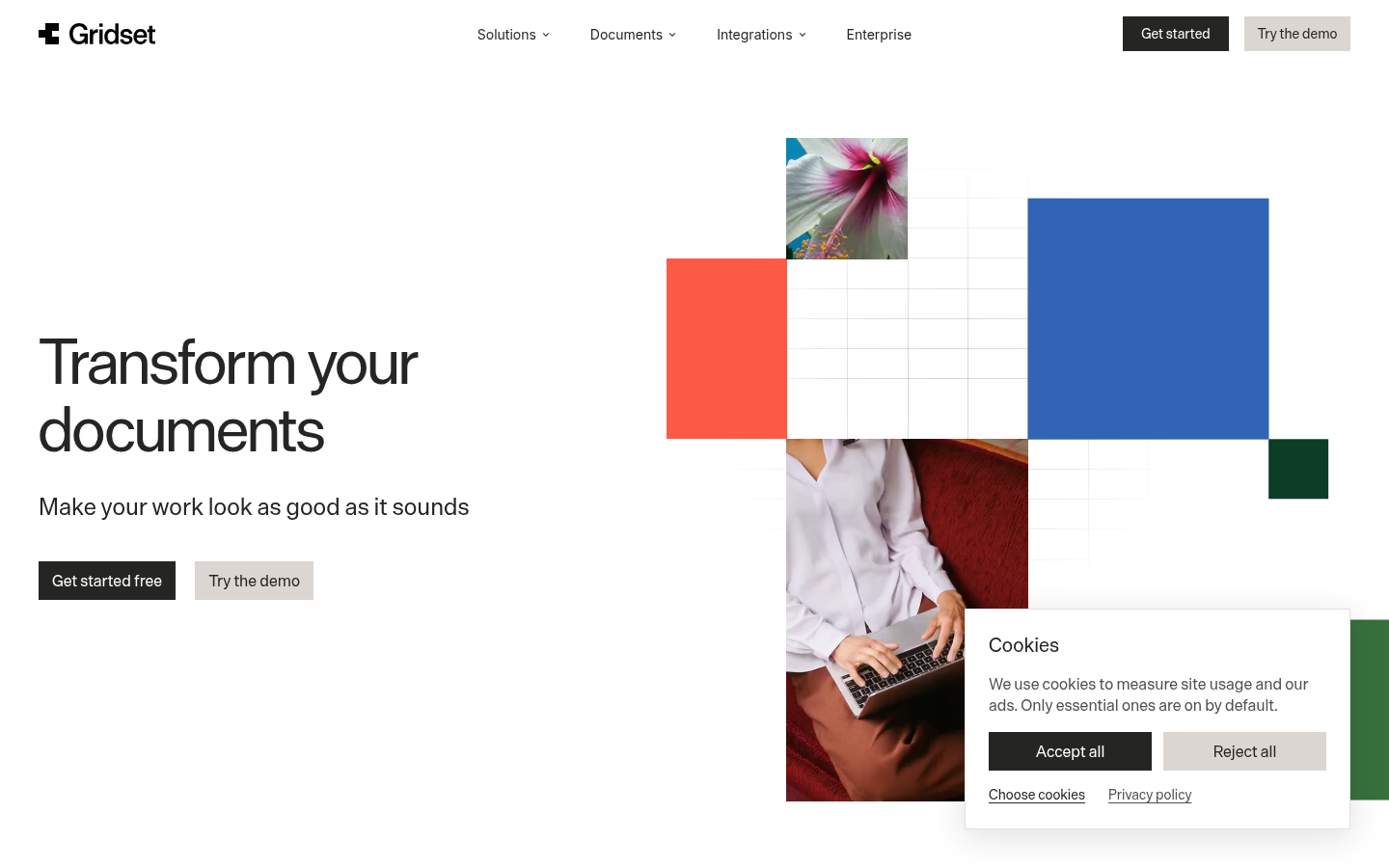
Screenshot archived from the listing page, for preview only.











