
Graphis
All-in-one AI creative whiteboardImages, video, and text in one place
Highlights
What you can do with it
- Game developers generating character and scene assets
- Advertising designers combining text, images, and video
- Animation studios creating consistent storyboards
How to use it
- 1 Visit Graphis and start the free trial
- 2 Open the smart whiteboard interface
- 3 Choose an AI model or set up a custom palette
- 4 Enter prompts to generate images, video, or text
- 5 Edit and enhance the result, then save or share it
Who it is for
Pros
- No switching between tools for different content types
- Large model selection with parameter control
- Community for tips, sharing, and new features
Limitations
- Only a free trial is offered, so continued use is paid
- The number of models and tools means a learning curve
- Output quality depends on your prompts and direction
What Graphis is
Graphis is a creative platform built around a smart whiteboard where images, video, and text live side by side. Instead of generating an image in one app, a video in another, and text in a third, you do all of it on one canvas and combine the elements directly. The platform gives access to hundreds of AI models, and you can customize model parameters or build custom palettes to match a project. It works across devices, has an active community where creators share work and tips, and offers a free trial for people who want to test the workflow.
What you can do with it
- Generate images, videos, and text from prompts on the whiteboard
- Mix and place different content types without exporting between tools
- Choose from hundreds of AI models and tune their parameters
- Edit and enhance results with tools like LoRA management and AI agents
- Save, share, and learn from the creator community
Who it is for
- Creative workers who handle images, video, and copy in one project
- Designers who want generation and editing in the same place
- Video creators and illustrators who rely on AI models for output
What to watch out for
Only a free trial is offered, so ongoing use means a paid plan, and you should check pricing against how much you create. The breadth of models and tools is a strength but also a learning curve, so expect to spend time finding the models that suit your style. Output quality depends heavily on your prompts and direction, which means the platform gives you range rather than guaranteed results. Because it mixes several AI models in one workflow, keep copies of anything important, and test exports before you rely on them for client work.
FAQ
What is Graphis?
It is an all-in-one creative platform where you generate, edit, and enhance images, videos, and text on a smart whiteboard.
Is there a free trial?
Yes, Graphis offers a free trial.
What tools does it include?
It provides hundreds of AI models, editing tools such as LoRA management and AI agents, and cross-platform access.
Why it is free
What the official page says: free trial
Free limits, trial length and features are decided by the official site and can change at any time.
Product preview
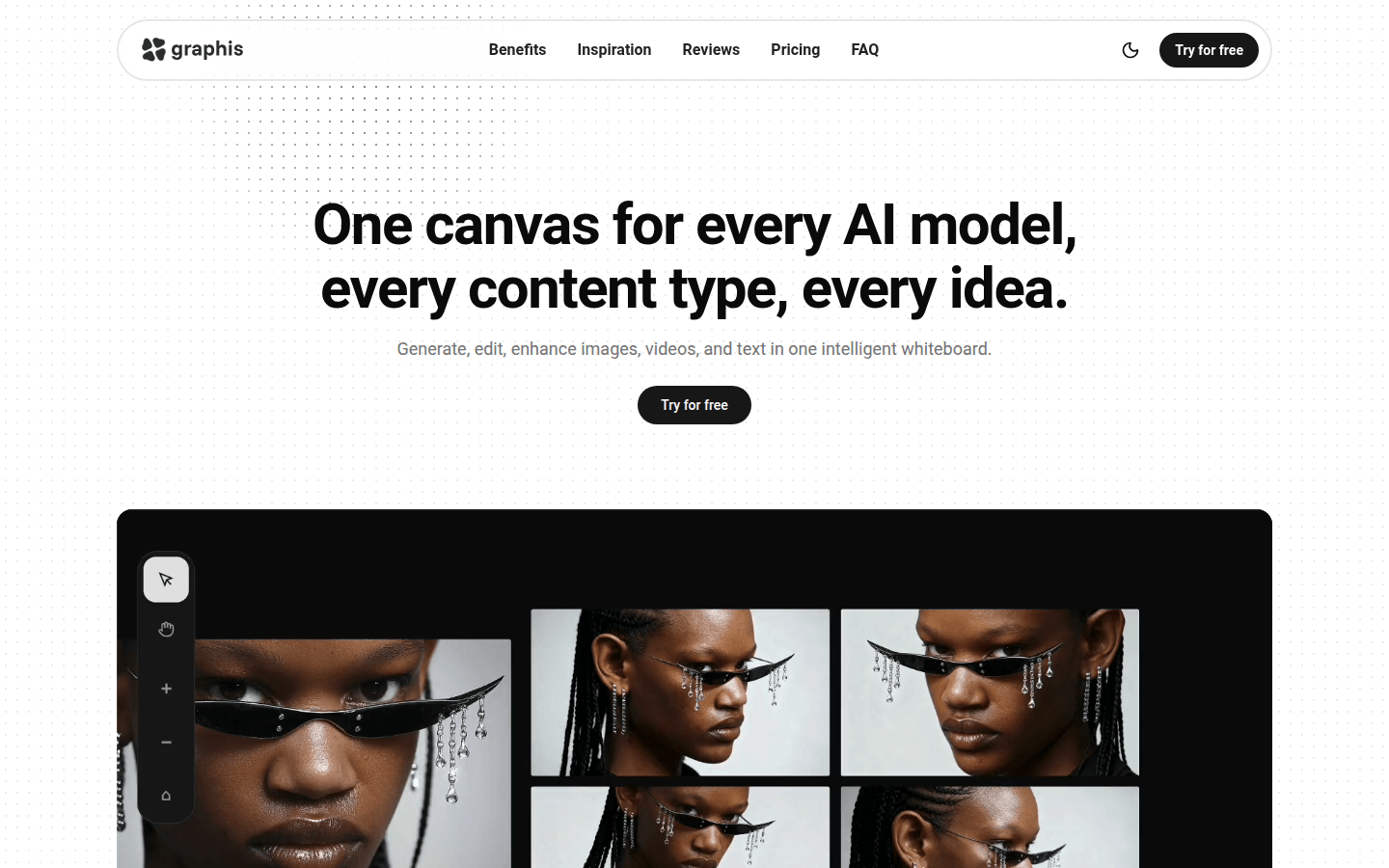
Screenshot archived from the listing page, for preview only.











