
Granola
AI notebook that remembers your meetingsTurn meetings into searchable memories
Highlights
What you can do with it
- Capture decisions and action items automatically
- Search back through past meetings instantly
- Share clean notes with teammates after a call
How to use it
- 1 Download the Granola app
- 2 Connect it to your meeting application
- 3 Join your meeting as usual
- 4 Search the transcript and notes afterward
Who it is for
Pros
- Free to download right now
- Searchable record instead of scattered notes
- Works with various meeting apps
Limitations
- A paid enterprise version may be priced in the future
- Recording conversations needs consent in many places
- Transcription accuracy depends on audio quality
What Granola is
Granola is a productivity tool built for business meetings. Its core idea is simple: during a call you should be listening, not typing, so the app uses AI to convert the conversation into rich, searchable memories afterward. That means decisions, action items, and context end up in a record you can actually find again instead of scattered across notebooks. The tool works with various meeting applications, so it does not demand that you change how you meet. It is targeted at business professionals and teams who spend their days in calls. The product is currently free to download, and the company has indicated that a paid enterprise version may be priced in the future. For teams, the value compounds: a shared record means someone who missed the call can catch up without a recap meeting, and decisions stay traceable.
What you can do with it
- Capture meeting conversations as searchable notes
- Find decisions and action items from past calls quickly
- Stay focused in the conversation instead of writing
- Share a clean record with teammates after the meeting
- Catch up on a meeting you missed without asking for a summary
Who it is for
- Business professionals in back to back meetings
- Teams that need a shared, searchable record
- Anyone whose notes fall apart while they are listening
- Remote teams spread across time zones
What to watch out for
The free download reflects the current stage; the company has said a paid enterprise version may be priced in the future, so features and pricing can shift as the product matures. Recording or transcribing meetings touches other people's consent, and rules about that vary by region and company, so get agreement before you capture a call. Transcription quality depends on audio, accents, and overlapping speech, so review important details before treating a note as final. Test it on internal meetings first before using it with clients, and let participants know a transcript is being made, since that is both polite and often required.
FAQ
Is Granola free?
It is currently free to download; a paid enterprise version may be priced later.
What does it do?
It converts meeting conversations into rich, searchable memories.
Which meeting apps does it work with?
The page says it supports various meeting applications.
Who is it for?
Business professionals and teams.
Why it is free
What the official page says: 免费
Free limits, trial length and features are decided by the official site and can change at any time.
Product preview
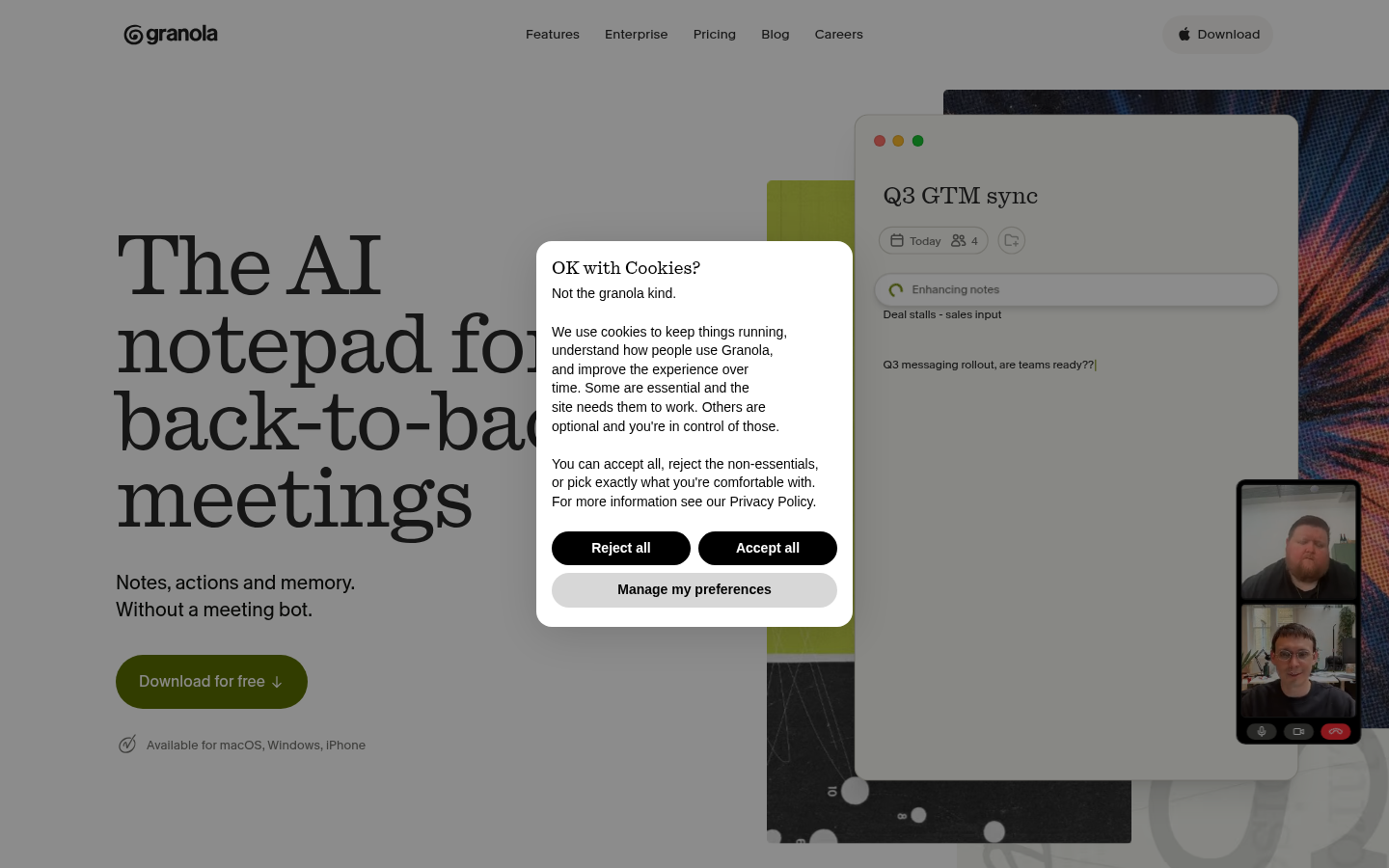
Screenshot archived from the listing page, for preview only.