
Gradient Page
Gradient wallpaper collectionGradient backgrounds for phone and desktop
Highlights
What you can do with it
- Setting a gradient background on an iPhone
- Applying a gradient to an app interface
- Giving a Mac desktop a cleaner look
How to use it
- 1 Open the Gradient Page site
- 2 Browse the gradient collection
- 3 Pick the size that matches your device
- 4 Download a free sample or a full pack
- 5 Set the image as your wallpaper or background
Who it is for
Pros
- Free samples let you test the look first
- High resolution files suit large displays
- Gradients work as neutral backgrounds behind text
- Simple to use, no design work needed
Limitations
- A wallpaper collection, not an editor or generator
- Full packs appear to be paid, with only samples free
- Style range is limited to gradients
- Licensing for commercial use in apps is not described
What Gradient Page is
Gradient Page is a collection of gradient background wallpapers for apps, iPhone and Mac. There is no generator and no editor here, just a library of finished images you download and set. The listing describes more than one hundred and fifty gradients, including ninety designed for newer Macs, with support up to 5K resolution so the files hold up on large displays. Free sample wallpapers are offered, with additional packs and creator resources planned. The appeal is that a gradient gives a device a cleaner look without any design work.
What you can do with it
- Download a gradient and set it as an iPhone wallpaper.
- Apply a gradient as an app or interface background.
- Give a Mac desktop a calmer, less cluttered look.
- Grab a free sample to test the style before buying a pack.
- Use a neutral gradient behind text in a mockup or a slide.
Who it is for
- Anyone who wants a cleaner home screen or desktop.
- Designers who need background assets for mockups.
- Developers dressing up an app, a landing page or a presentation.
- People who change wallpapers often and want variety.
What to watch out for
This is a static collection rather than a tool, so if you want to create your own gradients or adjust colours you will need different software. The free part is the sample wallpapers, and full packs appear to be paid, so check what each pack costs before you get attached to a specific image. The style range is narrow by design, since everything is a gradient, which will not suit every desktop. Finally, the listing mentions creator resources but does not spell out commercial licensing, so read the terms before using an image inside a product you sell.
FAQ
How many wallpapers are there?
The listing says more than 150 gradient wallpapers, including 90 designed for newer Macs.
What resolution is supported?
Up to 5K resolution is listed.
Which devices can I use them on?
Apps, iPhone and Mac are named in the listing.
Are any of them free?
Yes, free sample gradient wallpapers are offered.
Can I use them in my own app?
The listing mentions resources for creators but does not spell out commercial licensing, so check the terms first.
Why it is free
What the official page says: 免费
Free limits, trial length and features are decided by the official site and can change at any time.
Product preview
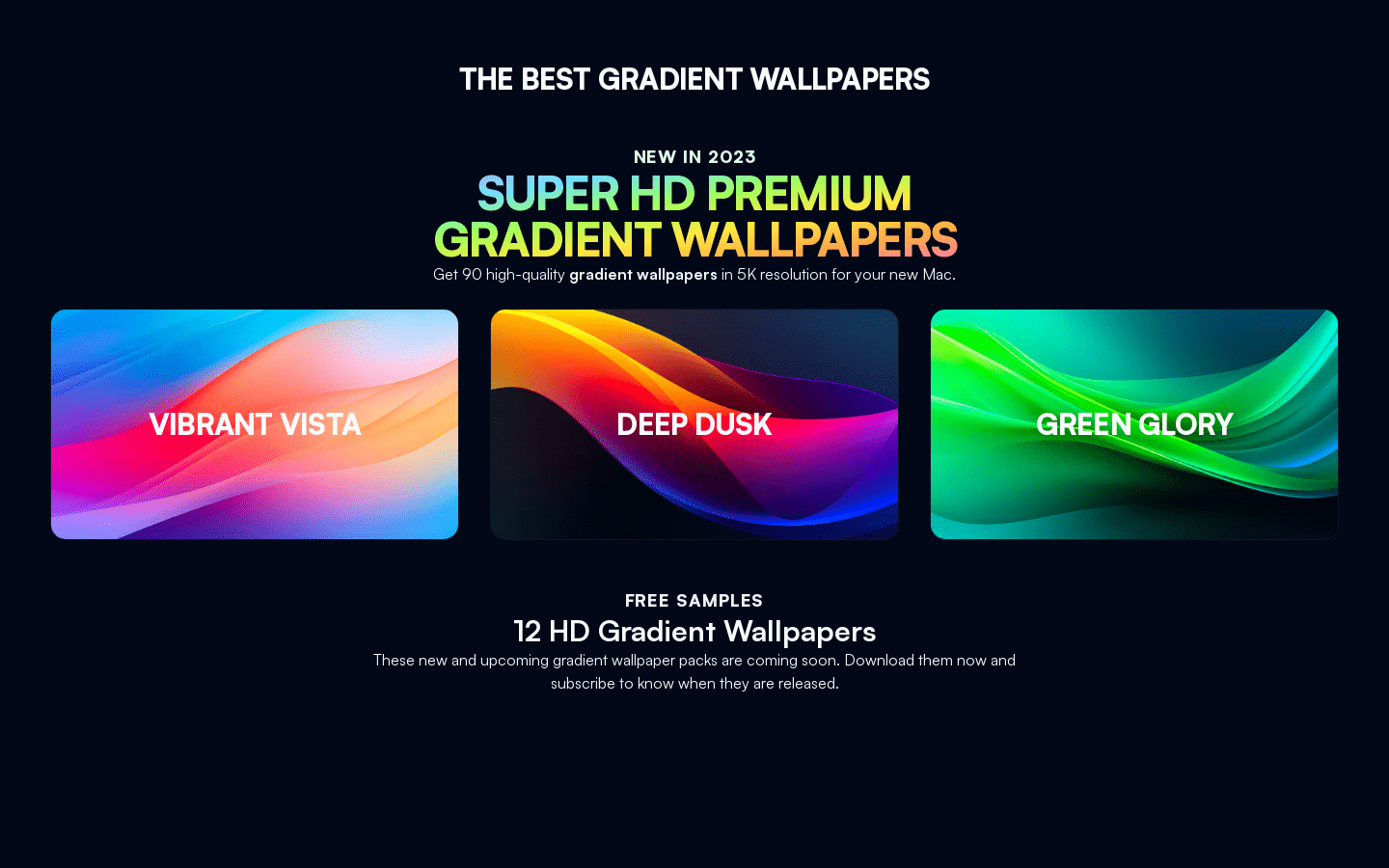
Screenshot archived from the listing page, for preview only.











