
GPTSeek.xyz
ChatGPT export extensionOne-click Markdown chat export
Highlights
What you can do with it
- Moving project discussions from ChatGPT to DeepSeek
- Exporting notes into Markdown for reorganising
- Carrying creative dialogue to a new platform
How to use it
- 1 Install the GPTSeek extension in Chrome.
- 2 Open ChatGPT and pick the conversation to export.
- 3 Click the extension icon and choose export.
- 4 Select Markdown format and set DeepSeek as the target.
- 5 Open DeepSeek and continue working with the content.
Who it is for
Pros
- One click instead of manual copy and paste
- Markdown keeps headings and structure
- Free to use
Limitations
- It depends on the ChatGPT page layout, so site changes can break it
- It depends on DeepSeek accepting the content, which is outside the extension's control
- Exported chats can contain personal data, so store them carefully
What GPTSeek.xyz is
GPTSeek is a Chrome extension with one job: get conversation content out of ChatGPT and into a form you can reuse. You click the extension icon, choose export, and the conversation is converted into Markdown, which keeps headings, lists, and structure instead of collapsing everything into plain text. From there the content can be moved into DeepSeek, which is the migration path the extension is built around. The listing describes it as free with no additional fees, and the use cases are the usual ones: project discussions, long note threads, and creative dialogue that people want to reorganise somewhere else.
What you can do with it
- Export a ChatGPT conversation in one click
- Keep the content structure with Markdown output
- Move the exported text into DeepSeek
- Avoid manual copying and pasting of long threads
Who it is for
- People who keep notes and drafts inside chat windows
- Teams moving discussion history between platforms
- Anyone who wants chat content in an editable, portable format
What to watch out for
The extension reads the ChatGPT page, so any change to that page can break the export until the extension is updated, and there is no guarantee about how quickly that happens. It also depends on DeepSeek accepting the content, which is outside the extension's control, so test with a short conversation before you move something important. Exported chats often contain personal or confidential detail, and Markdown files are easy to copy and sync by accident, so decide where they are stored and who can see them. Finally, free extensions can change ownership or terms, so review the permissions it asks for before you install.
FAQ
What does it export?
ChatGPT conversation content, in Markdown format.
Where does the content go?
To DeepSeek, for further processing.
Is it free?
Yes, the listing describes it as free with no additional fees.
Why it is free
What the official page says: for free
Free limits, trial length and features are decided by the official site and can change at any time.
Product preview
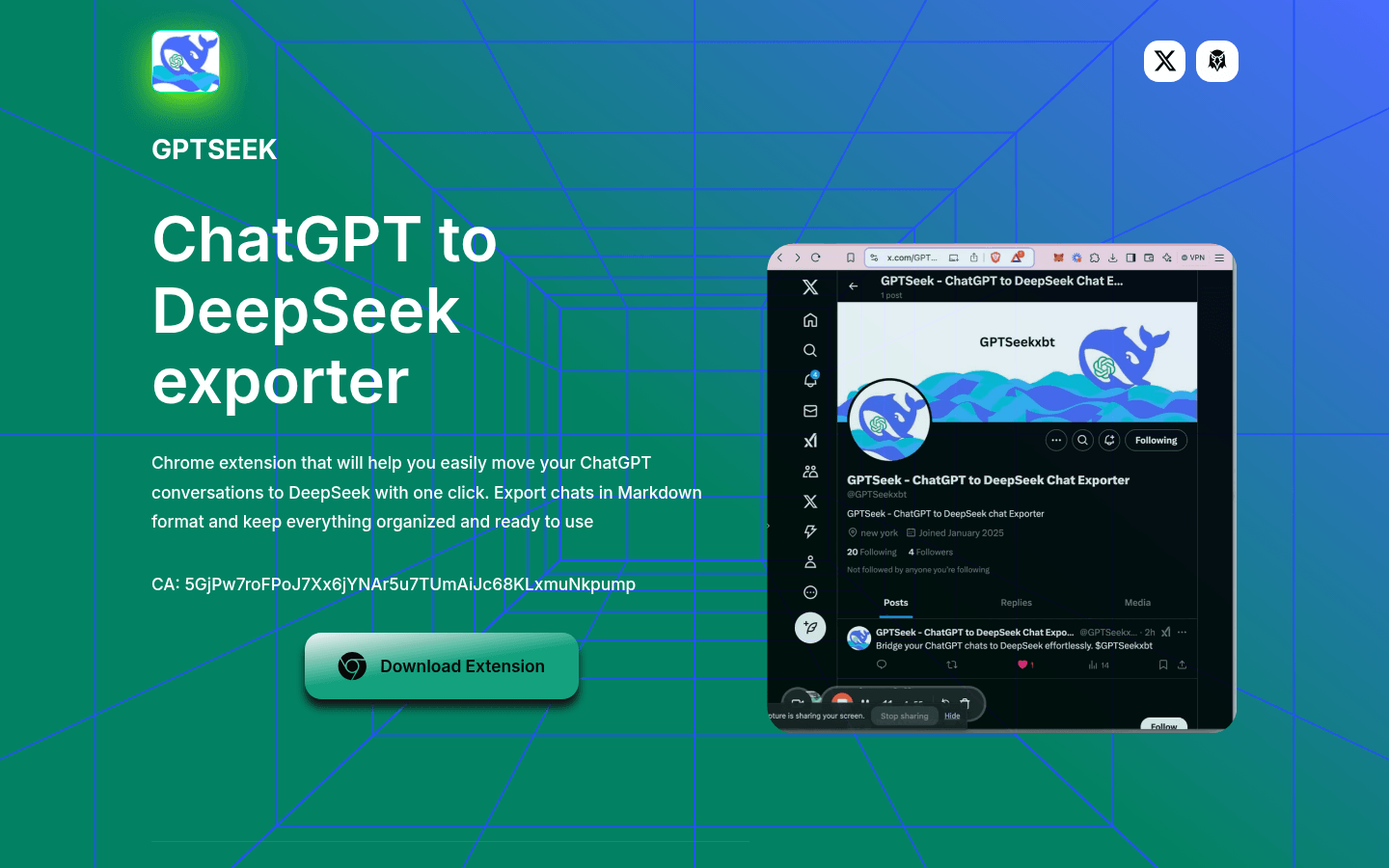
Screenshot archived from the listing page, for preview only.











