
gptimg2
Multi-model AI image and video studioImages and video from several models in one place
Highlights
What you can do with it
- Marketing teams producing multilingual billboards and brand ads
- Designers generating interface and app visuals quickly
- Restoring old photos and returning them to clear, colorful versions
How to use it
- 1 Register an account and claim the new user free quota
- 2 Pick a function such as text-to-image, image-to-image, or video generation
- 3 Enter your prompt or upload reference images
- 4 Set size, ratio, and quality, then generate
- 5 Download the result or keep editing it
Who it is for
Pros
- One platform instead of juggling several model subscriptions
- Free quota for new users to test output quality
- Handles long, multi-step prompts and complex editing requests
Limitations
- The free quota is limited; continued use is paid
- Generation can take one to three minutes per job, so batch work is slow
- Model availability and quotas may change as providers update
- Output still needs human review for brand and factual accuracy
What gptimg2 is
gptimg2 is a combined image and video generation platform. Rather than signing up for several separate tools, you get one interface that routes your request to different models, including GPT Image 2, Veo 3, Sora 2, Wan 2.6, and the Seedream 4.0 engine. You can generate images from text, transform existing images, or produce video with cinematic framing and synchronized audio. The platform is built for complex, multi-step prompts, and it includes editing features such as compositing, repair, and style transfer. New accounts receive a free quota, which makes it possible to judge output quality before spending anything.
What you can do with it
- Generate images from text prompts or transform existing images
- Create video with models aimed at cinematic results and audio sync
- Produce 4K watermark-free images for design work
- Composite, repair, and restyle images in one workspace
- Build multilingual marketing assets such as billboards and ads
Who it is for
Designers and creators who want image and video tools in one place instead of several subscriptions. Marketing teams that need campaign visuals quickly and in multiple languages. Developers who want to build generation into their own applications through the API. Casual users who want to restore an old photo or turn a picture into an illustration.
What to watch out for
The free quota is a trial, not an unlimited plan, and the exact allowance can change. Generation typically takes one to three minutes, so plan long jobs accordingly and keep the page open while the model works. Model availability depends on upstream providers, so a model you like may change or disappear. As with any generative tool, output needs human review before it goes public: check text rendering, brand details, and anything factual.
FAQ
Is gptimg2 free for new users?
Yes. New accounts receive a free quota to try the platform.
Which models does it use?
It integrates models including GPT Image 2, Veo 3, Sora 2, Wan 2.6, and Seedream 4.0.
How long does generation take?
Usually one to three minutes, and you should keep the page open while it runs.
Can I edit existing images?
Yes. It supports compositing, repair, and style transfer.
Why it is free
What the official page says: free trial
Free limits, trial length and features are decided by the official site and can change at any time.
Product preview
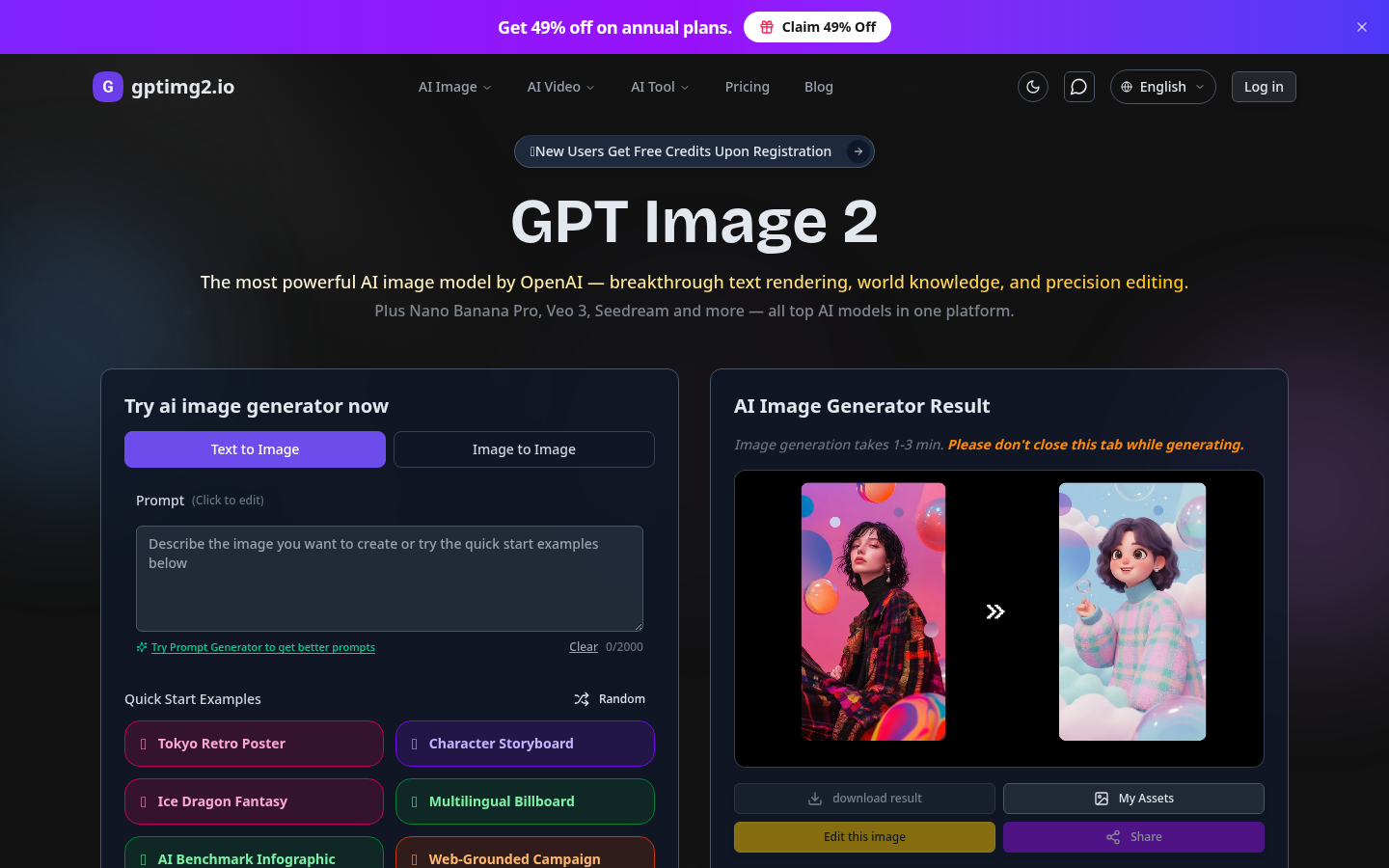
Screenshot archived from the listing page, for preview only.











