
Highlights
What you can do with it
- Polish a first AI draft before publishing it on your blog
- Smooth out product or landing copy that reads too robotic
- Rework long-form articles for readability in one of 11 languages
How to use it
- 1 Open GPTHumanizer AI in your browser, no account needed
- 2 Paste the AI text you want to refine into the editor
- 3 Pick a rewriting mode and let the tool process the text
- 4 Read the result and fix anything that no longer matches your meaning
- 5 Copy the final version into your document or CMS
Who it is for
Pros
- Unlimited free Lite use with no registration step
- Works with text produced by many AI writing tools
- Covers 11 languages for multilingual projects
Limitations
- Free access and feature limits can change at any time
- Results depend on the upstream model, so output varies by input
- Using a humanizer may break AI disclosure rules at schools or platforms, and the consequences are yours
What GPTHumanizer AI is
GPTHumanizer AI is a free AI text polishing tool that rewrites machine generated drafts so the sentences read more naturally. The site describes unlimited use in the free Lite mode and says no registration is needed, so you can open the page and start testing right away. It supports 11 languages and is built for text produced by various AI writing tools, from short paragraphs to full articles. Paid plans add deeper rewriting modes and extra features, while the free tier covers the basics. The pitch is better readability, quality, and SEO performance, so it sits in the editing step of a workflow rather than replacing writing entirely.
What you can do with it
- Polish a rough AI draft into smoother, more natural sentences before you publish it.
- Rework long articles for readability in any of the 11 supported languages.
- Clean up landing or product copy that reads too stiff for a human audience.
- Compare a paid rewriting mode against the free Lite output on the same paragraph.
Who it is for
- Copywriters who edit AI assisted first drafts every day.
- Website operators and SEO writers who care about content readability.
- Professionals who want quick polishing without paying up front.
- Multilingual teams that need the same workflow across several languages.
What to watch out for
The free Lite mode is advertised as unlimited, but free rules can change at any time, and the paid tiers are the ones that carry the deeper rewriting modes. Output quality depends on the upstream model and on your input, so a long technical paragraph may come back mangled and need manual editing. More importantly, if your school, publisher, or platform requires AI disclosure, rewritten text may still count as AI assisted work, and any penalty falls on you. Read the result carefully before you use it anywhere official.
FAQ
Is GPTHumanizer AI free to use?
The site advertises a free Lite mode with unlimited use and no registration. Paid plans add deeper rewriting modes and extra features.
Do I need to create an account?
No. The free Lite mode is described as usable without registration.
Can I use it on any AI generated text?
It is meant for content produced by various AI tools, in 11 languages. Check your school or platform rules before submitting rewritten work.
Why it is free
What the official page says: 免费无需注册免注册
Free limits, trial length and features are decided by the official site and can change at any time.
Product preview
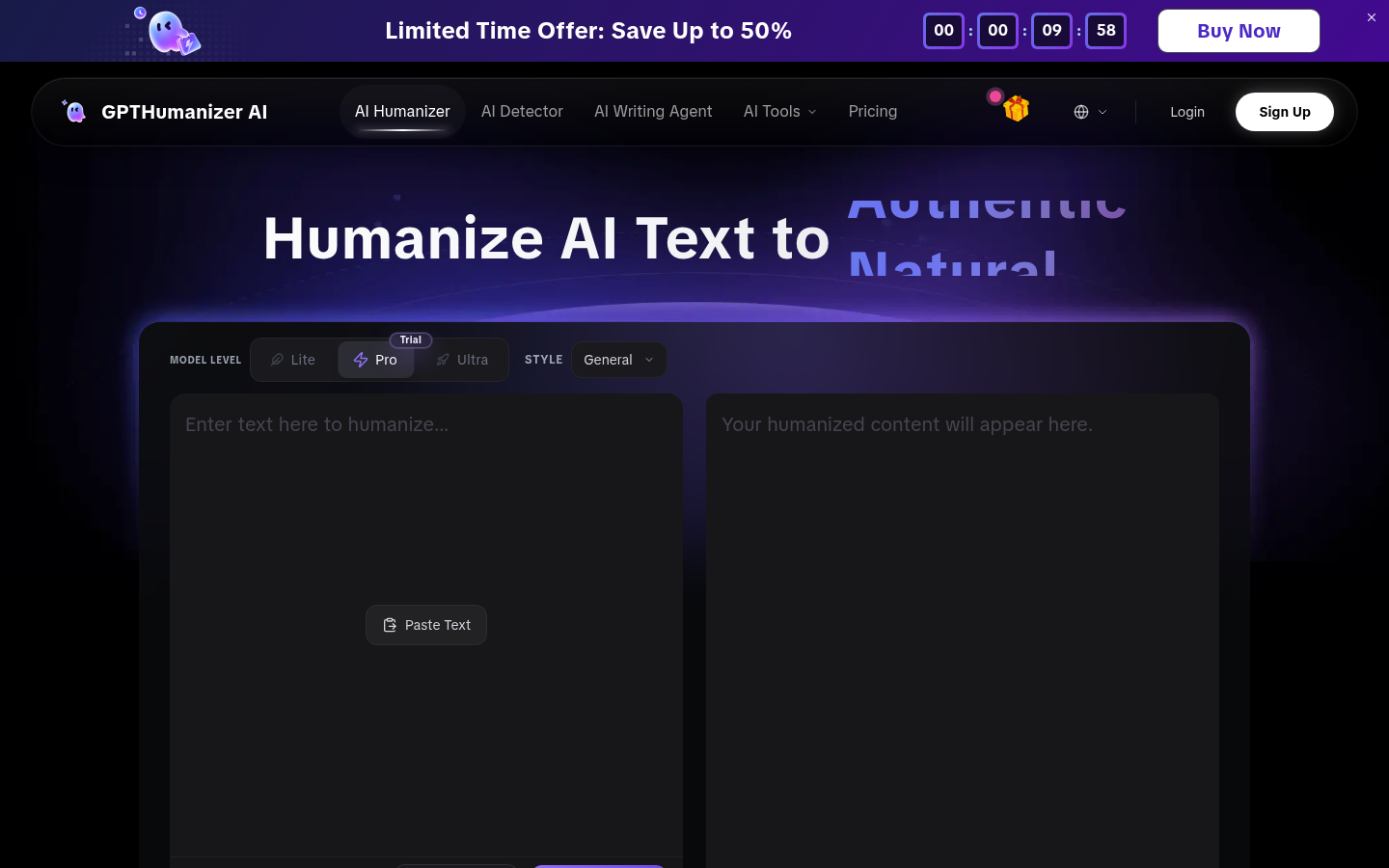
Screenshot archived from the listing page, for preview only.