
GPTExcel
AI formula and script generator for spreadsheetsGenerate and explain Excel, Sheets, and SQL
Highlights
What you can do with it
- Write a formula from a plain description
- Explain a complex spreadsheet formula
- Automate tasks with scripts and SQL
How to use it
- 1 Open the GPTExcel website
- 2 Describe what you need the formula to do
- 3 Get the generated formula or script
- 4 Paste it into your spreadsheet or database
Who it is for
Pros
- Generates and explains formulas
- Covers Excel, Sheets, and Airtable
- Script and SQL generation
- Free version available
Limitations
- The free version is more limited than paid
- Pricing and features can change
- Generated formulas should be checked before use
- Complex logic may need manual fixes
What GPTExcel is
GPTExcel is an AI-powered product that boosts spreadsheet efficiency by generating and explaining formulas for Microsoft Excel, Google Sheets, and Airtable. It also automatically generates VBA scripts, Apps Script, and Airtable scripts, enabling the automation of workflows. Users can leverage it to generate and debug advanced SQL queries, managing multiple database systems with less effort. It is a powerful tool for enhancing productivity and data analysis ability, and flexible pricing options include free and paid versions.
What you can do with it
- Generate formulas for Excel, Sheets, and Airtable
- Explain what an existing formula does
- Generate SQL queries and debug them
- Create VBA, Apps Script, and Airtable scripts
- Automate spreadsheet and database workflows
Who it is for
- Spreadsheet users who struggle with formulas
- Analysts working with SQL and databases
- Teams automating spreadsheet workflows
- Anyone who wants faster data work
What to watch out for
The free version is more limited than paid, and pricing and features can change, so check what the free tier includes. Generated formulas should be checked before you rely on them, because a small error can break a whole sheet. Complex logic may need manual fixes and testing. Treat the output as a fast starting point that you verify against your own data. Processing speed depends on file size and network conditions, so retry later if a task stalls during peak hours. Run one full task end to end first, then expand once you are comfortable with the workflow and the result quality. Save a backup of the original file before large batch jobs, and keep an exported copy of key results in case the page or service becomes temporarily unavailable.
FAQ
Is there a free version?
Yes, pricing is flexible and includes free and paid versions.
What can it generate?
Formulas for Excel, Sheets, and Airtable, plus VBA, Apps Script, and Airtable scripts.
Does it handle SQL?
Yes, it can generate and debug advanced SQL queries.
Who is it for?
Anyone who wants faster spreadsheet and database work.
Why it is free
What the official page says: 免费
Free limits, trial length and features are decided by the official site and can change at any time.
Product preview
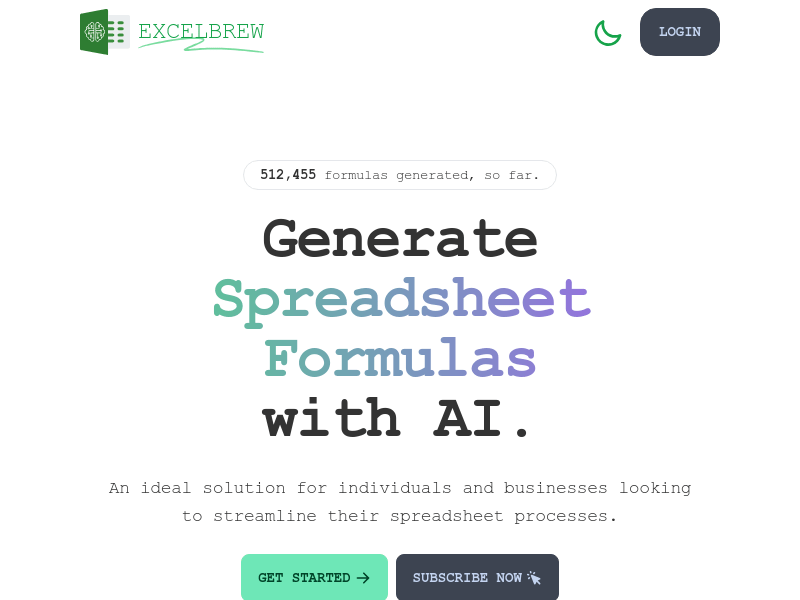
Screenshot archived from the listing page, for preview only.











