
GPT Subtitler
AI subtitle translatorTranslate subtitles with AI models
Highlights
What you can do with it
- Translating tutorial video subtitles to reach more viewers
- Bulk translating film subtitles for a release
- Improving rough machine translations line by line
How to use it
- 1 Register an account on the GPT Subtitler site
- 2 Upload an SRT file or paste subtitle text into the editor
- 3 Pick a translation model and set source and target languages
- 4 Start the translation and watch progress in real time
- 5 Download the finished file and use fill-missing for any gaps
Who it is for
Pros
- Free trial available before you commit
- Several AI models to choose from
- Lets you use your own API key or token
Limitations
- Full use needs a paid plan or your own API key
- Translation quality depends on the model you pick
- Free trial terms and pricing can change
What GPT Subtitler is
GPT Subtitler is an online tool that translates subtitles using AI. You upload an SRT file or paste subtitle text into the editor, choose a language model, and set the source and target languages. The tool supports several models, including OpenAI, Claude, and Gemini, and it lets you plug in your own API key or account token if you prefer. While it runs, you can watch progress in real time and then download the translated file. A fill-missing feature helps complete lines that were skipped or improve weak translations. There is a free trial, and paid plans cover heavier use.
What you can do with it
- Translate SRT subtitle files into your target language
- Choose between several AI translation models
- Bring your own API key or token to control usage
- Fix gaps and rough lines with the fill-missing feature
Who it is for
- Video producers who need multilingual subtitles
- Translators working through bulk subtitle files
- Creators who want to reach viewers in other languages
What to watch out for
A free trial is available, but full, unlimited use generally needs a paid plan or your own API key, so costs can add up if you translate a lot. Output quality depends heavily on the model you select and the clarity of the source lines, so always review timing and wording before publishing. Machine translation can miss nuance, idioms, and on-screen context. Trial terms and pricing can change, so check the current plans before you rely on it. When quality matters, export a small draft first to confirm the result before producing the final file. Generated suggestions are for reference only, so verify anything that affects professional judgment or important data.
FAQ
Is there a free trial?
Yes, GPT Subtitler offers a free trial plus paid subscription plans.
What files does it accept?
It works with SRT subtitle files and pasted subtitle text.
Which models can I use?
You can choose from options such as OpenAI, Claude, and Gemini.
Why it is free
What the official page says: free trial
Free limits, trial length and features are decided by the official site and can change at any time.
Product preview
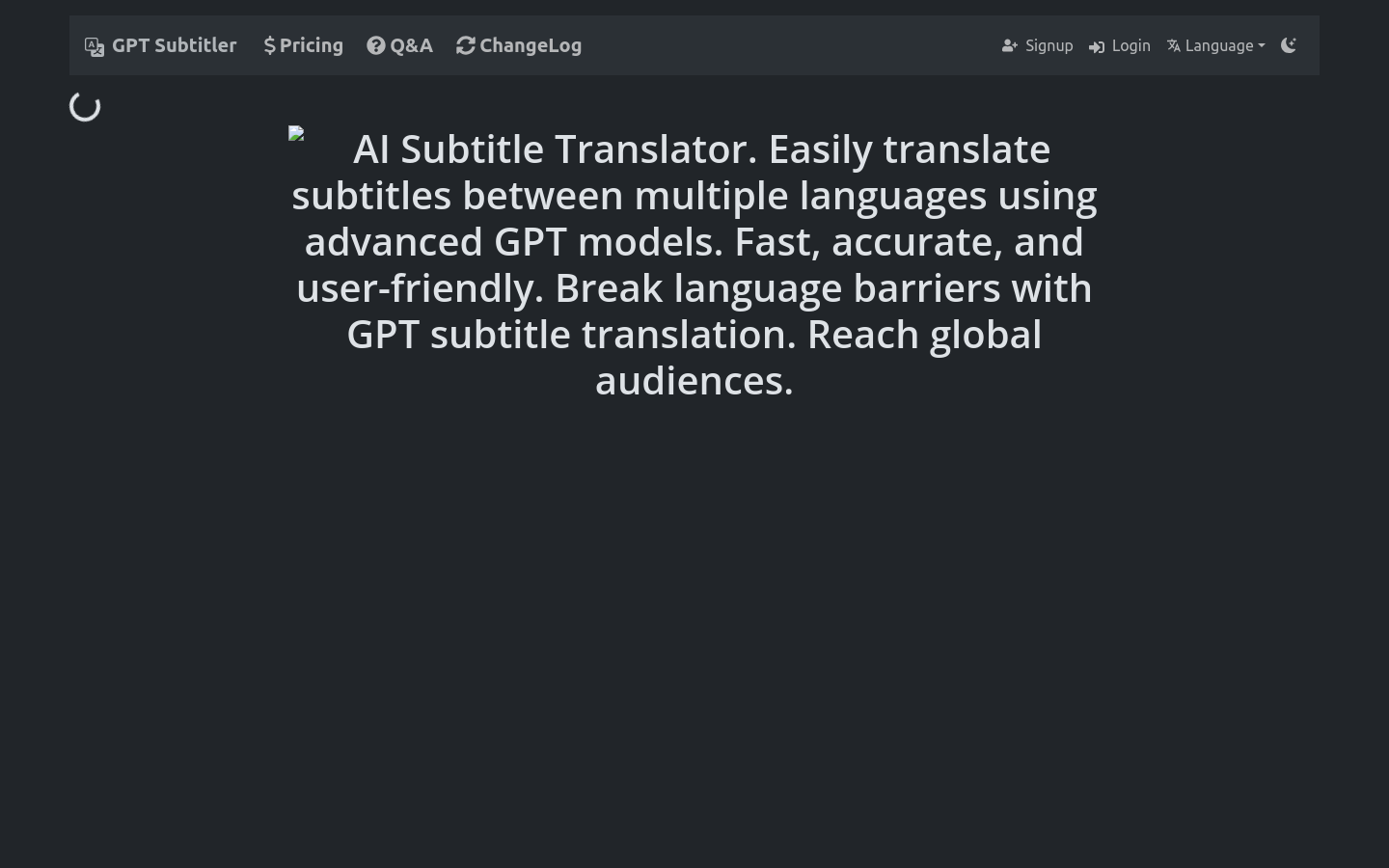
Screenshot archived from the listing page, for preview only.











