
GPT Image 2 - OpenAi Generator
OpenAI image generatorAccurate text and clean UI mockups
Highlights
What you can do with it
- A cafe interior shot with a correct daily specials board
- A login screen prototype that matches a brand's look
- Children's book illustrations with a consistent protagonist
How to use it
- 1 Open the GPT Image 2 site and log in
- 2 Write a detailed prompt covering text, style and setting
- 3 Choose model version, aspect ratio and resolution
- 4 Click Generate Now to spend credits
- 5 Preview and download without further editing
Who it is for
Pros
- Text in images is a genuine pain point this targets
- Multiple aspect ratios without recropping
- Character and object consistency across scenes
- Output is positioned as publishable without post-work
Limitations
- Free trial only; subscription starts around fifteen dollars a month
- The 99 percent accuracy figure is a vendor claim
- Credits are consumed per generation, so iteration adds up
What GPT Image 2 is
GPT Image 2 is presented as OpenAI's latest visual foundation model, positioned as a versatile image generator rather than a niche tool. Its headline claim is text rendering accuracy above 99 percent, which addresses one of the most common complaints about AI images: garbled words on posters, labels and interfaces. It also targets UI and UX prototyping, realistic photography and consistent characters across scenes.
What you can do with it
- Generate images where on-image text is accurate, such as menus and headlines.
- Produce structured UI and UX layouts for web and mobile concepts.
- Create photorealistic shots with natural lighting.
- Keep the same character or product consistent across different scenes.
- Output natively in 16:9, 9:16 and 1:1 without cropping.
Who it is for
Designers building interface mockups, marketers who need legible text inside an image, and illustrators who have to keep a character looking the same across a series.
What to watch out for
The free trial is a trial, and the subscription starts at roughly fifteen dollars a month with credits consumed per generation, so heavy iteration gets costly. The 99 percent accuracy and the readiness of output are vendor claims rather than independent measurements. Check the licence terms before using generated images in client or commercial work. When quality matters, export a small draft first to confirm the result before producing the final file. Generated suggestions are for reference only, so verify anything that affects professional judgment or important data. Behavior may vary across browsers and devices, so test before production use and consult the help docs if errors appear. Features and interface details may change between versions, so review the latest notes on the page before you start.
FAQ
Is GPT Image 2 free?
There is a free trial, after which the service moves to a paid subscription. The site lists an entry price of about fourteen ninety-nine per month.
What makes it different from other image models?
The vendor emphasises text rendering accuracy above 99 percent and pixel-level UI and UX generation, alongside realistic photography and consistent characters.
Which aspect ratios are supported?
16:9, 9:16 and 1:1 are generated natively, without cropping.
Do I need to edit the output afterwards?
The vendor positions the results as ready to publish, reducing reliance on post-processing software.
Why it is free
What the official page says: free trial
Free limits, trial length and features are decided by the official site and can change at any time.
Product preview
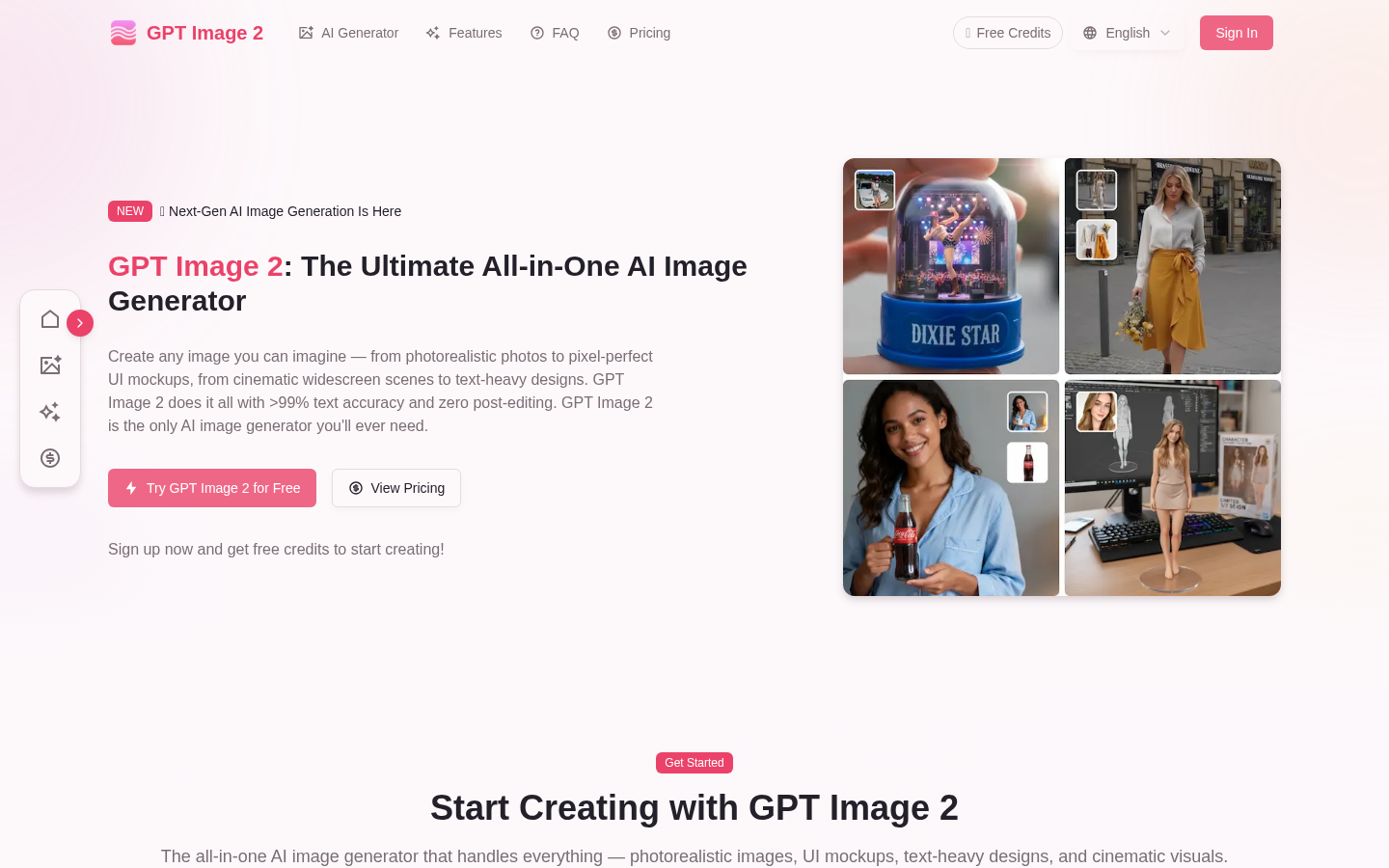
Screenshot archived from the listing page, for preview only.











