
GPT Image 2 Free online ai image editor
Online AI image generator and editorGenerate, edit, and restyle images online
Highlights
What you can do with it
- Make brand promo posters with colors and styles that fit the brand
- Build storyboards that show a project's creative flow
- Restyle product photos for packaging and brochures
How to use it
- 1 Upload a reference image, such as a product photo or a face
- 2 Describe the result you want, including lighting, angle, and layout
- 3 Generate a preview, refine it, then download the final image
Who it is for
Pros
- Simple workflow with no complex settings
- 20 free credits for new users to start
- Output can be used commercially
Limitations
- Free credits are limited and plan terms may change
- Check the exact commercial license terms before a public launch
- Precise, client-ready edits may still need touch-ups
What GPT Image 2 Free online ai image editor is
GPT Image 2 Free online ai image editor is an online AI image generation and editing tool. You can turn a text description into an image, or start from a reference photo and change it. The editor covers background replacement, lighting and color adjustment, style conversion, and age changes, and it can enlarge an image while keeping detail. It supports reference images and keeps operation simple, without complex settings. New users get 20 free credits, and the annual plan offers a discount. The product states that the output can be used commercially, which matters for marketing and product work. Because it runs in the browser, you can move from an idea to a preview without installing any software or learning a new interface.
What you can do with it
- Generate images from a natural language prompt
- Edit backgrounds, lighting, color, and style on a photo
- Convert a photo into a collectible-style 3D render
- Change pose or perspective and build consistent storyboards
Who it is for
- Marketers who need many campaign images quickly
- Creative directors visualizing concepts and storyboards
- Graphic designers and product managers making product visuals
What to watch out for
New users get 20 free credits, but that is a limited trial and the plan terms may change over time, so confirm current pricing before you rely on it. The product says output can be used commercially, but you should still review the exact license terms before a public launch, especially for client or paid work where the rights matter. Precise or client-ready edits may need manual touch-ups after generation, so leave time for cleanup on important jobs. As with any AI image tool, results vary with your prompt and reference quality, so plan to iterate and check each output. Keep an eye on how fast your free credits run out, since heavy testing can use them quickly, and start with a clear reference image for the most predictable results.
FAQ
Is there a free trial?
Yes. New users get 20 free credits to try the tool.
Can I use the images commercially?
The product states that output can be used commercially.
What can I edit?
You can change backgrounds, lighting, color, style, and age, and enlarge images while keeping detail.
Why it is free
What the official page says: free creditsfree trial
Free limits, trial length and features are decided by the official site and can change at any time.
Product preview
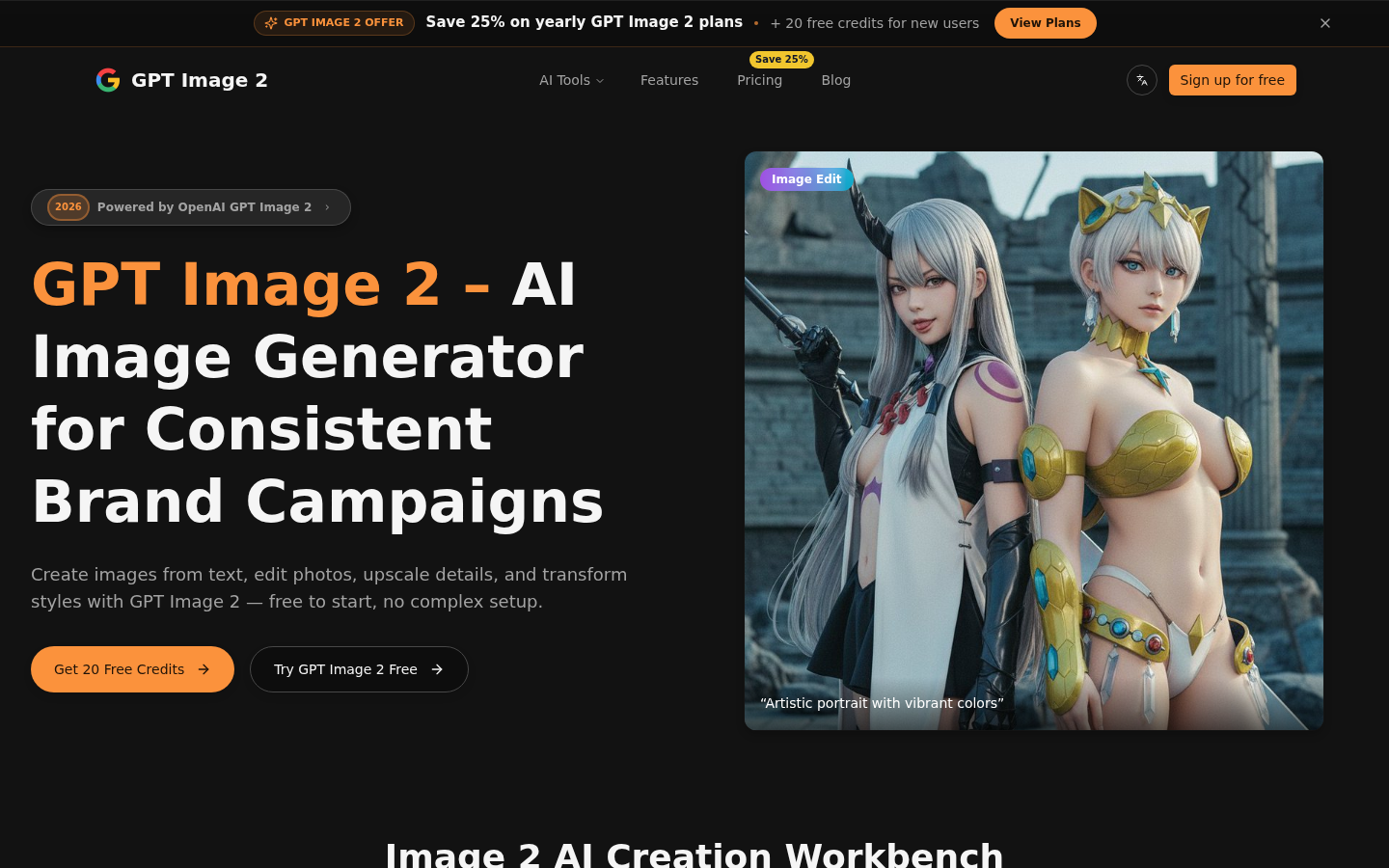
Screenshot archived from the listing page, for preview only.











