
GPT Image 2.5 AI Image Generator
Online AI image generator and editorText or references in, images out
Highlights
What you can do with it
- Generate product images for an advertising campaign
- Create social media visuals for a launch
- Add illustrations to blog articles
How to use it
- 1 Select the model and mode, Flare or Sunburst
- 2 Write a prompt covering theme, composition, style, and lighting
- 3 Add reference images, then set quality, size, and background
- 4 Check the displayed credit cost before continuing
- 5 Generate, review, and refine one instruction at a time
Who it is for
Pros
- Flexible control over edits and references
- Multiple export formats and aspect ratios
- Free credits let you test quality before paying
Limitations
- Only 5 free credits at registration
- Credits come as one-time packages, not a subscription
- Rendered text and details should be checked for accuracy
What GPT Image 2.5 is
GPT Image 2.5 is a browser-based AI image generator and editor. It creates images from detailed text prompts describing theme, composition, style, and lighting, and it can also edit existing pictures when you specify which regions should change and which must stay the same. Up to 16 reference images can be uploaded to guide a new creation, and the tool renders text inside images, builds transparent backgrounds, and exports PNG, JPEG, or WebP in aspect ratios from square to portrait. Two modes cover different priorities: Flare for faster everyday work and Sunburst for higher quality and detailed editing. Registration includes 5 free credits, and one-time credit packages run from 260 credits for $9.90 to 5,000 for $99.90.
What you can do with it
- Generate images from detailed text prompts
- Edit existing images while protecting chosen regions
- Upload up to 16 reference images for guidance
- Add rendered text and transparent backgrounds
- Export PNG, JPEG, or WebP in several ratios
Who it is for
- Designers producing campaign and product imagery
- Marketers creating social and advertising visuals
- Content creators illustrating articles and blogs
What to watch out for
Five free credits are a small taste, so real projects require purchasing a credit package, and costs scale with resolution and batch size. Because generation is probabilistic, text rendered inside images and fine details should be verified before publication. Editing complex images often needs several refinement passes, each consuming credits. Confirm current pricing and credit rules on the site, as packages and rates can change. Behavior may vary across browsers and devices, so test before production use and consult the help docs if errors appear.
FAQ
How many free credits do I get?
Registration provides 5 free credits to try the generator and editor.
Can I edit only part of an image?
Yes. You can specify which parts should change and which should remain unchanged.
How many reference images are supported?
Up to 16 reference images can be uploaded to guide a creation.
What are the credit packages?
One-time packages range from 260 credits for $9.90 up to 5,000 credits for $99.90.
Why it is free
What the official page says: free credits
Free limits, trial length and features are decided by the official site and can change at any time.
Product preview
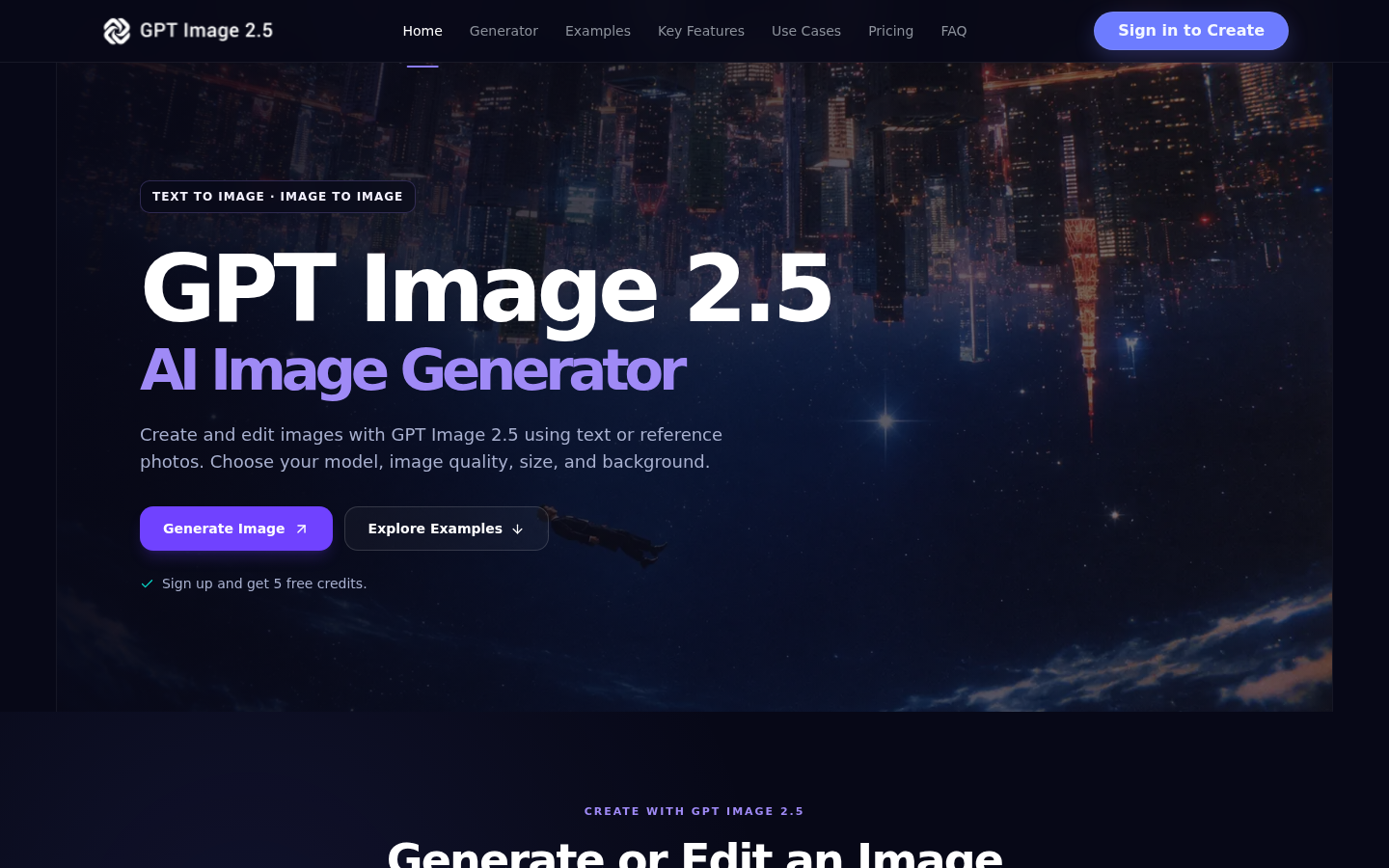
Screenshot archived from the listing page, for preview only.











