GPT Image 2
OpenAI powered AI image generatorPhoto realistic images, stable editing
Highlights
What you can do with it
- Generate realistic images from a prompt
- Edit an image across several rounds without drift
- Create visuals that contain readable text
How to use it
- 1 Register an account to claim free credits
- 2 Enter a prompt describing your image
- 3 Generate and review the result
- 4 Continue editing in further rounds as needed
Who it is for
Pros
- Realistic output with strong text handling
- Multi round editing stays stable
- Free credits to start
Limitations
- Only 10 free credits, and the payment model is unclear
- Credit terms and prices can change
- Realism still needs review for fine details
What GPT Image 2 is
GPT Image 2 is an advanced AI image generator described as supported by OpenAI. Its importance, as the page frames it, is giving users a convenient and efficient way to create images, and the listed advantages show where the engineering effort went: output with photo realistic quality, nearly perfect text rendering, support for stable multi round editing, and fast generation speed. That combination matters because many generators look good on the first pass but drift apart when you keep asking for changes. New users receive 10 free credits when they register, which is enough to see how the system behaves, though the wider payment model is not detailed on the page. The audience is deliberately broad, from ordinary users who want a quick visual to professional creators who need reliable editing. For professional users, the stable multi round editing is the part that changes the workflow, because you can keep refining instead of regenerating from scratch each time.
What you can do with it
- Generate photo realistic images from a text prompt
- Render readable text inside the image
- Edit across multiple rounds while the scene stays stable
- Move from idea to final image quickly
- Keep a consistent subject through several edits
Who it is for
- Ordinary users who want a fast visual without tools
- Professional creators who edit through several rounds
- Anyone who needs accurate text baked into an image
- Teams producing images where readable text matters
What to watch out for
Ten free credits is a small trial budget, and the page does not detail the payment model, so ask about costs before a real project. Credit terms and pricing can change without notice, so recheck before you commit. Photo realistic does not mean perfect: hands, fine text, and small details can still come out wrong, so review before publishing. Registering for free credits is low risk, but read the payment terms before you need more, because the page does not detail them and surprise limits hurt mid-project. Keep prompts and seeds or settings for results you like so you can return to a look later.
FAQ
How many free credits do I get?
New users receive 10 free credits upon registration.
What is it good at?
Photo realistic quality, text rendering, and stable multi round editing.
What is the pricing model?
The specific payment model is not detailed beyond the free credits.
Who is it for?
Both ordinary users and professional creators.
Why it is free
What the official page says: 免费
Free limits, trial length and features are decided by the official site and can change at any time.
Product preview
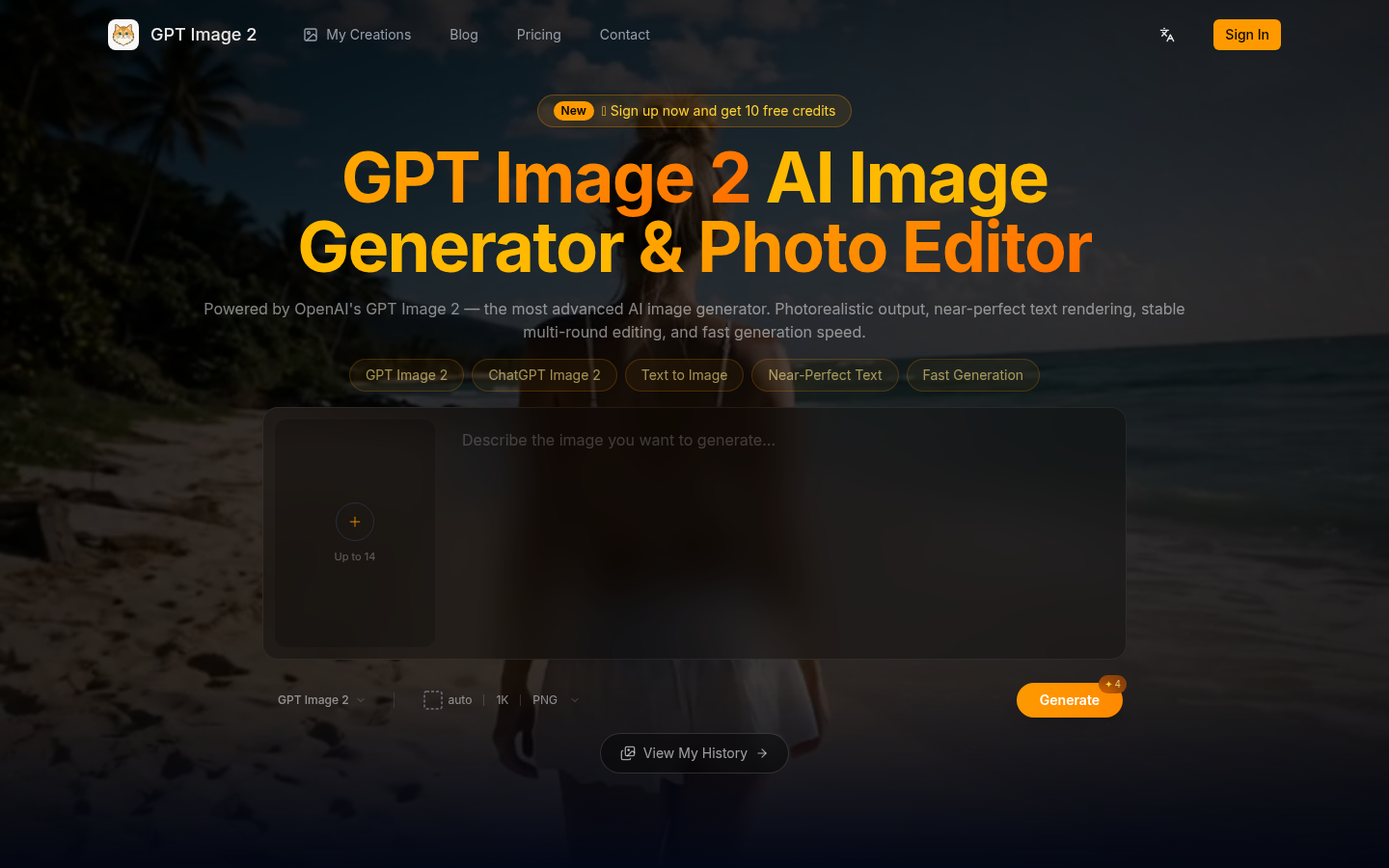
Screenshot archived from the listing page, for preview only.