
GPT Image 2
Online AI image generator and editorCreate and edit images from text or reference files
Highlights
What you can do with it
- Social media images in custom ratios
- Marketing visuals with edited text
- Reference-based image variants
- Team asset production
How to use it
- 1 Open the site and start the free trial
- 2 Choose text prompt or upload a reference file
- 3 Set resolution and aspect ratio
- 4 Generate, then edit as needed
- 5 Download in the format you need
Who it is for
Pros
- Free trial available
- Flexible input methods
- Format, resolution, and ratio control
- Clear paid plan tiers
Limitations
- Paid plans are monthly and add up, from $15.6 to $74
- Free trial scope may change
- Editing quality depends on input
- Enterprise features need the top plan
What GPT Image 2 is
GPT Image 2 on chatimage.ai is an online image generation and editing tool. You give it a text prompt or a reference file, and it creates or edits images in a workflow built for speed. Multiple image formats are supported, and you can customize resolution and aspect ratio so the output fits the channel you are publishing to, whether that is a square social post or a wide banner. The page lists a free trial plus three paid plans: basic at $15.6 per month, professional at $24 per month, and enterprise at $74 per month. It is aimed at a wide range of users, from individual creators who need occasional images to enterprise teams that produce visual assets at volume, and the tiers scale features as usage grows.
What you can do with it
- Create images from text prompts or reference files
- Edit generated images in the same workflow
- Choose custom resolution and aspect ratio
- Work with multiple image formats
- Scale from solo use to team plans
Who it is for
- Individual creators making images online
- Marketing and content teams with regular output
- Enterprise teams that need volume and support
- Anyone who wants browser-based image editing
What to watch out for
Monthly plans range from $15.6 to $74, so costs add up on long projects, and the enterprise tier is required for the fullest feature set. Free trial scope can change, and the free tier may not include every editing tool. Output quality depends heavily on your prompt and reference files, and a weak reference usually produces a weak result. Check current prices and plan limits on the site before subscribing, since listed rates may change over time.
FAQ
How much do plans cost?
The page lists basic at $15.6 per month, professional at $24 per month, and enterprise at $74 per month.
Is a free trial offered?
Yes, the page lists a free trial alongside the paid plans.
Can I upload files?
Yes, reference files are supported alongside text prompts.
Can I control output size?
Yes, resolution and aspect ratio are customizable.
Why it is free
What the official page says: 免费试用免费
Free limits, trial length and features are decided by the official site and can change at any time.
Product preview
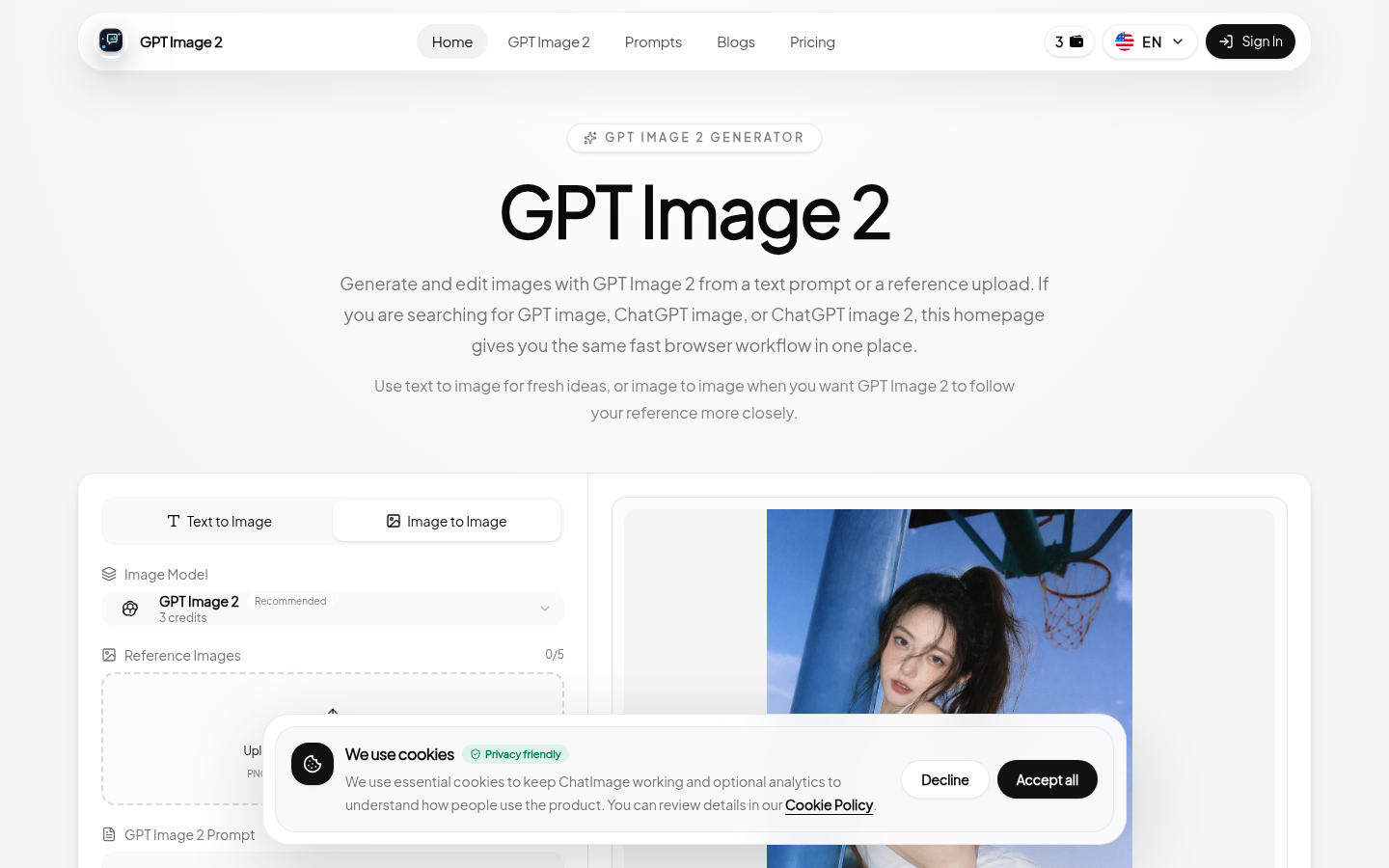
Screenshot archived from the listing page, for preview only.