
GPT Image 2
OpenAI image model, strong layout controlClearer text, stronger layout, cleaner edits
Highlights
What you can do with it
- Posters with precise copy
- UI structure mockups
- Catalog and product layouts
- Ad-ready compositions
How to use it
- 1 Open the page and start the free trial
- 2 Write a prompt with your exact copy and layout notes
- 3 Generate and check text accuracy
- 4 Edit with follow-up instructions
- 5 Export the production-ready result
Who it is for
Pros
- Free trial with no listed price
- Strong instruction following
- Reliable text and layout handling
- Community-tested comparisons on the page
Limitations
- Comparison claims come from community testing, not guarantees
- Pricing is not listed on the page
- Free trial rules can change
- Hard jobs may still need iteration
What GPT Image 2 is
This page presents GPT Image 2 as OpenAI's latest image model, used by many people in the latest ChatGPT image workflows. It is praised for clearer text rendering, stronger layout control, cleaner editing, and production-ready visuals. Compared with earlier GPT Image versions, it follows instructions better and improves on text rendering, image editing, logo and face preservation, and multi-element layouts, which are the areas that usually break in design-heavy jobs. Community testing mentioned on the page suggests it generally does better than Nano Banana 2 when precise copy, poster hierarchy, UI structure, catalog layout, or ad-ready compositions are needed. A free trial is available, and the page does not list pricing.
What you can do with it
- Render precise copy inside images
- Control poster hierarchy and layout structure
- Edit images with cleaner results
- Preserve logos and faces better than earlier versions
- Build UI structures, catalogs, and ad-ready compositions
Who it is for
- Designers who need exact text in images
- UI and product designers laying out screens
- Catalog and advertising teams
- Anyone comparing image models for production work
What to watch out for
The comparison with Nano Banana 2 comes from community testing described on the page, not from a guarantee that you will get the same result on your files. No pricing is listed, so plan around the free trial first and confirm costs before real work depends on it. Free access rules may change, and demanding jobs such as dense catalogs or strict brand layouts can still need several attempts. Treat the model claims as a starting point and test on your own prompts and references before committing a project to it.
FAQ
What is GPT Image 2 here?
It is presented as OpenAI's latest image model, used in recent ChatGPT image workflows.
How is it different from earlier versions?
The page cites better instruction following, text rendering, editing, and logo and face preservation.
Is it better than Nano Banana 2?
Community testing on the page says it generally is for precise copy and layout work.
Does it cost anything?
The page lists a free trial but no pricing details.
Why it is free
What the official page says: 免费试用免费
Free limits, trial length and features are decided by the official site and can change at any time.
Product preview
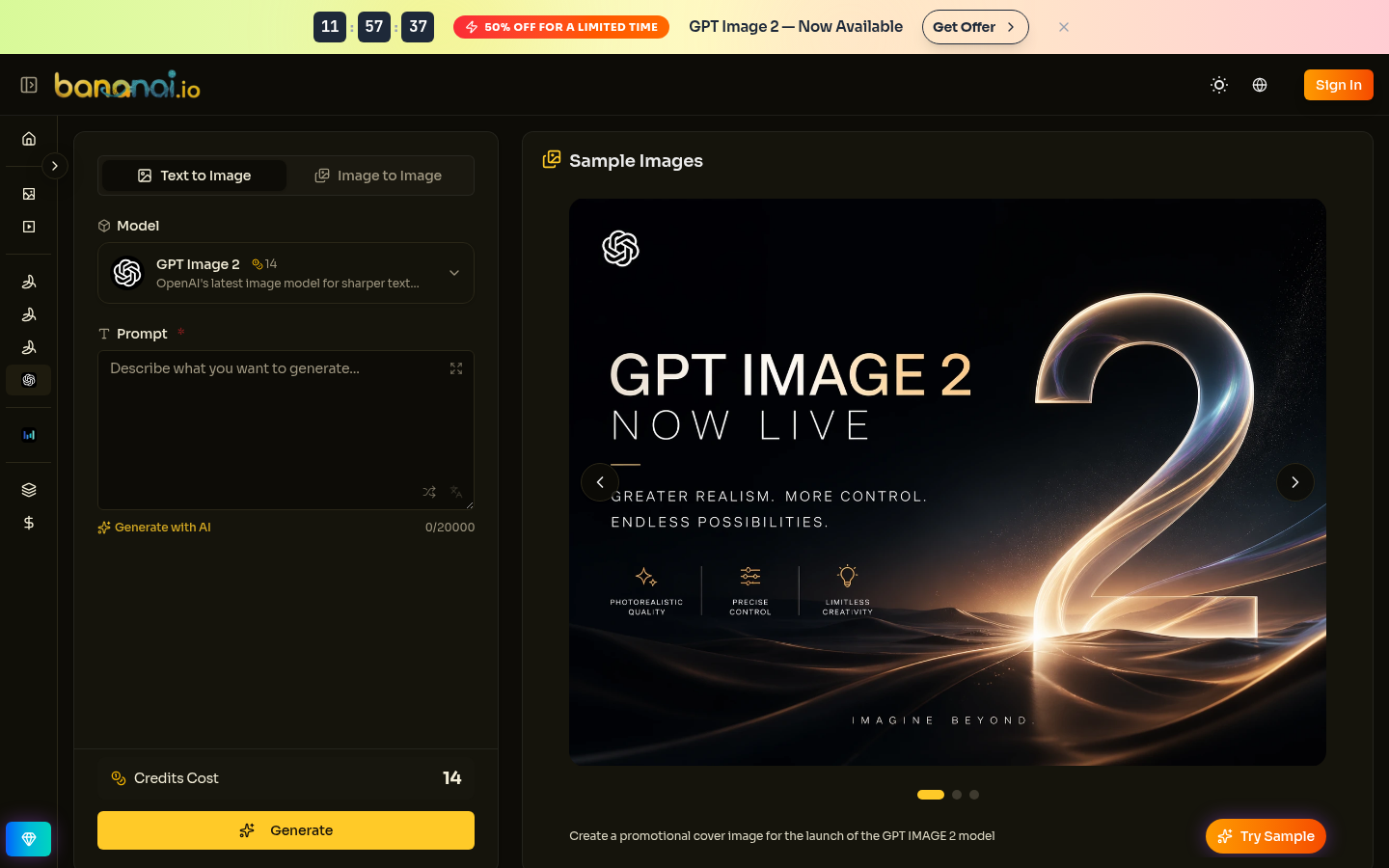
Screenshot archived from the listing page, for preview only.