
Highlights
What you can do with it
- Generate realistic images from a description
- Create graphics that include readable text
- Refine an image over several conversation turns
How to use it
- 1 Open the GPT Image 2 site
- 2 Describe the image you want
- 3 Generate and review the result
- 4 Keep editing in conversation until it fits
Who it is for
Pros
- Free to use with no credit card
- Text rendering is a stated strength
- Editing continues across multiple turns
Limitations
- Free access rules may change over time
- Usage limits are not stated on the page
- Complex prompts may need several attempts
What GPT Image 2 is
GPT Image 2 is presented as the next-generation AI image generator from OpenAI, built on the GPT model family and said to carry broad world knowledge. The site claims it produces realistic images, renders text precisely, and keeps colors faithful, which are the usual weak spots of image models. It also lists multi-turn conversational image editing, so instead of rewriting one long prompt you can keep talking to the model and adjust the picture step by step. The page states it is free to use and requires no credit card, and it is aimed at professionals and creators who need accurate, high quality output rather than rough drafts.
What you can do with it
- Generate realistic images from a written description.
- Create graphics where the text inside the image stays readable.
- Refine a result across several conversation turns.
- Skip payment details while you test the workflow.
Who it is for
- Professionals who need accurate, presentation-ready images.
- Creators making visuals that contain text.
- Anyone who prefers editing by conversation over prompt rewrites.
What to watch out for
Free use and the no credit card requirement are stated as current terms, and free rules can change over time. The page does not list usage limits, so plan around the possibility of caps appearing later. Results still depend on the prompt: complex scenes, exact layouts, and specific text can take several attempts before they land. The service also depends on upstream models, so availability and quality can shift without notice. Review any output carefully before using it in published or commercial work. For best results, start with a small test file and review the output carefully before working on anything important.
FAQ
Is GPT Image 2 free?
The site says it is free to use and requires no credit card.
What is it good at?
The page claims realistic images, precise text rendering, and true color fidelity.
Can I edit after generating?
Yes, multi-turn conversational image editing is listed as a feature.
Why it is free
What the official page says: 免费使用免费
Free limits, trial length and features are decided by the official site and can change at any time.
Product preview
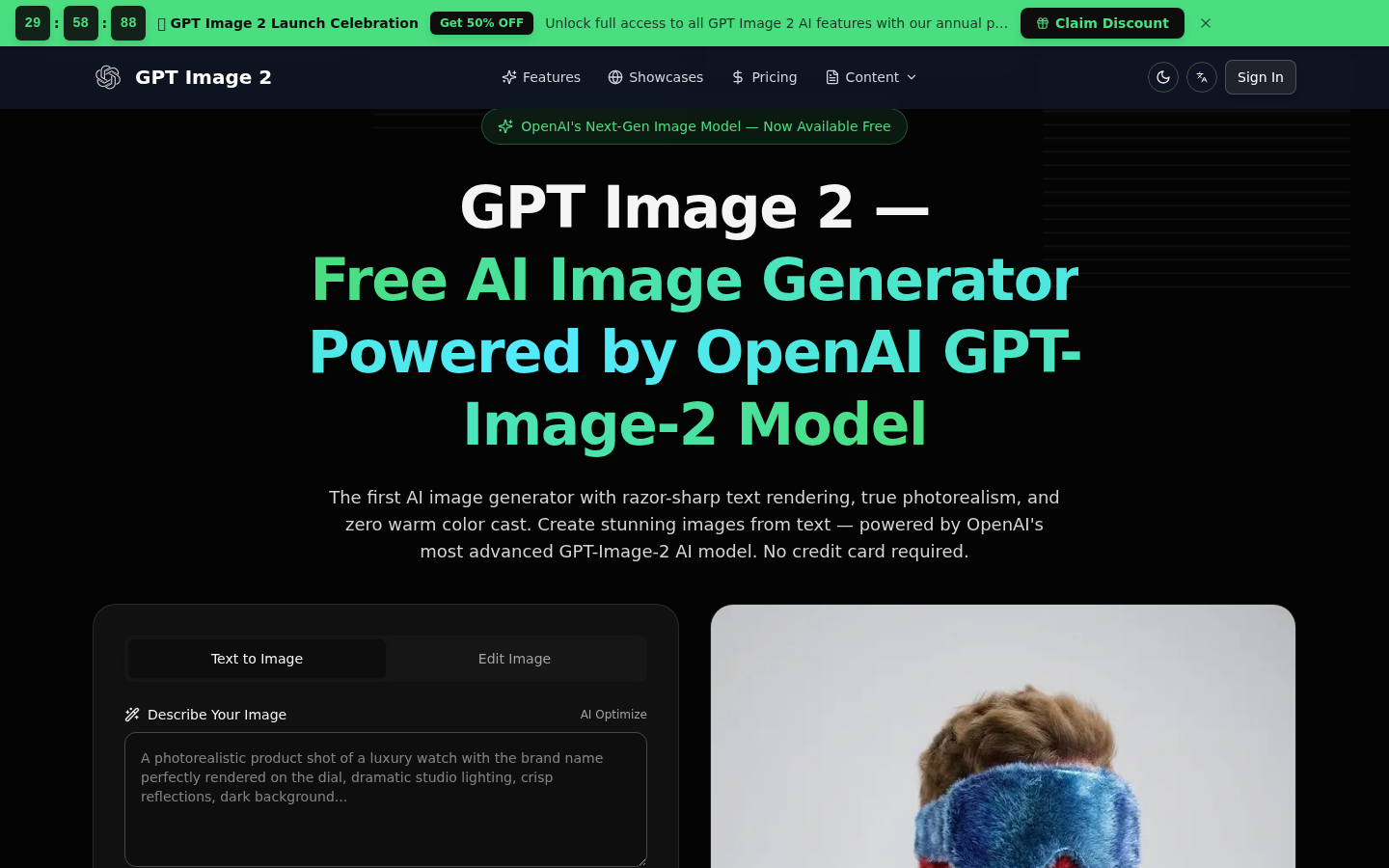
Screenshot archived from the listing page, for preview only.