
GPT Image 2
AI image generation and editing platformCreate and edit images from text prompts
Highlights
What you can do with it
- A designer used style transfer to give clients unique artistic options
- An e commerce manager saved studio costs with background tools
- A content creator made custom social posts and illustrations fast
How to use it
- 1 Describe the image you want in natural language
- 2 Let the AI generate professional quality variants
- 3 Refine with natural language edits like color or element changes
- 4 Export in your chosen format and resolution
Who it is for
Pros
- Free trial to test generation and editing
- Natural language editing lowers the skill barrier
- Style transfer opens new creative options
- Multi format export for easy sharing
Limitations
- Full use likely needs a paid plan after the trial
- Generated images may need refinement to match your vision
- Text prompts strongly affect quality, so details matter
- Pricing and features may change over time
What GPT Image 2 is
GPT Image 2 is an AI image editing platform based on GPT Image 2 technology, for generating, editing, and enhancing professional images. It converts text descriptions into high quality images, supports multiple artistic styles, and offers intelligent editing and style transfer plus background tools. You can fine tune images in natural language, apply artistic styles, and remove or enhance backgrounds to save studio costs in product photography. It exports in multiple formats and resolutions like PNG, JPG, and WebP. It offers a free trial and is positioned for creative teams, designers, marketers, and content creators who need efficient image work.
What you can do with it
- Convert a text description into a professional quality image
- Fine tune images with natural language edits
- Apply unique artistic styles through style transfer
- Remove or enhance backgrounds for product photos
- Export in PNG, JPG, or WebP at your chosen resolution
Who it is for
- Designers using text to image and style transfer
- Marketers generating product and promo images
- Content creators making thumbnails and illustrations
- E commerce managers handling product photos
What to watch out for
Full use likely needs a paid plan after the trial, so review pricing before relying on it. Generated images may need refinement to match your vision, so expect to iterate on prompts. Text prompts strongly affect quality, so vague descriptions tend to give weaker results. Pricing and features may change over time, so confirm current details before you build a workflow around it. Features and interface details may change between versions, so review the latest notes on the page before you start.
FAQ
Is there a free trial?
Yes. GPT Image 2 offers a free trial to test image generation and editing.
What can it edit?
You can make natural language edits like color and element changes, plus style transfer and background work.
What formats can I export?
It supports formats such as PNG, JPG, and WebP at different resolutions.
Why it is free
What the official page says: free trial
Free limits, trial length and features are decided by the official site and can change at any time.
Product preview
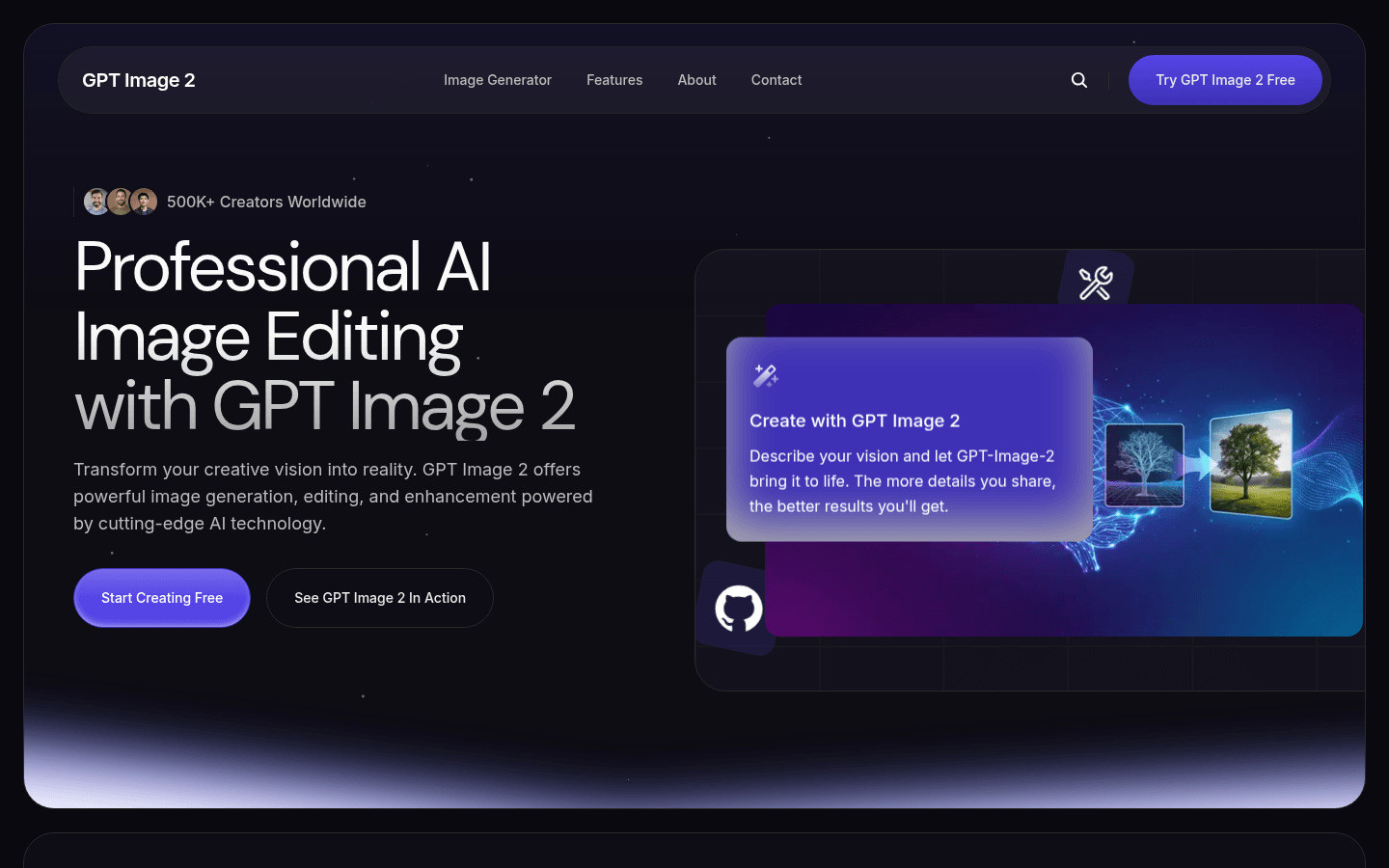
Screenshot archived from the listing page, for preview only.











