GPT Image 1.5 — Turn Words into Stunning Images
AI image generator and editorWords to 2K and 4K images, editable by description
Highlights
What you can do with it
- Creators turning text ideas into illustrations for covers
- Marketing teams editing product photos into posters
- Bloggers generating cartoon style illustrations for posts
How to use it
- 1 Open the GPT Image 1.5 website
- 2 Register or log in
- 3 Choose text to image generation or photo editing
- 4 Enter a description or upload a photo under 10MB
- 5 Pick a style such as cartoon, 3D, oil painting or science fiction
- 6 Generate, review the result and adjust if needed
- 7 Download the finished image
Who it is for
Pros
- Editing by description avoids layer and mask work
- High resolution output suits print and large displays
- Consistency controls help a series look unified
- Free trial to check quality before paying
Limitations
- Free trial only, with paid options for continued use
- Uploads capped at 10MB and specific formats
- Complex edits may need several rounds of description
- 4K enhancement is an extra step, not the base output
What GPT Image 1.5 is
GPT Image 1.5 is an AI image generation and editing platform that turns text descriptions or photos into high resolution images. The interesting part is the editing model: instead of masking regions or managing layers, you describe the change you want in ordinary language and the system applies it. The listing states 2K base output with 4K enhancement, character and style consistency pulled from a reference photo, and multi-image fusion where several references combine into one result. A free trial is offered alongside paid options.
What you can do with it
- Generate an image from a written description in a few seconds.
- Upload a photo and change colours, remove objects or adjust light.
- Keep a face or object recognisable across setting, clothing or pose changes.
- Fuse several reference images into a single composition.
- Convert a daytime photo into a film style look or merge a portrait into another scene.
- Upscale a result to 4K when the placement needs it.
Who it is for
- Illustrators and designers exploring directions before final work.
- Marketing teams building posters and campaign visuals in-house.
- Bloggers and content creators who need regular illustration.
- Anyone who wants photo edits without learning an editor.
What to watch out for
The free trial is time limited and paid options follow, so check current pricing before it becomes part of your routine. Uploads are capped at 10MB and limited to common formats, which rules out very large source files. Complex edits often need several rounds of description, and describing exactly what you want is a skill in itself. The 4K result is an enhancement step rather than the default output, so plan time for that when resolution matters. As always, review generated images for accuracy and rights before publishing, especially where a recognisable person or brand appears.
FAQ
How do I edit an image?
You describe the change, such as a colour adjustment or object removal, and the system applies it without masks or layers.
What resolution can I get?
Base output is 2K, with 4K enhancement available.
Can it keep a character consistent?
The listing says you can lock a face or object from a reference photo so the subject stays recognisable across changes.
What upload limits apply?
The workflow mentions JPG, PNG and WebP formats with a maximum size of 10MB.
Is it free?
A free trial is offered, and there are paid options for continued use.
Why it is free
What the official page says: free trial
Free limits, trial length and features are decided by the official site and can change at any time.
Product preview
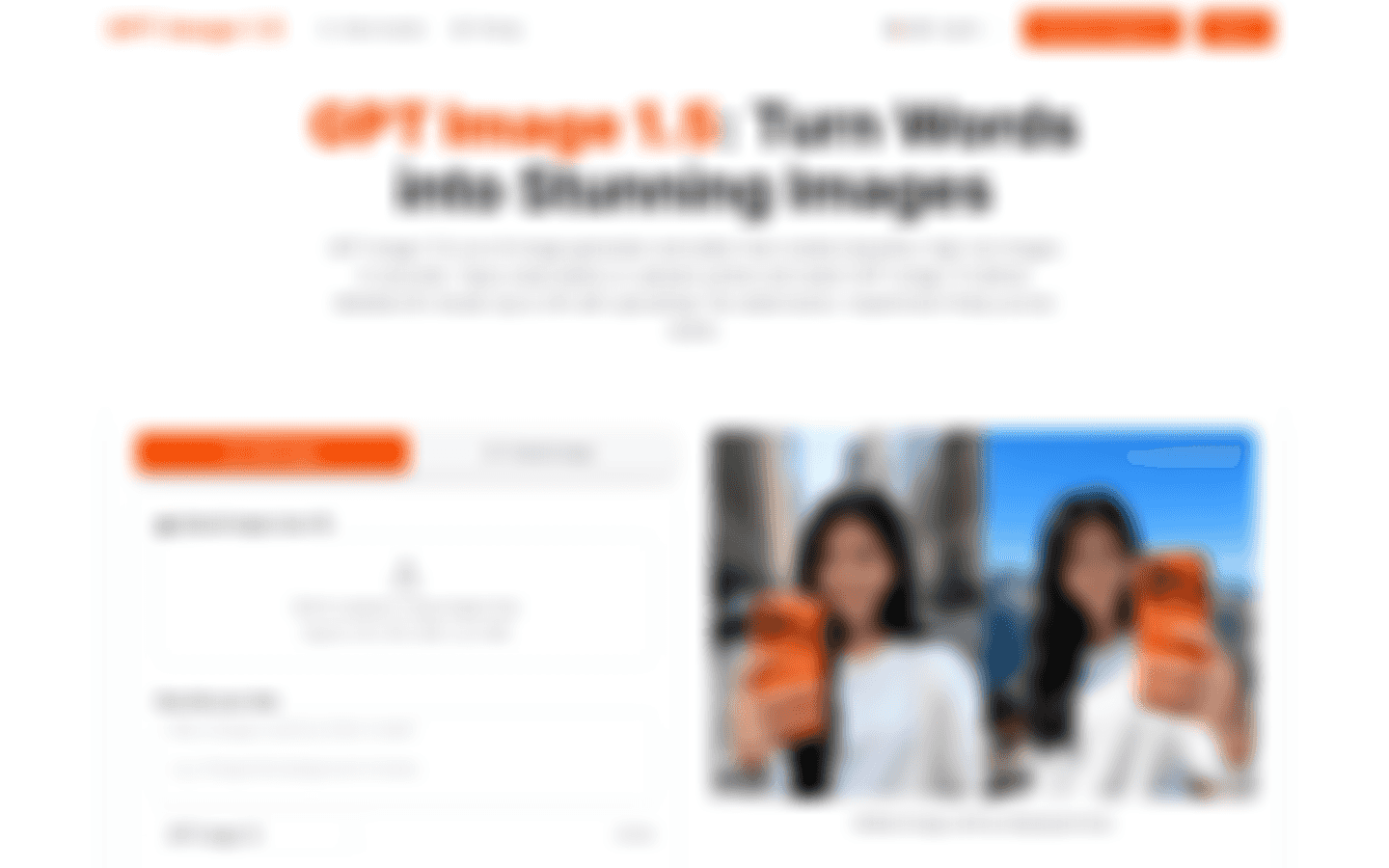
Screenshot archived from the listing page, for preview only.











