GPT Image 1.5
Free AI image editor that keeps key elements consistentEdit images by prompt while faces and details stay put
Highlights
What you can do with it
- A designer edits product images for different marketing campaigns
- A marketing team improves social media visuals quickly
- A creative team makes varied promotional materials and posters
How to use it
- 1 Visit the GPT Image 1.5 website
- 2 Upload the image you want to edit
- 3 Describe the changes you want in as much detail as possible
- 4 Preview the edit and export in the format you need
Who it is for
Pros
- Free to use with 4K export
- Keeps identity and context consistent during edits
- Fast turnaround, usually under 10 seconds
Limitations
- Results depend on how clearly you describe the edit
- Consistency tools have limits with very complex changes
- Free terms and export options can change over time
What GPT Image 1.5 is
GPT Image 1.5 is a free AI image editing platform. Instead of layer-by-layer edits, you upload an image and describe the change you want in plain language, and the tool applies it while keeping the original feel of the picture. It is built to preserve context and identity, so faces and key elements stay consistent, and it can render text in multiple languages for logos and labels. Processing is usually under 10 seconds, it is free to use, and it exports up to 4K in several formats.
What you can do with it
- Edit images with text prompts that describe the exact change.
- Keep faces, products, and other key elements consistent after edits.
- Render multilingual text inside the image for logos and labels.
- Export in multiple formats at high resolution, up to 4K.
Who it is for
- Designers editing product and campaign images for different looks.
- Marketing teams producing social media and advertising visuals.
- Creative teams making posters and promotional material in batches.
What to watch out for
Prompt editing works best when you are specific, so vague instructions can give results you did not expect. The consistency tools help, but very complex or large changes can still strain them, and you may need a few passes. It is free now, but free terms, export limits, and formats can change, so confirm the current offer before you build a repeatable editing process around it. Behavior may vary across browsers and devices, so test before production use and consult the help docs if errors appear. Features and interface details may change between versions, so review the latest notes on the page before you start.
FAQ
Is GPT Image 1.5 free?
Yes. It is free to use and supports exports up to 4K in multiple formats.
How does it keep images consistent?
It is designed to preserve context and identity, so key elements stay the same after an edit.
Can it render text in images?
Yes, it supports multilingual text rendering, which is useful for logos and labels.
What should I keep in mind?
Clear prompts give better results, very complex edits can strain the consistency tools, and free terms can change.
Why it is free
What the official page says: free to use
Free limits, trial length and features are decided by the official site and can change at any time.
Product preview
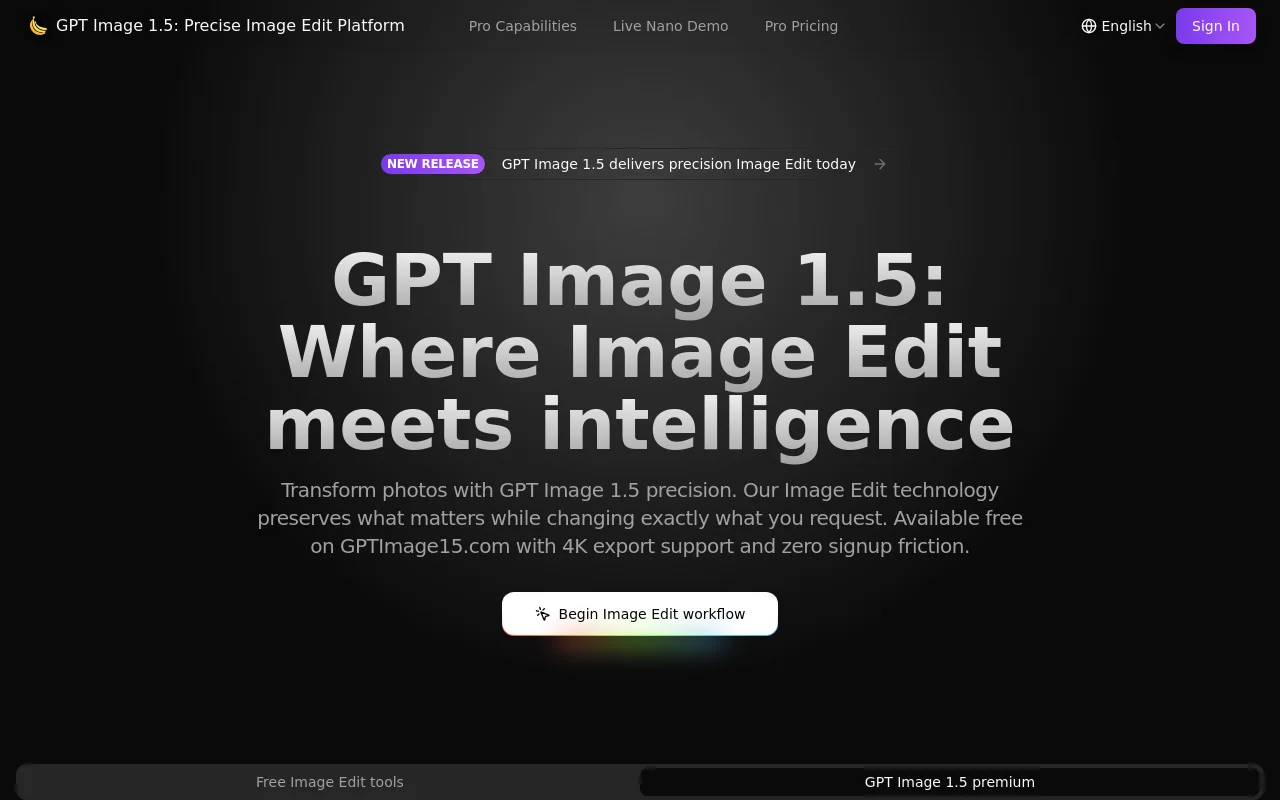
Screenshot archived from the listing page, for preview only.











