GPT Image 1.5
Free AI image editor with 4K export, no signupEdit images precisely while keeping identity consistent
Highlights
What you can do with it
- Creative teams editing product or campaign imagery
- Retouching photos while keeping the subject consistent
- Adding or correcting text inside an image
How to use it
- 1 Upload the image you want to edit
- 2 Describe or select the change you want
- 3 Let the model apply the edit with identity preserved
- 4 Check the result and refine if needed
- 5 Export at up to 4K
Who it is for
Pros
- Free and no registration required
- Identity and context stay consistent through edits
- Precise control over modifications
- 4K export for professional use
Limitations
- Free terms can change without notice
- Editing accuracy still depends on the prompt and the source image
- Complex multi object scenes may need several passes
- Do not use it to create misleading or non consensual images
What GPT Image 1.5 is
GPT Image 1.5 is a free, web based image editing platform that combines next generation models with precise editing control. Instead of applying broad filters, it reads the context of an image, keeps the subject's identity consistent, and makes targeted changes with high accuracy. The page lists precise editing control, context preservation, identity consistency, and support for rendering text inside images as the main advantages. Export goes up to 4K, no registration is required, and the site says the service is free to use. It is positioned for professional creative teams as well as general users who want accurate edits without a heavy toolchain.
What you can do with it
- Apply targeted edits that keep the subject consistent
- Preserve context so changes fit the original scene
- Render text inside an image cleanly
- Export finished work at up to 4K without signing up
Who it is for
- Creative teams editing product or campaign imagery
- General users who need accurate photo edits
- Anyone who wants readable text rendered inside an image
What to watch out for
The page says the tool is free to use, but free terms can change without notice, so treat the current access as temporary. Edit accuracy still depends on your prompt and the quality of the source image, and complex scenes with several objects may need more than one pass. Because it preserves identity, the same feature can be misused, so do not create misleading imagery or edit photos of people without their consent. That can break platform rules and local law, and the consequences sit with you, not the tool.
FAQ
Is GPT Image 1.5 free?
The page describes it as free to use with no registration required, and it supports 4K export.
What makes it different from a basic editor?
It focuses on context preservation and identity consistency, so edits keep the subject intact.
Can it render text in images?
Yes, the page lists support for various text rendering.
Who is it for?
Professional creative teams and general users who need accurate edits.
Why it is free
What the official page says: 免费使用免费无需注册
Free limits, trial length and features are decided by the official site and can change at any time.
Product preview
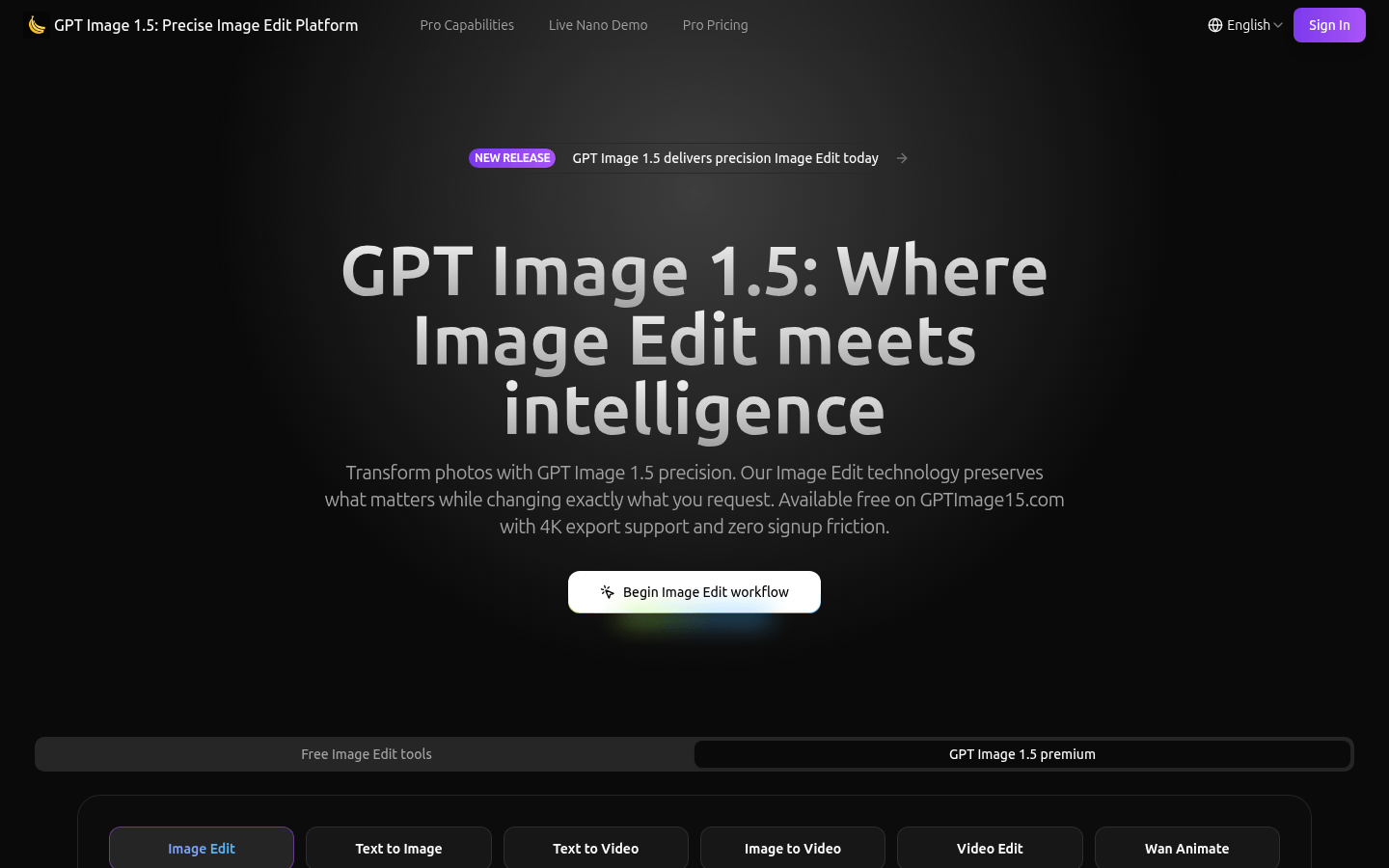
Screenshot archived from the listing page, for preview only.