
Highlights
What you can do with it
- Writing spreadsheet formulas automatically
- Analyzing and cleaning data in Sheets
- Automating repetitive spreadsheet tasks
How to use it
- 1 Install GPT for Work in Sheets or Excel
- 2 Select the cells or task you need help with
- 3 Ask the AI to write formulas or clean data
- 4 Review and apply the results
Who it is for
Pros
- Easy to operate and quick to learn
- Fast processing saves time
- Reliable output quality stated
Limitations
- Pricing details are not listed
- Accuracy depends on the task and data
- Limited to spreadsheet workflows
What GPT for Work is
GPT for Work is an AI tool designed for Google Sheets and Excel. Its main job is improving efficiency and accuracy when handling spreadsheet data, a task that still eats a large share of many workdays. The tool can write formulas, analyze data, and clean up messy tables, which covers a lot of the repetitive work that people do manually. It is described as easy to operate and quick to learn, so users can start immediately without a long setup process. Processing is fast, and the results are meant to be reliable enough to trust in day-to-day work. Pricing information is not mentioned on the page, but the description suggests there may be a free trial or a paid model.
What you can do with it
- Write spreadsheet formulas automatically
- Analyze data directly inside Sheets or Excel
- Clean and tidy messy data tables
- Automate repetitive spreadsheet tasks
Who it is for
- Analysts who work in spreadsheets every day
- Operations and admin teams cleaning data
- Anyone who finds formulas difficult to write
- Small teams that want faster spreadsheet work
What to watch out for
Pricing information is not stated on the page, so you cannot confirm costs or free trial limits without checking the site. AI-generated formulas can still be wrong, especially on unusual data structures, so review output before applying it to important work. The tool is scoped to spreadsheets, so it will not help with tasks outside Sheets and Excel. Accuracy also depends on how clearly you describe what you need, so vague requests can produce vague results. Plan terms and features can change over time, so confirm current details before relying on it for critical reporting.
FAQ
What does GPT for Work do?
It is an AI tool for Sheets and Excel that can write formulas, analyze data, and clean data.
Is it easy to learn?
Yes, it is described as easy to operate and quick to learn.
How much does it cost?
Pricing information is not mentioned on the page.
Why it is free
What the official page says: 免费试用免费
Free limits, trial length and features are decided by the official site and can change at any time.
Product preview
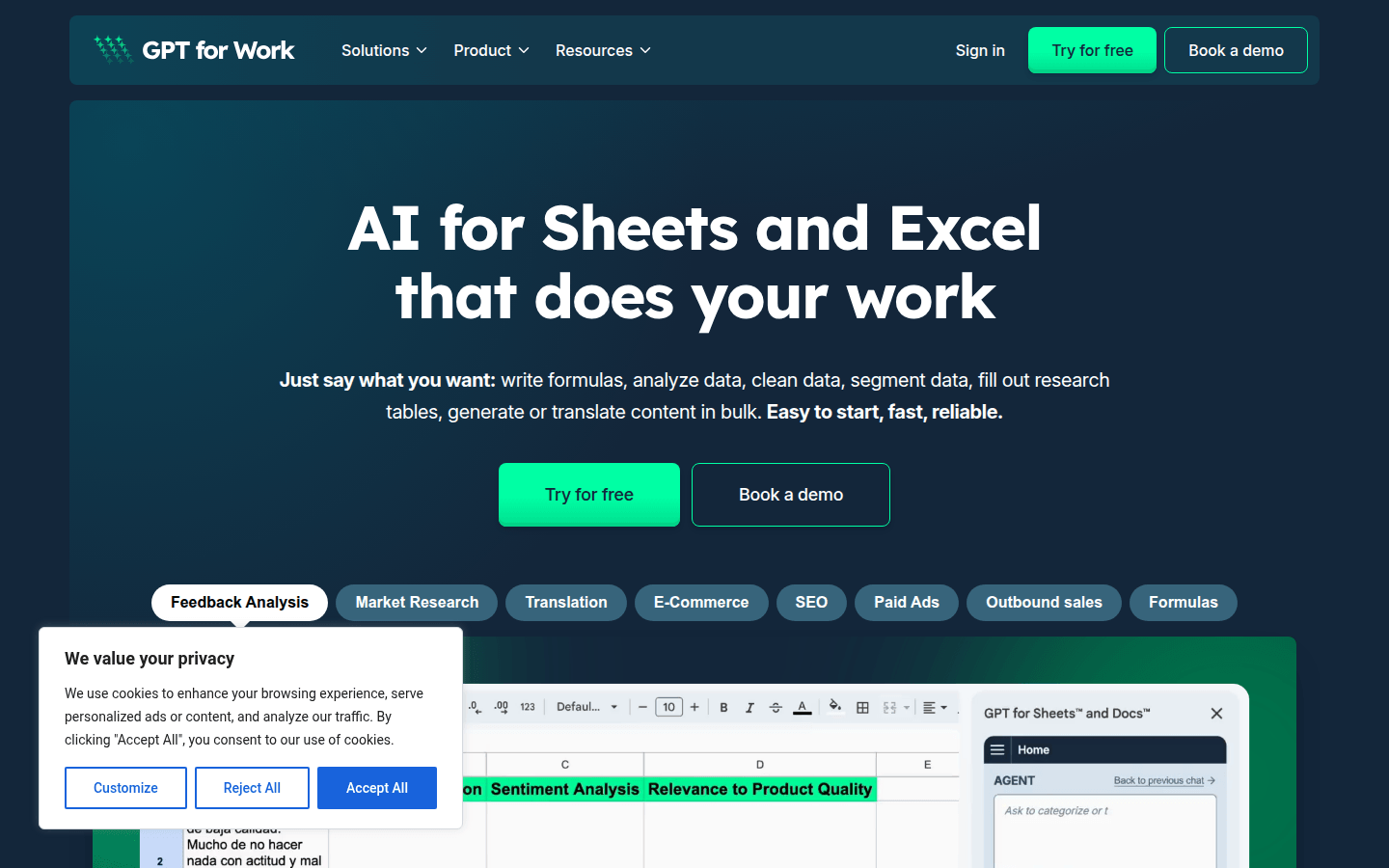
Screenshot archived from the listing page, for preview only.