
Google Sheets to OpenAI
Sheets to OpenAI scriptRun GPT across sheet rows
Highlights
What you can do with it
- Generating product descriptions from spreadsheet data
- Writing personalised emails at scale
- Producing programmatic SEO content in bulk
How to use it
- 1 Get the script and add it to your Google Sheet.
- 2 Connect it to your OpenAI API access.
- 3 Set up the columns and the prompt you want to run.
- 4 Run the script across the rows you need.
- 5 Let it finish in the background and review the output.
Who it is for
Pros
- Removes the need for a separate automation platform
- Runs unattended in the background
- Works with a free Google account
Limitations
- You supply your own OpenAI API access, and usage is billed by OpenAI
- Bulk generation needs review, since model output contains errors
- API and sheet changes can break the script, so it needs maintenance
What Google Sheets to OpenAI is
Google Sheets to OpenAI is a script that links a Google Sheet straight to the OpenAI API. The point is to skip the middleware: instead of wiring up Zapier or Make, you put the script in the sheet and call the models from there. The listing says it gives immediate access to GPT-4 and GPT-3.5 responses, works with a free Google account and no subscription, and keeps running in the background without the file staying open. That last part matters for volume, because a bulk job can finish while you do something else. The example uses are product descriptions from several data points, personalised emails for large customer lists, and programmatic SEO content.
What you can do with it
- Generate product descriptions from several data columns
- Write personalised emails for a large customer list
- Produce SEO content in bulk from structured data
- Run long jobs in the background without babysitting
Who it is for
- E-commerce teams writing copy for hundreds of products
- Marketers running personalised outreach at volume
- SEO practitioners generating pages from a dataset
What to watch out for
The script is not the only cost. You need your own OpenAI API access, and every call is billed by usage, so a run across thousands of rows is a real bill rather than a one-off, and you should set a spending limit before you start. Output also needs review: models produce plausible but wrong text, and errors scale with volume, so build a checking step into the workflow rather than publishing raw. Finally, this is a script, not a service. Sheet layout changes, API updates, and model deprecations can all break it, so expect to maintain it. Generated SEO content should also be reviewed for accuracy and for platform rules before it goes live.
FAQ
Do I need Zapier or Make?
No, the script connects Sheets to the OpenAI API directly.
Which models?
GPT-4 and GPT-3.5 responses are listed.
Is it free?
It works with a free Google account, but you need your own OpenAI API access, which is billed separately.
Why it is free
What the official page says: 免费
Free limits, trial length and features are decided by the official site and can change at any time.
Product preview
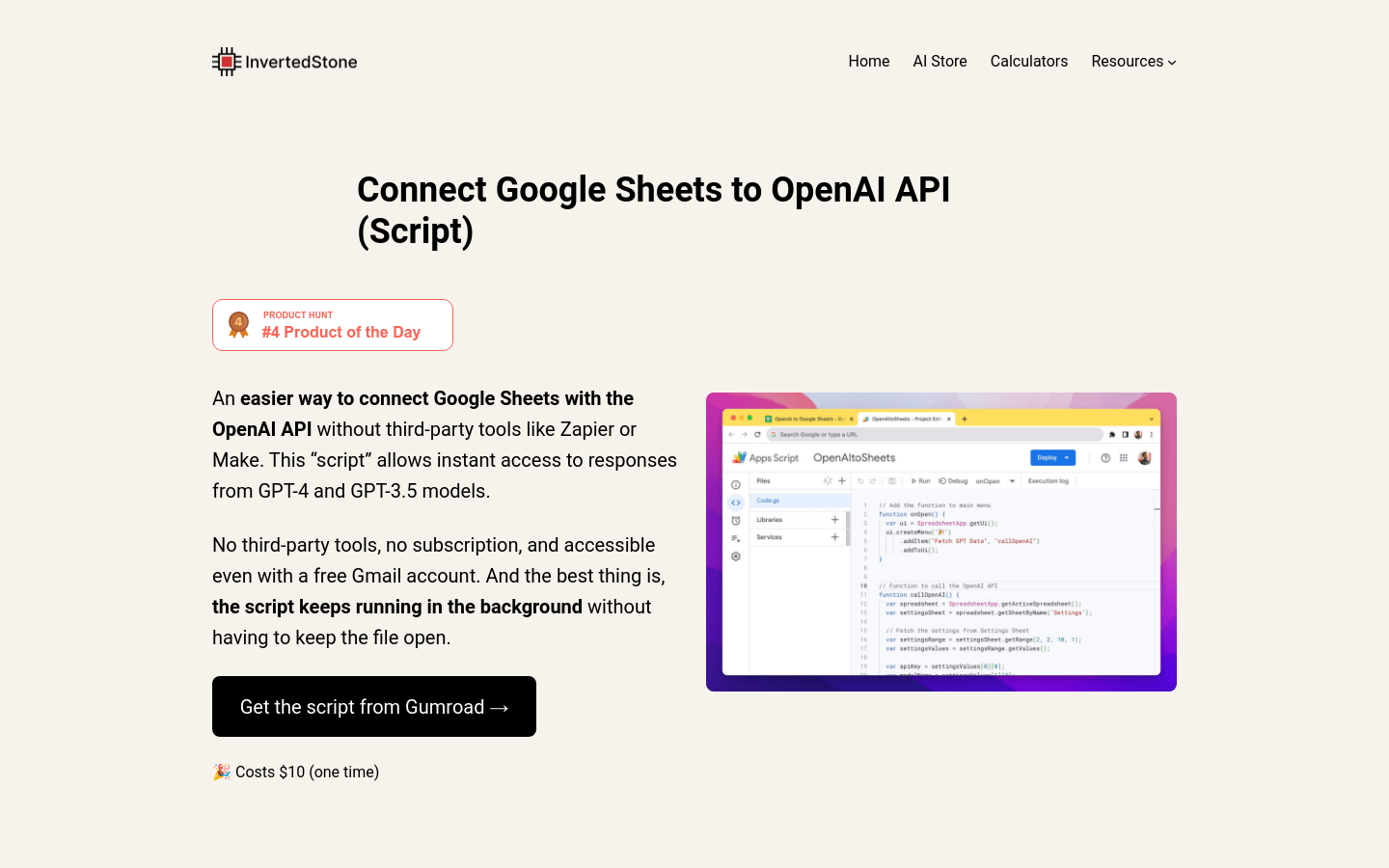
Screenshot archived from the listing page, for preview only.











