
Goku AI
Free AI video generation from text or imagesTurn text and images into high-quality video
Highlights
What you can do with it
- Creating course introduction videos from text
- Turning blog content into social videos
- Generating product videos from images
How to use it
- 1 Register or log in on the Goku AI site.
- 2 Choose Text-to-Video or Image-to-Video.
- 3 Enter a description or upload an image and pick a style.
- 4 Click Generate and wait for the video.
- 5 Preview, download, or share the video.
Who it is for
Pros
- Free trial available
- Handles both text and image inputs
- Offers API integration for workflows
Limitations
- Advanced features sit behind paid tiers
- Generated videos should be reviewed before publishing
- Service availability and output limits can change
What Goku AI is
Goku AI is an AI video generation tool based on ByteDance technology. It uses advanced AI models to quickly transform text descriptions or static images into vivid video content. The product emphasizes high visual fidelity and seamless motion transitions, and it is meant to meet the video production needs of creators, businesses, and studios. A free trial lowers the barrier to entry, while paid tiers offer more advanced features.
What you can do with it
- Convert text descriptions into videos.
- Turn static images into dynamic video.
- Choose from multiple video styles.
- Download videos in various formats or use the API.
Who it is for
- Creators making videos from text or images.
- Businesses producing product or course videos.
- Studios that want API-based video generation.
What to watch out for
Goku AI has a free trial, but the more advanced features and higher limits sit behind paid tiers, so costs depend on your usage. Generated videos should be reviewed before publishing, since output quality varies with the input. Service availability and generation limits can change over time, so check current terms. Name and archive exported files consistently so you can find and reuse them, and keep a backup copy of key data. When quality matters, export a small draft first to confirm the result before producing the final file. Save a backup of the original file before large batch jobs, and keep an exported copy of key results in case the page or service becomes temporarily unavailable. Save a backup of the original file before large batch jobs, and keep an exported copy of key results in case the page or service becomes temporarily unavailable.
FAQ
What is Goku AI?
It is an AI video generation tool based on ByteDance technology that turns text or images into video.
Is there a free trial?
Yes, Goku AI offers a free trial, with paid tiers for more advanced features.
What inputs does it accept?
It supports text-to-video and image-to-video generation.
Why it is free
What the official page says: free trial
Free limits, trial length and features are decided by the official site and can change at any time.
Product preview
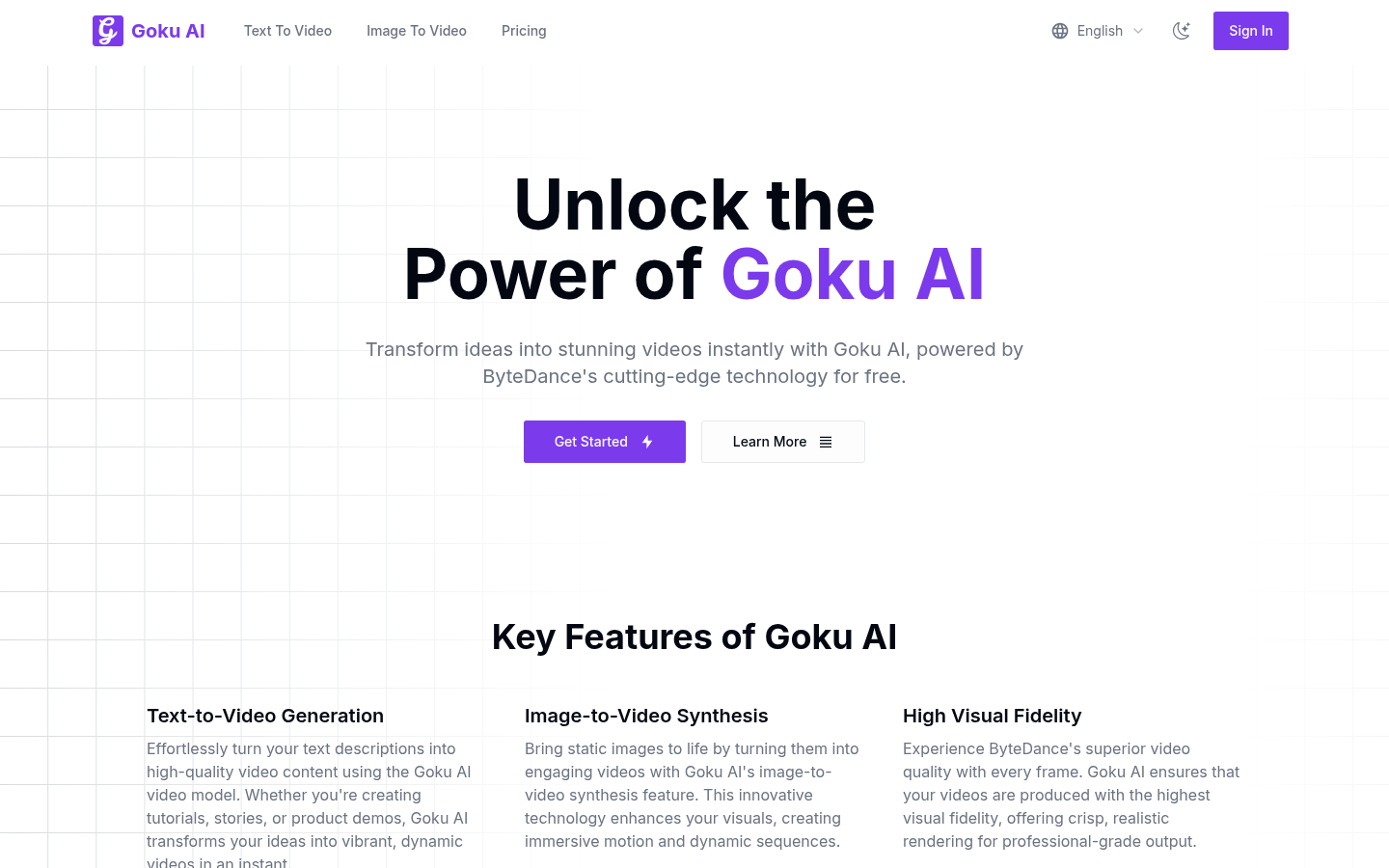
Screenshot archived from the listing page, for preview only.











