
Go with the Flow
Open-source motion control for video AISteer motion in video diffusion models
Highlights
What you can do with it
- Transfer an object's motion from one video to another
- Add movement to a static image with drag and drop
- Generate a camera movement from a text description
How to use it
- 1 Download the open-source code and models from the project page
- 2 Prepare your input, such as an image, video, or text
- 3 Pick a motion mode and adjust the noise degradation for strength
- 4 Run the model to generate the video, then refine as needed
Who it is for
Pros
- Free and open-source
- Fine control over motion without retraining
- Works with existing models
Limitations
- Needs technical setup and compute to run
- Open-source availability can change
- Results depend on the base model you use
What Go with the Flow is
Go with the Flow is an open-source method for controlling motion in video diffusion models. Instead of the usual Gaussian noise, it uses distorted noise to steer how objects and cameras move, all without changing the original model architecture. That keeps the process efficient while giving you real control. The method supports both image-to-video and text-to-video generation, and you can tune the strength of the motion pattern. It comes from researchers including those at Netflix Eyeline Studios, and the tool is available to the public as open source.
What you can do with it
- Transfer the motion of an object from one video onto another
- Add movement to a still image with simple drag and drop
- Generate a specific camera move from a text prompt
- Adjust how strong the motion pattern is through noise degradation
- Apply it across image-to-video and text-to-video tasks
Who it is for
- Researchers exploring video generation and motion control
- Developers who build on top of diffusion models
- Creators who want precise control over how things move
- Teams evaluating motion transfer for production work
What to watch out for
This is a research tool, so expect to handle technical setup, code, and the compute needed to run the models. Because it is open source, availability and maintenance can change, and the project page may move. Output quality depends on the base video model you pair it with, so results will vary. Treat it as a flexible method to experiment with rather than a one-click product. For team use, agree on naming and editing conventions in advance to avoid version conflicts or duplicated work.
FAQ
Is Go with the Flow free?
Yes, it is available as an open-source tool.
What does it control?
It controls object and camera motion in video diffusion models.
Who made it?
It was developed by researchers including those at Netflix Eyeline Studios.
Why it is free
What the official page says: 免费
Free limits, trial length and features are decided by the official site and can change at any time.
Product preview
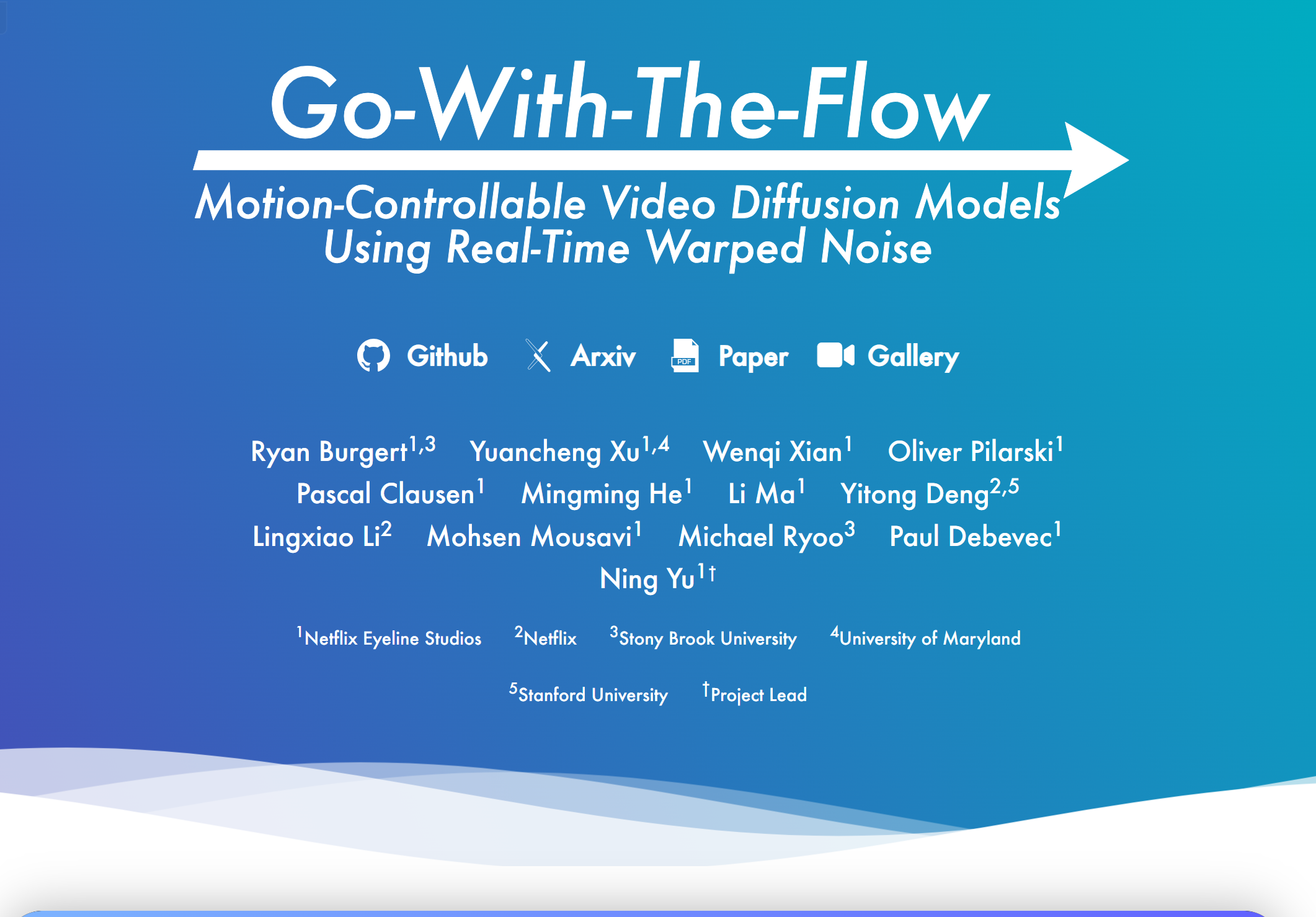
Screenshot archived from the listing page, for preview only.











