
GlowVideo
Free AI video generatorText and images into 4K video, free
Highlights
What you can do with it
- Turning a written article into a video
- Making a product promo from a photo
- Creating animated teaching material
How to use it
- 1 Open the GlowVideo website.
- 2 Choose text to video or image to video.
- 3 Enter your description or upload your picture.
- 4 Pick a model such as Kling, Runway or Sora.
- 5 Generate, preview, then download the 4K video.
Who it is for
Pros
- Described as completely free
- 4K output is listed as standard
- Choice of models for different looks
- Simple flow with no editing background needed
Limitations
- A completely free service may add limits or change terms later
- Output quality depends on the model you pick and your prompt
- Heavy use relies on upstream models staying available
- No editing controls, so fine tuning individual shots is limited
What GlowVideo is
GlowVideo is a free AI video generator. You type a text description or upload an image, and it turns that input into a video. The listing says it can generate 4K video directly and that no editing skills are required, which is the main selling point for people who do not work in video production. It works with more than one AI model, naming Kling, Runway and Sora, and each of those produces a different look, so you can choose the style that fits your project. The product is described as completely free and is aimed at individual creators as well as small teams.
What you can do with it
- Turn a written description into a video.
- Turn a still image into a moving clip.
- Pick between models for a different visual style.
- Download the finished video in 4K.
Who it is for
- Individual creators who publish video content.
- Short video bloggers posting to TikTok, Reels or Shorts.
- Small business teams making product promos without a crew.
- Educators who want animated material for lessons.
What to watch out for
The listing calls the service completely free, which makes it easy to try, but free tools can add usage limits, queues or paid tiers later, so do not build a workflow that depends on it staying free forever. The models behind it are external, so availability and output quality follow those services and can change without notice. There are no editing controls beyond choosing the model and writing the prompt, which means you cannot fine tune individual shots or trim the result inside the tool. And as with any generated video, watch the whole clip before you publish it, since AI motion can look odd in places.
FAQ
Is GlowVideo free?
The listing describes it as completely free.
What resolution does it output?
It lists 4K video generation.
Which models does it use?
It names Kling, Runway and Sora.
Why it is free
What the official page says: completely free
Free limits, trial length and features are decided by the official site and can change at any time.
Product preview
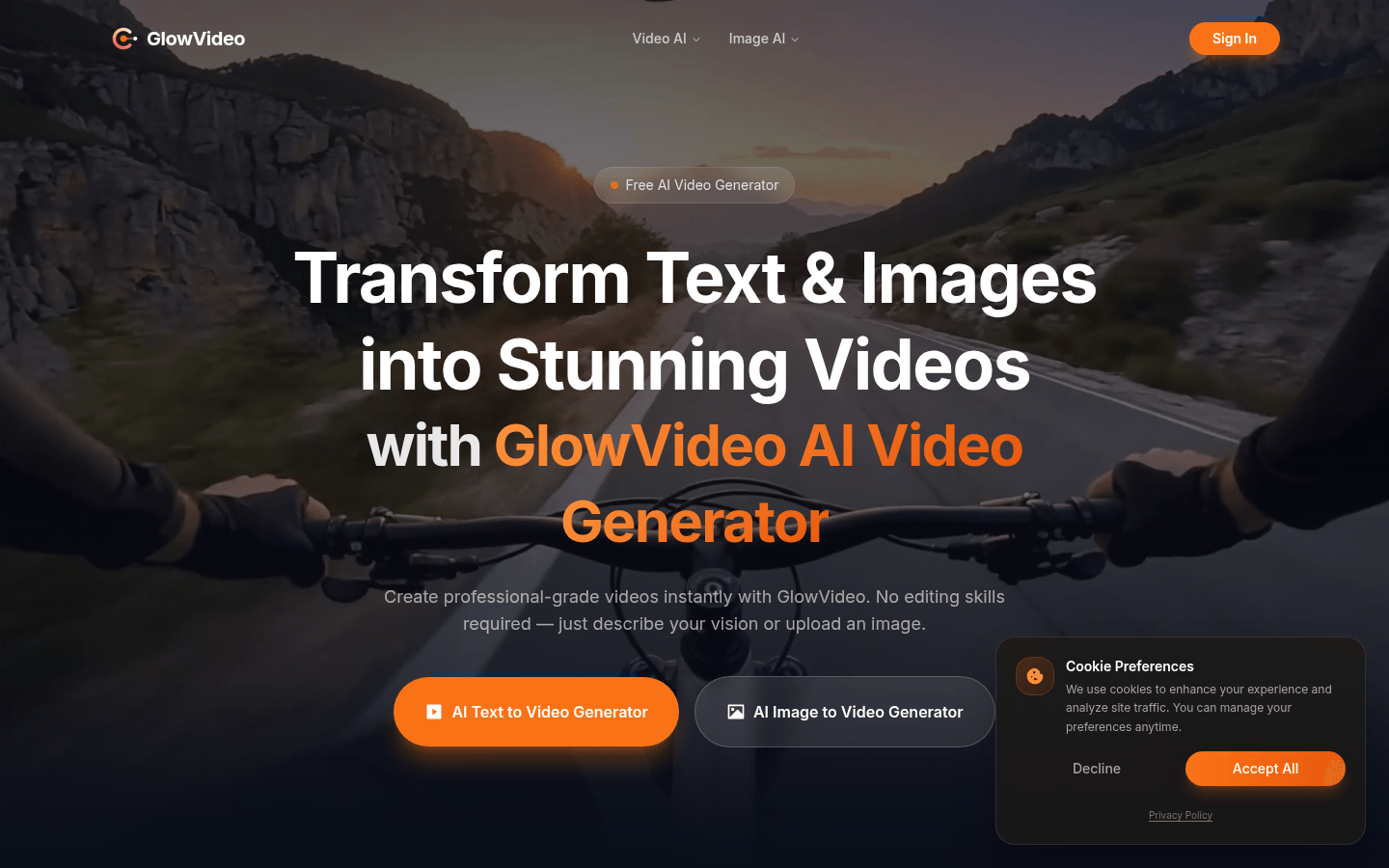
Screenshot archived from the listing page, for preview only.











