
Highlights
What you can do with it
- Edit photos with a written instruction
- Prepare social media visuals quickly
- Explore variations of a design concept
How to use it
- 1 Open the GLM-Image site
- 2 Upload the image you want to change
- 3 Describe the edit in a text prompt
- 4 Generate and download the result
Who it is for
Pros
- Currently free to use
- Fast results measured in seconds
- Simple prompt workflow, easy to start
Limitations
- Free status may change over time
- No stated limits, so future caps are unclear
- Fine manual control is more limited than pro editors
What GLM is
GLM-Image is presented as a free AI image editing platform. The site says it relies on intelligent algorithms that understand a user's creative intent, then applies edits based on a text prompt instead of manual tool work. The claimed advantage is speed: an optimized processing workflow delivers professional editing results in a few seconds, without the long waits that traditional editing can involve. It is aimed at a wide audience, naming professional photographers, designers, and ordinary social media users, and says all of them can get started easily. The platform currently offers free use, and no payment or install step is described on the page.
What you can do with it
- Edit an image by describing the change in words.
- Get results in seconds instead of long render waits.
- Explore design variations without deep tool knowledge.
- Prepare visuals for social media quickly.
Who it is for
- Photographers who want fast retouching.
- Designers exploring multiple directions on a concept.
- Casual users who need a quick edit without learning software.
What to watch out for
Free use is stated as current, not permanent, so the free rules can change and caps may appear later. The page does not spell out usage limits, which makes planning for volume harder. Output depends on the upstream model, so results vary between attempts and a prompt may need rewording before it lands where you want. Fine manual control is more limited than in a professional editor, so pixel-level work still belongs elsewhere. Learning cost is low, though writing precise prompts takes a bit of practice, and commercial use should be checked against the site terms first.
FAQ
Is GLM-Image free?
The site says the platform currently offers free use.
How do I edit an image?
You describe the change you want in a text prompt and the platform applies it.
Who is it for?
The page names professional photographers, designers, and ordinary social media users.
Why it is free
What the official page says: 免费使用免费
Free limits, trial length and features are decided by the official site and can change at any time.
Product preview
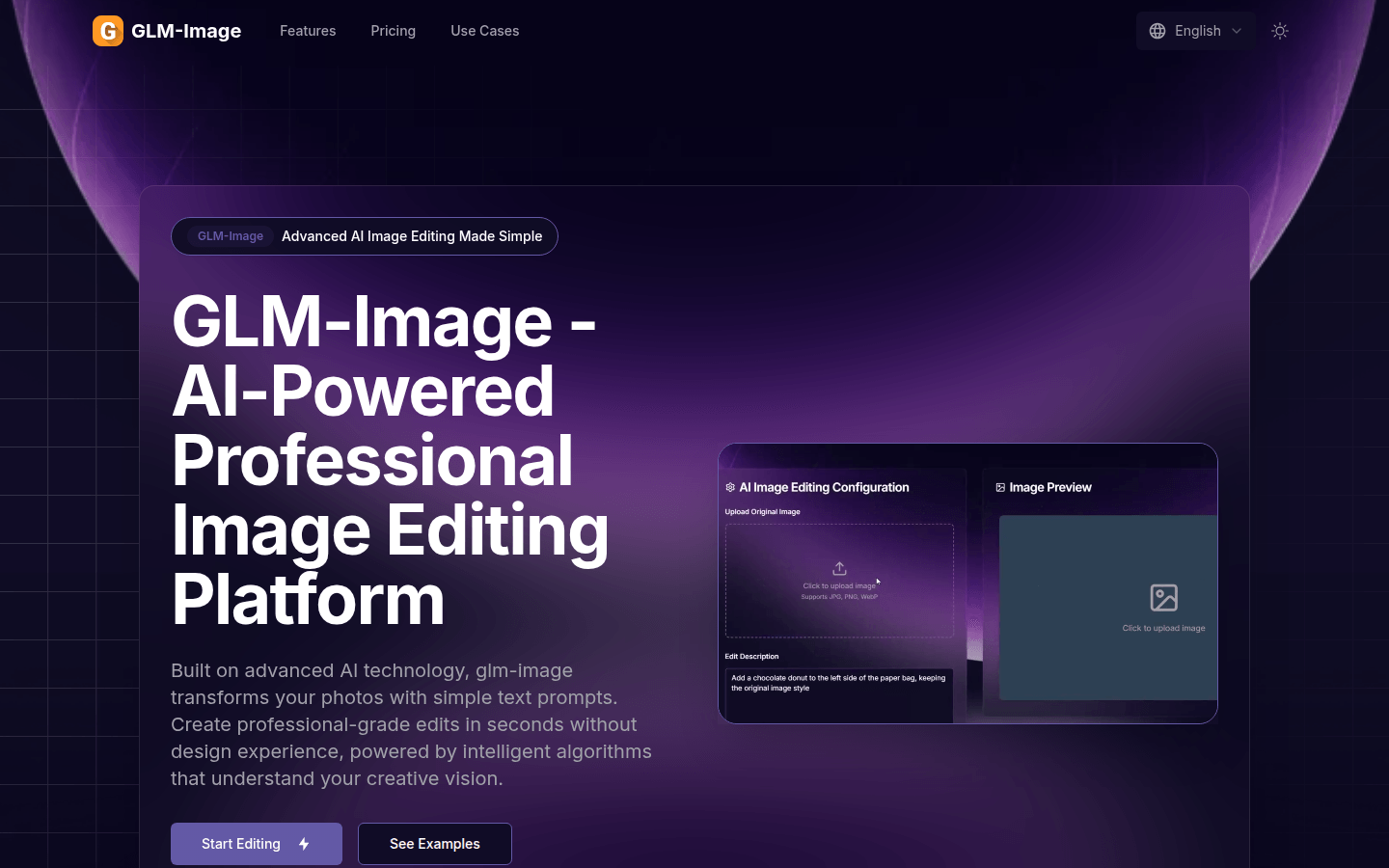
Screenshot archived from the listing page, for preview only.