
GLM
AI image generator and editorText to image with commercial rights
Highlights
What you can do with it
- Turning a sketch concept into finished artwork
- Generating social and marketing images from text
- Producing commercial graphics and design drafts
How to use it
- 1 Open the GLM Image site and register an account.
- 2 Pick text to image or image to image mode.
- 3 Enter your prompt and choose format, size, and ratio.
- 4 Generate, then edit or download the result.
Who it is for
Pros
- High resolution output up to 2K
- Commercial license removes a common usage worry
- Prompt enhancer helps less experienced users
Limitations
- Free trial is limited and point based pricing can change
- Prompt accuracy varies and may need several attempts
- Complex compositions still need manual editing
What GLM Image is
GLM Image is an AI image generation and editing tool built on what the site calls GLM-Image diffusion technology. It uses a hybrid architecture that combines autoregressive and diffusion models, which the vendor says gives it both global semantic understanding and high fidelity visual detail. In practice you type a prompt and get an image back, with support for several styles, multiple aspect ratios, and output up to 2K resolution. A commercial use license is included, and a free trial is available with point based pricing after that.
What you can do with it
- Generate images from text prompts in a range of styles.
- Work in image to image mode from an existing picture.
- Output at up to 2K for print quality work.
- Choose aspect ratios such as 1:1, 16:9, 9:16, and 4:3.
- Let the built-in prompt enhancer expand a short idea into a fuller description.
Who it is for
- Artists turning concepts and sketches into finished images.
- Marketers who need campaign and social visuals quickly.
- Designers producing graphics without deep software training.
- Anyone who wants commercial rights on generated images.
What to watch out for
The free trial is limited and pricing is point based, which means costs can change and are hard to predict in advance. Prompt accuracy varies, and detailed or unusual requests often take several attempts before the result is close. Text inside generated images and precise hand or anatomy rendering are common problem areas, so review output before use. The 2K claim refers to resolution, not to artistic quality, and complex compositions will still need editing in another tool.
FAQ
What resolution can it output?
Up to 2K, described as suitable for professional printing needs.
Can I use images commercially?
Yes, a commercial use license is listed as a feature.
Does it support image to image?
Yes, both text to image and image to image modes are described.
Why it is free
What the official page says: free trial
Free limits, trial length and features are decided by the official site and can change at any time.
Product preview
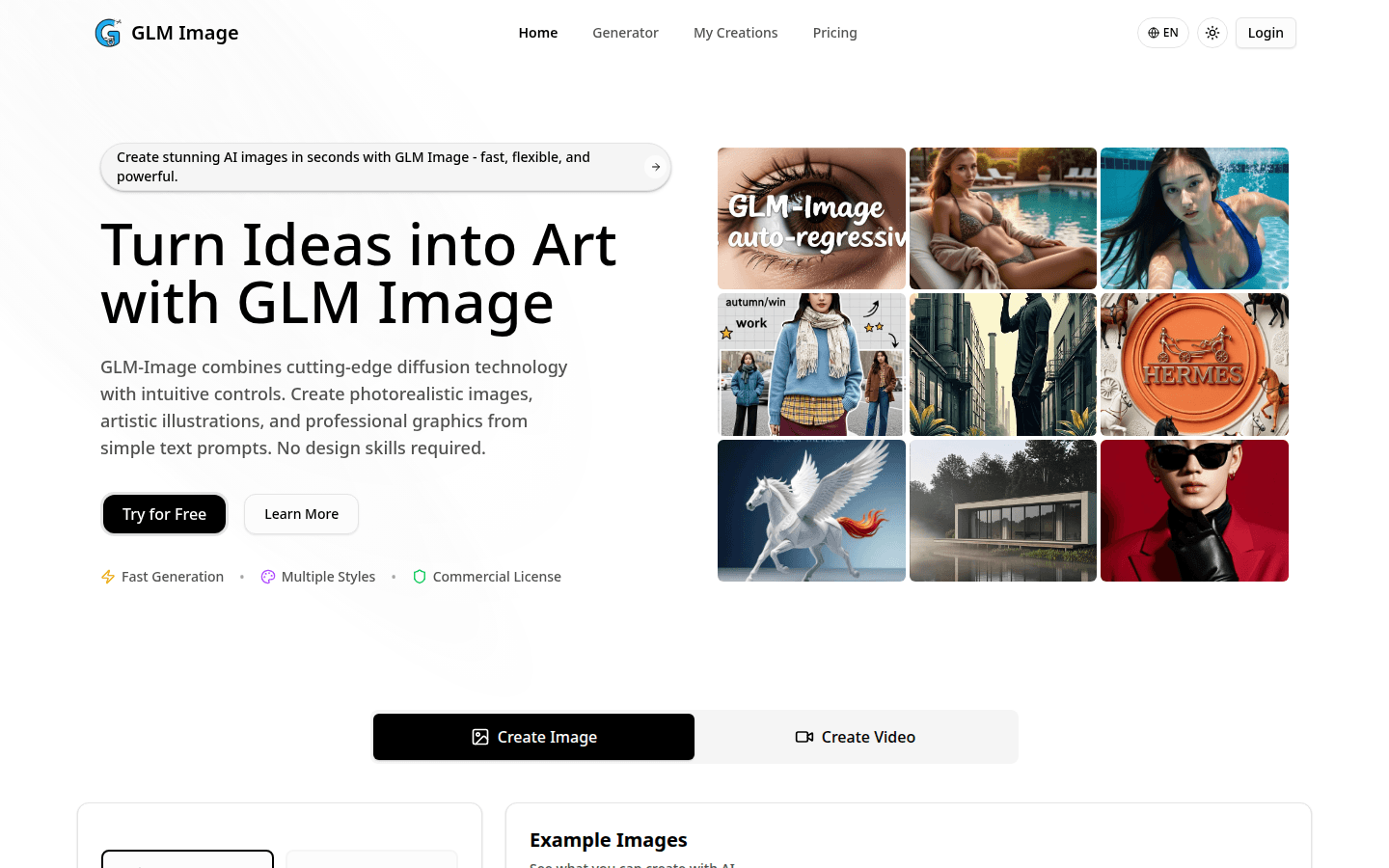
Screenshot archived from the listing page, for preview only.











