Glaze by Raycast
Build Mac desktop apps by chatting with AITurn a chat into a working desktop app
Highlights
What you can do with it
- A sales team builds a customer management tool to log clients and track deals.
- An individual makes a file organizer to sort, search, and tidy files.
- A developer creates a menu bar app that shows system or weather info.
- A non-technical staff member builds a simple internal helper without code.
How to use it
- 1 Go to glaze.app and download Glaze for Mac.
- 2 Install it and sign in with your account.
- 3 Describe the app you want in plain language.
- 4 Let Glaze generate it, then talk to the AI to adjust anything you dislike.
- 5 Test the result and refine it until it fits your workflow.
- 6 Share it with teammates or publish it to the store if you want.
Who it is for
Pros
- No code needed to get a working desktop app started.
- Local-first means apps keep running offline and data stays on your machine.
- Native macOS features like file access and keyboard shortcuts.
- Free plan available, with sharing options on Pro.
- App store offers examples and inspiration.
Limitations
- Mac only, and it requires macOS Tahoe with Apple Silicon.
- Building a useful app still takes clear prompts and some iteration.
- Unlisted private sharing is tied to the Pro plan.
- Free and Pro terms, and what the AI can build, may change over time.
What Glaze by Raycast is
Glaze is a Mac application from the Raycast team that builds custom desktop software from a plain-language conversation. You describe the tool you want, and Glaze generates it, so you can go from idea to working app in minutes without writing code. It is local-first, which means the apps run directly on your machine instead of depending on a server or a live connection. Because they are native macOS apps, they can use the file system, keyboard shortcuts, and the menu bar. Glaze has a free plan and a Pro plan, and the current build requires macOS Tahoe on Apple Silicon.
What you can do with it
- Build internal tools for a team, such as a customer or task tracker.
- Create personal utilities like a file organizer or a quick launcher.
- Make menu bar apps that show live information at a glance.
- Connect your own APIs, local files, and hardware to the apps you build.
- Share finished apps with teammates or the public, or keep them unlisted on Pro.
- Browse the store to see apps others made and borrow ideas from them.
Who it is for
- Teams that want fast internal tools shaped to their own workflow.
- Individual developers who need small utilities and menu bar apps.
- Non-technical staff who want to build simple apps without touching code.
- Mac users who prefer local-first software that keeps data on their device.
What to watch out for
Glaze is Mac-only and needs macOS Tahoe on Apple Silicon, so it will not run on older Macs or other systems. Generating a genuinely useful app still depends on clear prompts and some back-and-forth, so expect to iterate rather than get a finished tool on the first try. Unlisted, private sharing is limited to the Pro plan, so plan accordingly if you need it. Since pricing and AI capabilities can change, check the current plans and requirements on glaze.app before you commit.
FAQ
What is Glaze by Raycast?
It is a Mac tool that builds custom desktop applications from a conversation with AI, made by the Raycast team.
Do the apps need an internet connection?
No. Glaze is local-first, so apps run on your Mac without a server or connection, though some AI steps may need one.
What are the requirements?
You need a Mac running macOS Tahoe on Apple Silicon.
Is there a free plan?
Yes. Glaze offers a free plan and a Pro plan; unlisted private sharing is a Pro feature.
Why it is free
What the official page says: 免费
Free limits, trial length and features are decided by the official site and can change at any time.
Product preview
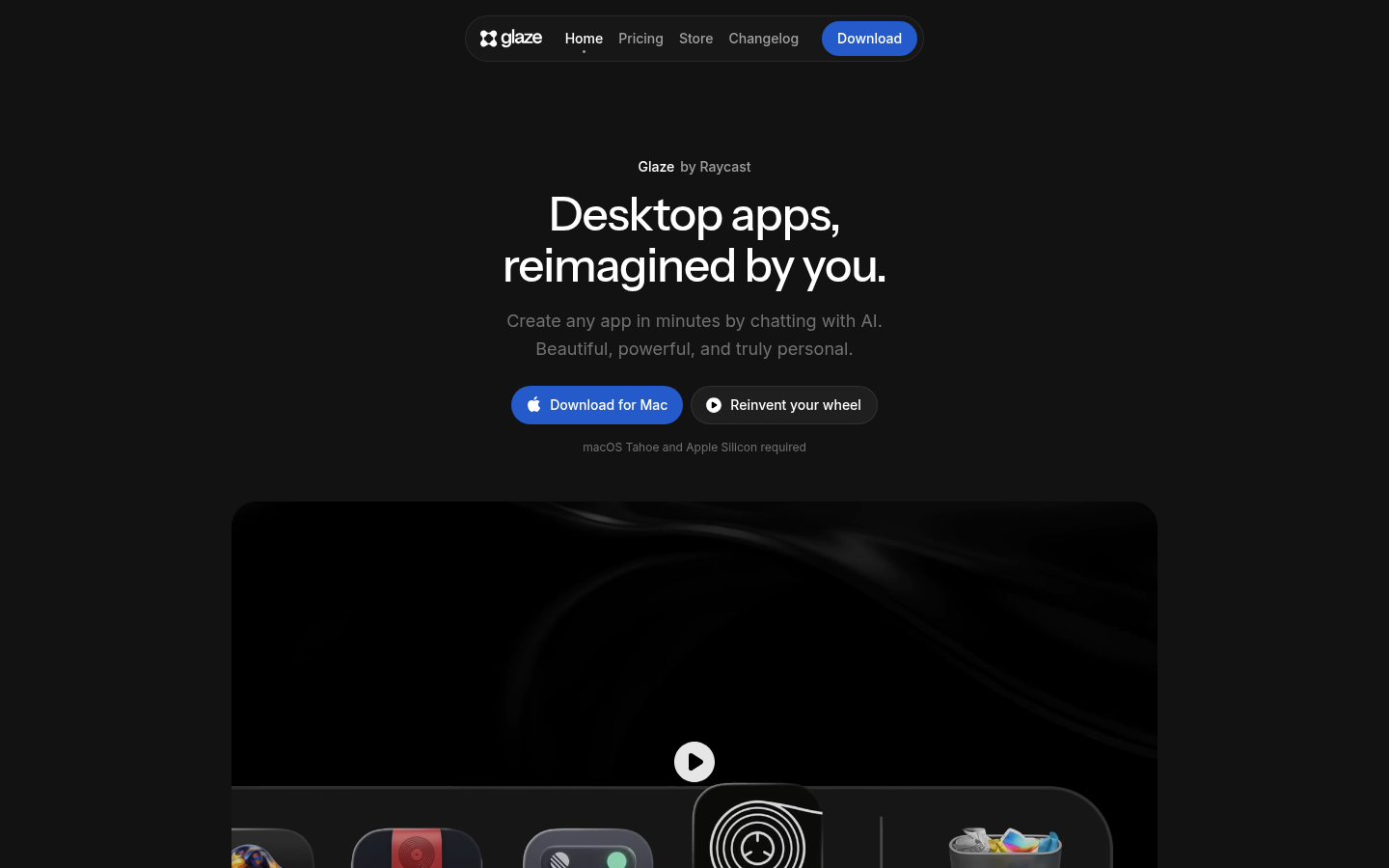
Screenshot archived from the listing page, for preview only.











