
Highlights
What you can do with it
- Draft a contract from a conversation
- Redline a document received from a counterparty
- Track changes and deadlines across agreements
How to use it
- 1 Start with the free version on the GitLaw site
- 2 Describe the contract you need in chat
- 3 Review the draft based on lawyer-reviewed templates
- 4 Redline and manage changes in the same workflow
Who it is for
Pros
- Free version available right away
- Templates are described as lawyer reviewed
- One workflow for drafting, redlining, and tracking
Limitations
- Professional version costs 20 dollars per month
- Free rules and pricing may change over time
- Output still needs legal review before signing
What GitLaw is
GitLaw is an AI legal document platform built for contract work. You describe what you need in chat and it drafts the document, and the platform also supports marking red lines and managing the agreement afterward. The site says its templates are reviewed by lawyers, which it presents as the reason results are more accurate than general purpose AI tools. It describes a one-stop workflow that covers drafting, redlining, and contract management, with change tracking and intelligent reminders included. A free version is available immediately, and the professional version is listed at 20 dollars per month with pricing described as transparent.
What you can do with it
- Draft a contract by describing it in chat.
- Redline a document received from the other side.
- Keep drafts, changes, and reminders in one place.
- Move a deal forward faster than manual drafting.
Who it is for
- Businesses that sign contracts on a regular basis.
- Legal teams that want faster first drafts.
- Deal owners who need to track changes and dates.
What to watch out for
The professional tier costs 20 dollars per month, and free access rules and pricing can change over time. More importantly, AI drafting does not replace legal advice: the output should be reviewed by a qualified lawyer before anyone signs, especially for high value or regulated agreements. The platform also depends on upstream AI models, so drafting quality and availability can shift without notice. Learning cost is low for chat-based drafting, but redlining conventions and clause structure still take practice. Test it on low-stakes documents first, and never treat a generated draft as final without review.
FAQ
Is there a free version?
Yes. The free version can be used immediately, and the professional version is listed at 20 dollars per month.
How accurate are the templates?
The site says templates are reviewed by lawyers, which it claims is more accurate than general AI tools.
What does the workflow cover?
Drafting, redlining, and managing contracts, with change tracking and intelligent reminders.
Why it is free
What the official page says: 免费版免费
Free limits, trial length and features are decided by the official site and can change at any time.
Product preview
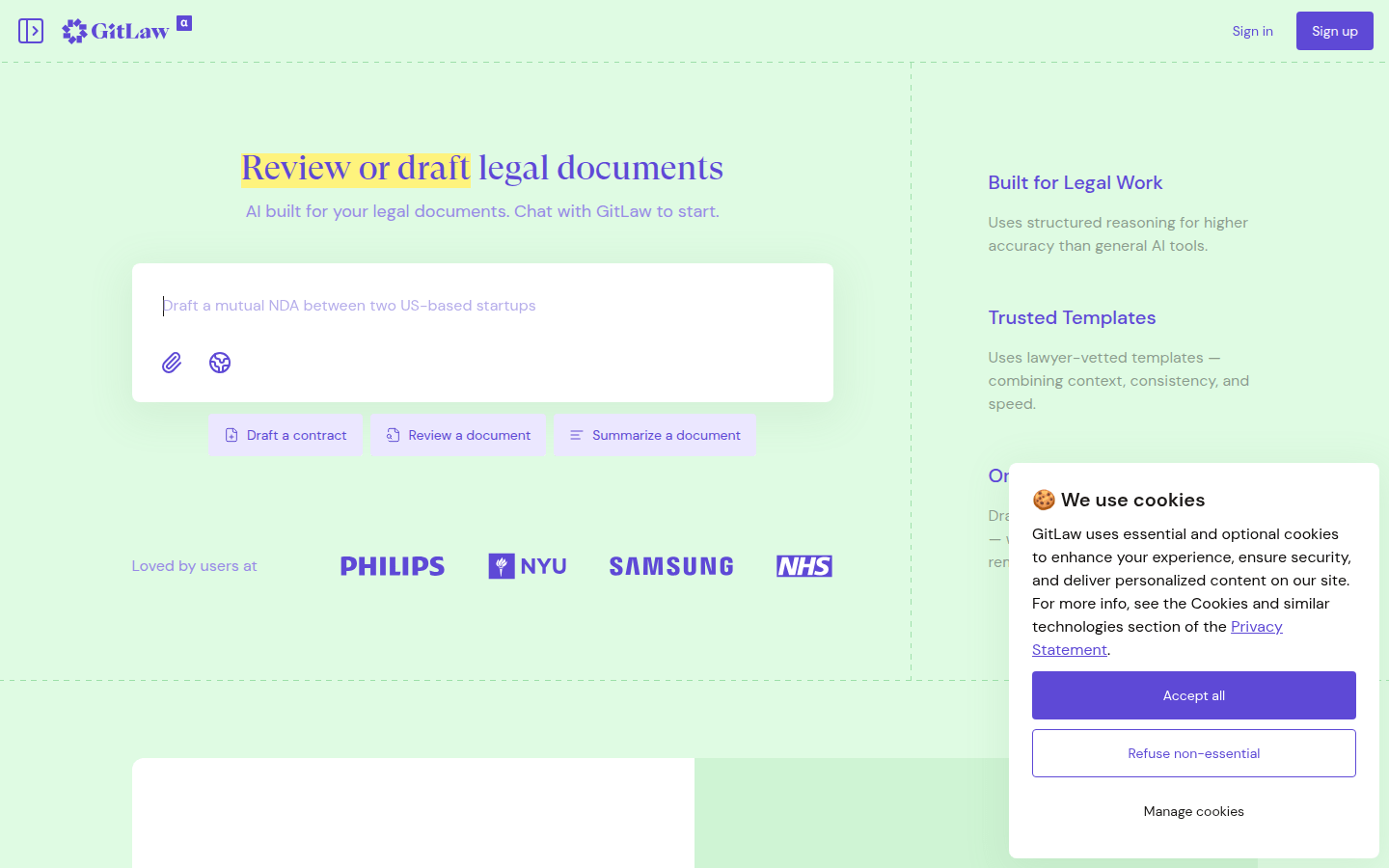
Screenshot archived from the listing page, for preview only.