GitDiagram
Turn a GitHub repo into a diagramSee a project structure at a glance
Highlights
What you can do with it
- Orient yourself quickly in a new codebase
- Show structure and dependencies to new team members
- Demonstrate open source structure in a class
How to use it
- 1 Open gitdiagram.com in your browser
- 2 Enter the GitHub repository address
- 3 Click the diagram button to generate
- 4 Explore the chart, or use the API for automation
Who it is for
Pros
- Instant visual overview of a repository
- Free and open source
- API available for automation
Limitations
- Very large repositories can produce cluttered diagrams
- Diagram accuracy depends on how the repo is structured
- Free service availability can change
What GitDiagram is
GitDiagram is an online tool that converts any GitHub repository into an interactive diagram. You enter a repository address, click diagram, and it draws the organization and dependencies of the codebase so you can grasp the shape of a project without reading every file. It handles several stacks including FastAPI, Streamlit, and Flask, the interface needs no complex setup, and an API exists for automated generation. The project is open source and free.
What you can do with it
- Turn a repository into an interactive diagram
- See structure and dependencies at a glance
- Use the URL trick by replacing hub with diagram
- Generate diagrams through the API
- Walk a team or class through a codebase
Who it is for
- Developers joining an unfamiliar codebase
- Team leads onboarding new engineers
- Educators demonstrating open source structure
- Anyone evaluating a library before adopting it
What to watch out for
Diagram quality tracks repository quality. A large or unusually organized repo can produce a busy chart that is harder to read than the file tree, so treat the output as orientation rather than documentation. It is a free service, which means availability can change and there is no guarantee of uptime during a deadline. Because generation happens remotely, avoid pointing it at private repositories with sensitive content, and check the project on GitHub for current status and community activity. Start with a small sample to confirm the output meets your expectations before processing the full batch. Free tiers and usage limits can change, so check the current rules on the official page before relying on it long term.
FAQ
How does the URL trick work?
Replace hub with diagram in a GitHub URL to open the diagram directly.
Is it free?
Yes, the tool is free to use.
Is there an API?
Yes, developers can interact with GitDiagram through its API for automated generation.
Why it is free
What the official page says: free to use
Free limits, trial length and features are decided by the official site and can change at any time.
Product preview
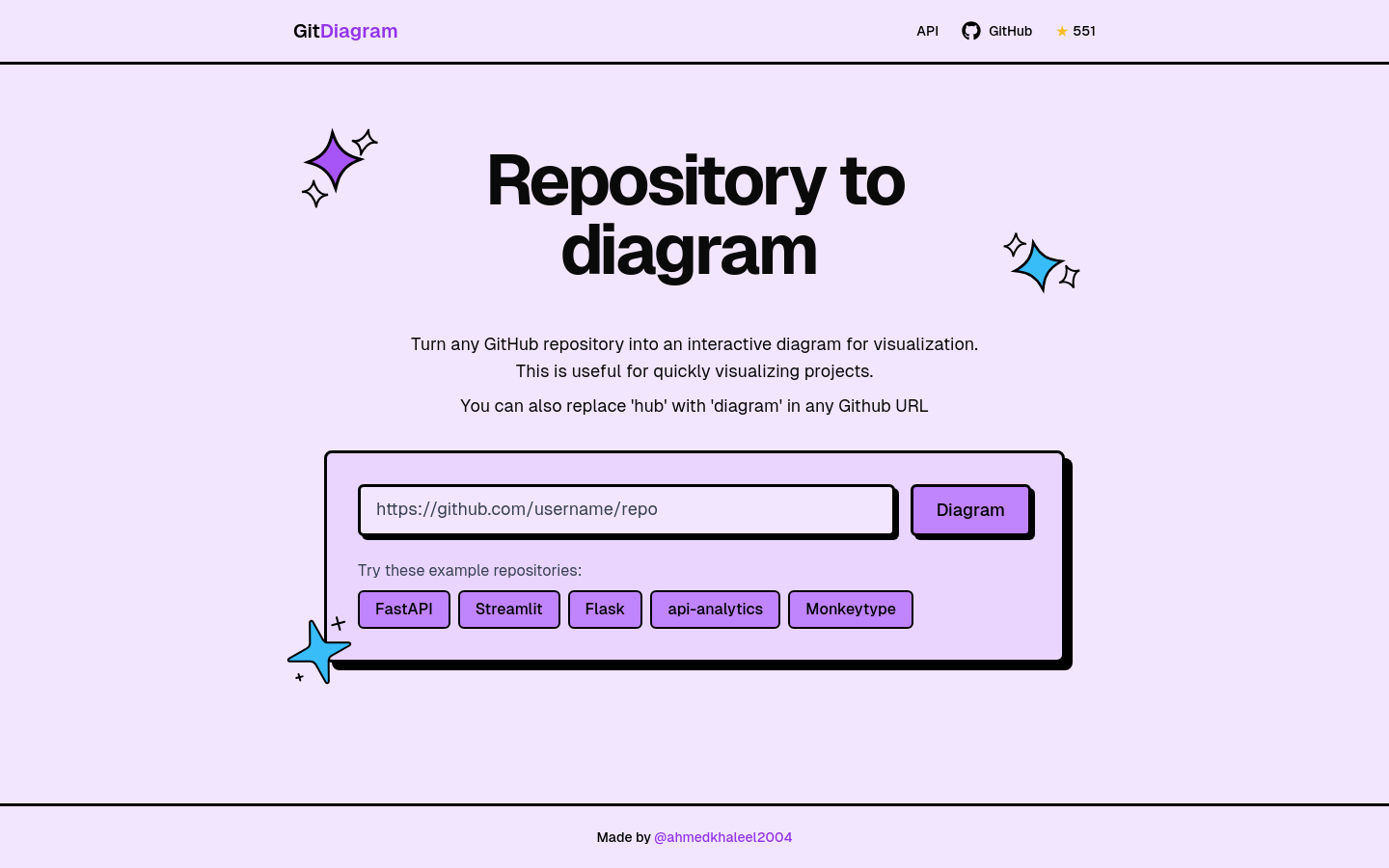
Screenshot archived from the listing page, for preview only.











